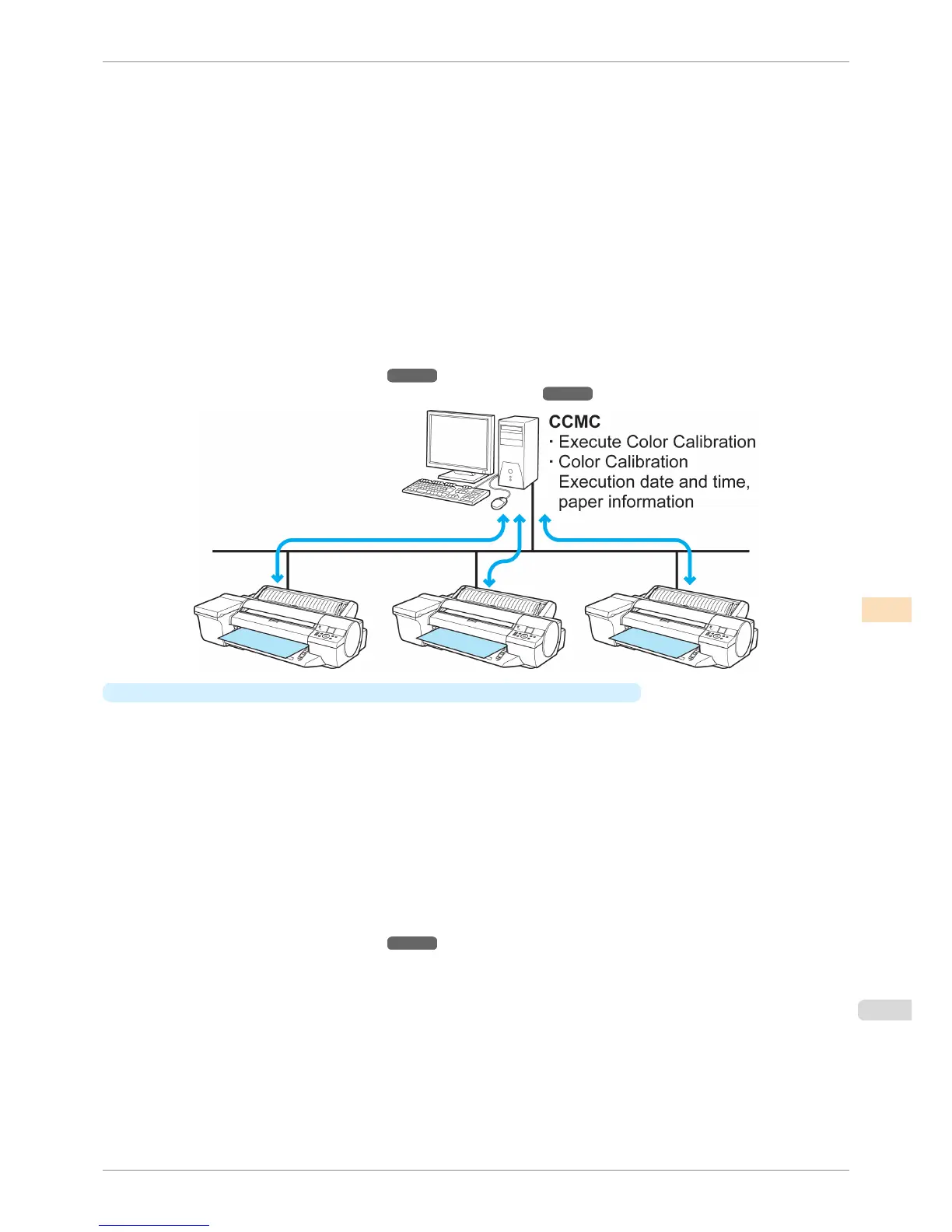
For example, this lets you grasp the color management status (information on the date, time, and paper when
color calibration was executed) of each printer, and allows you to execute color calibration on each printer
from a remote location.
The CCMC color management utility is used to perform this kind of centralized management.
Furthermore, in CCMC, if you are printing on the same paper on multiple printers, you can manage the color
differences between each printer to fit within a fixed range. This function is called calibration link, and is dis-
played in the same Calibration group in CCMC. The following conditions are required when using the calibra-
tion link function.
•
The same paper is loaded in the printers
•
Color calibration is executed on the paper loaded in the printers
•
The printers are on
•
The printers being color managed support the calibration link function
For a detailed explanation, see the following.
•
Managing Colors Using Printer Sensors ➔ P.735
•
Color Management Using the Spectrophotometer Unit (Optional) ➔ P.738
•
When using paper other than genuine Canon paper and feed certified paper
You can also reduce the variations in printed color tones when using paper other than genuine Canon paper
and feed certified paper by creating a Calibration Target by using this printer with a Spectrophotometer Unit
(optional) mounted and the included MCT.
You can also execute color calibration on paper other than genuine Canon paper and feed certified paper by
registering a custom media information file that contains this Calibration Target using the included MCT on
printers (8-color models) that support calibration link without a spectrophotometer unit mounted.
Furthermore, it is also possible to execute color calibration on paper other than genuine Canon paper and feed
certified paper even on remote printers (8-color models) that support calibration link by sending the Custom
Media Information File that contains the Calibration Target by e-mail.
This allows you to operate efficiently and at reduced cost because you can perform calibration operations that
unify color tones across workplaces.
For a detailed explanation, see the following.
•
Managing Colors Using Printer Sensors ➔ P.735
iPF6400S
Managing Colors
User's Guide
Color Management Color Calibration
731













 To Next Page