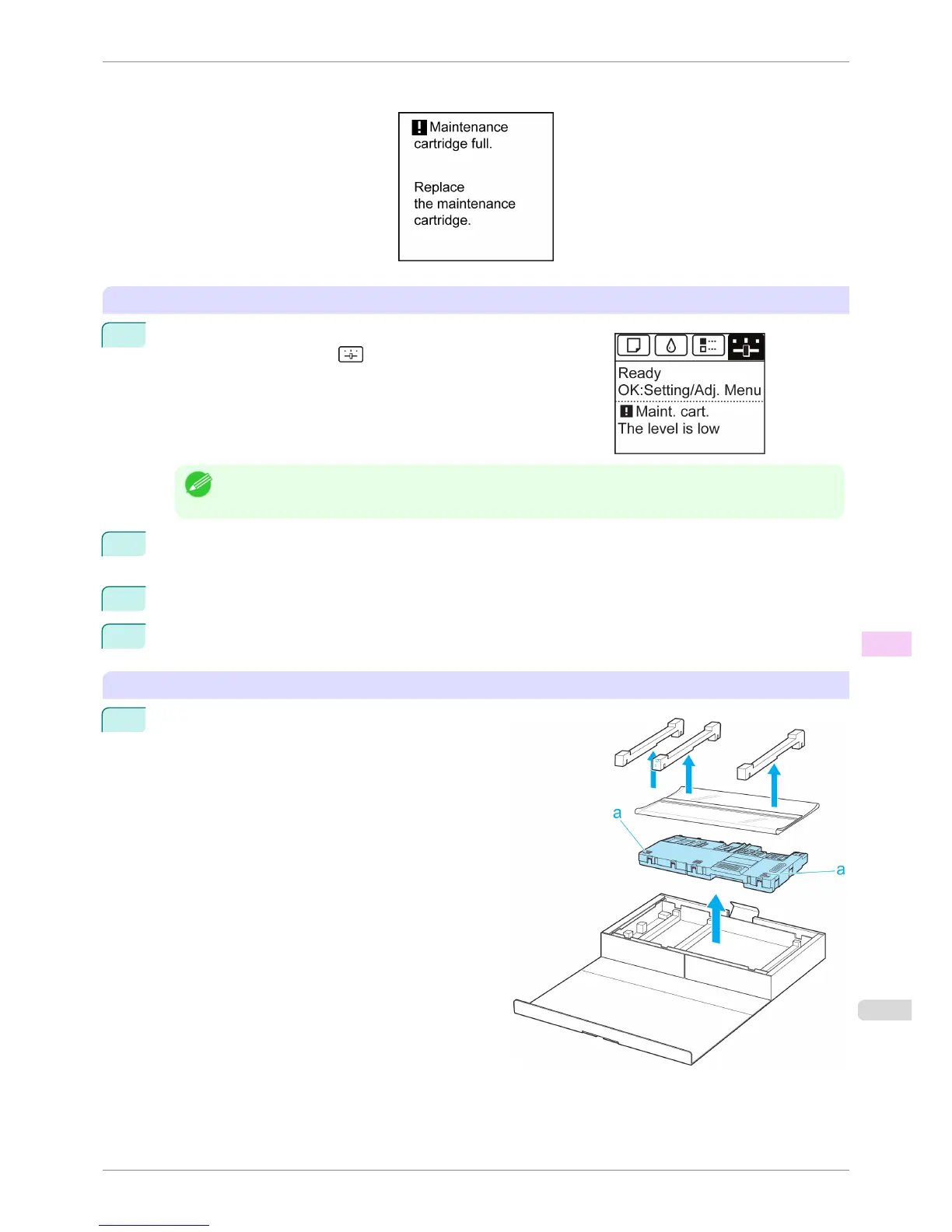
If a message is displayed requesting Maintenance Cartridge replacement, you can skip the step Access the menu
for Maintenance Cartridge replacement. Follow the instructions in Replace the Maintenance Cartridge.
Access the menu for Maintenance Cartridge replacement
1
On the Tab Selection screen of the Control Panel, press ◀ or ▶ to
select the Settings/Adj. tab ( ).
Note
• If the Tab Selection screen is not displayed, press the Menu button.
2
Press the OK button.
The Set./Adj. Menu is displayed.
3
Press ▲ or ▼ to select Maintenance, and then press the OK button.
4
Press ▲ or ▼ to select Repl. maint cart, and then press the OK button.
Replace the Maintenance Cartridge
1
Open the box of the new Maintenance Cartridge and
remove the plastic bag and packaging material. Hold-
ing the handles (a) on both sides, pull out the car-
tridge.
iPF6400S
Replacing the Maintenance Cartridge
User's Guide
Maintenance and Consumables Maintenance Cartridge
833













 To Next Page