Important
• If the Platen inside the Top Cover becomes dirty, it may soil the underside of paper. We recommend cleaning the Platen
after borderless printing or printing on small paper.
• If the Ejection Guide is dirty, it may soil the edge of the paper when the paper is cut. We recommend cleaning the
Ejection Guide even if it does not appear dirty, because it may actually be covered with paper dust.
1
On the Tab Selection screen of the Control Panel, press ◀ or ▶ to
select the Settings/Adj. tab (
).
Note
• If the Tab Selection screen is not displayed, press the Menu button.
2
Press the OK button.
The Set./Adj. Menu is displayed.
3
Press ▲ or ▼ to select Maintenance, and then press the OK button.
4
Press ▲ or ▼ to select Clean Platen, and then press the OK button.
A message on the Display Screen requests you to open the Top Cover.
5
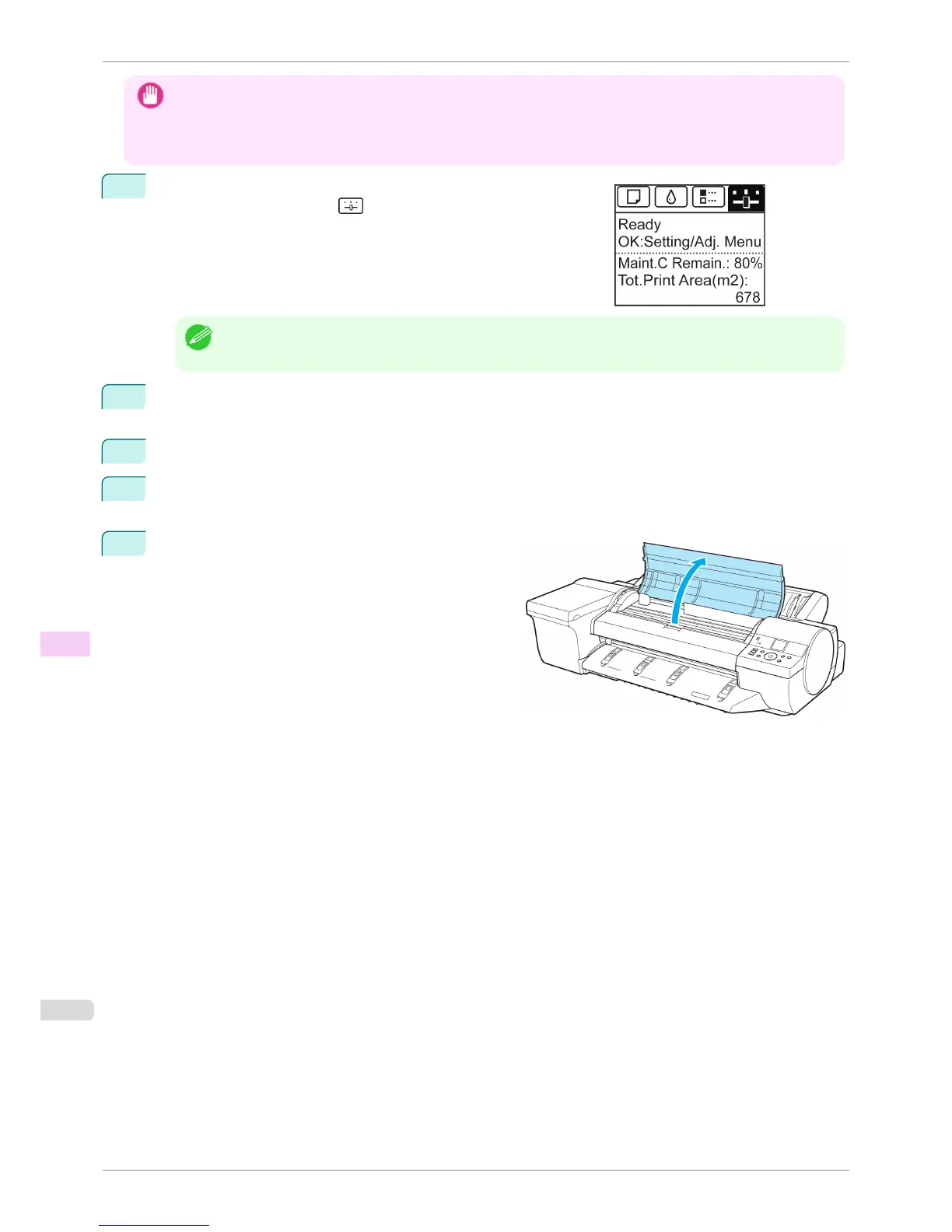
Open the Top Cover.
Cleaning Inside the Top Cover
iPF6400S
User's Guide
Maintenance and Consumables Cleaning the Printer
840













 To Next Page