9. Utility/Counter Mode Field Service Ver. 1.0 Aug. 2005
138
bizhub 200/250/350
Adjustment / Setting
9.5.8 Prefix/Suffix Settings
A. ON/OFF Setting
(1) Key Name
(2) Fixed File Format
(3) Prefix Setting
(4) Suffix Setting
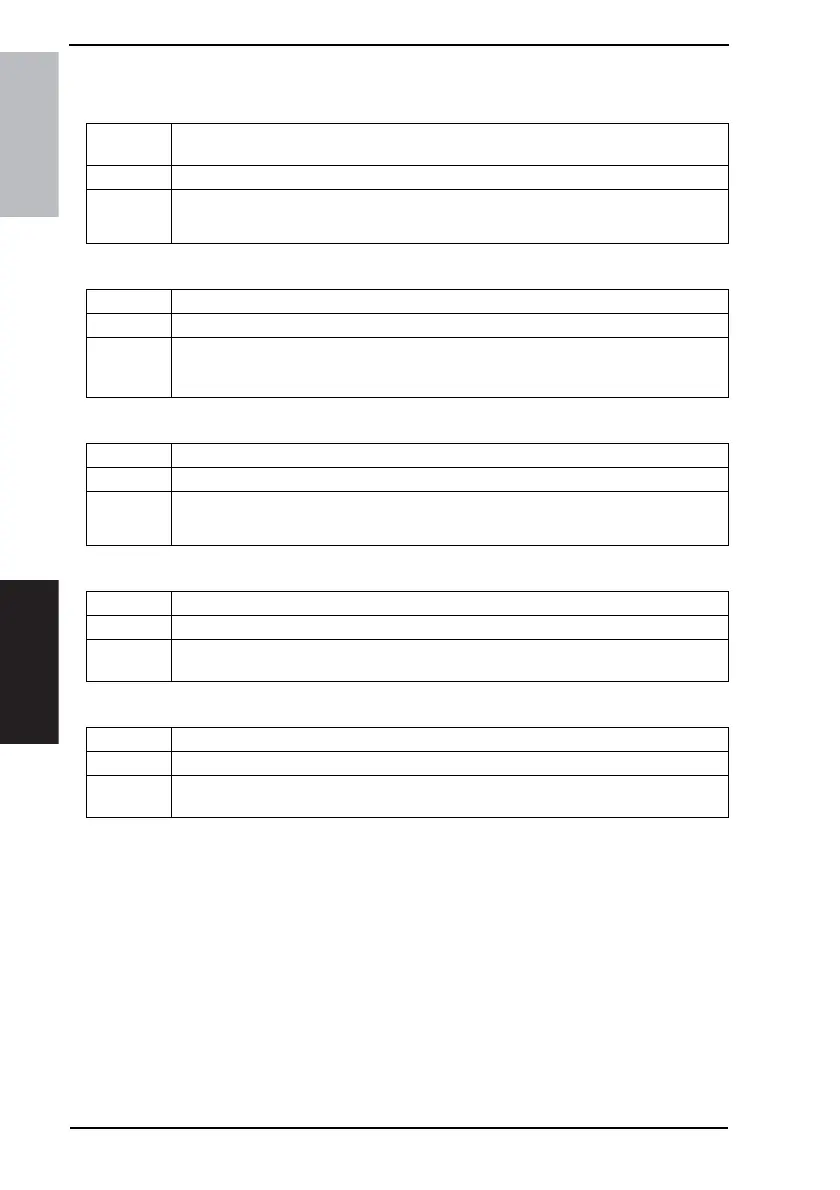
Functions
• To set whether to add Prefix or Suffix to the address when calling or entering an
address.
Use • To add Prefix or Suffix to the address.
Setting/
Procedure
• The default setting is “OFF”.
ON “OFF”
Functions • To set the Key Name for Prefix/Suffix Settings.
Use • To enter the Key Name for Prefix/Suffix Settings.
Setting/
Procedure
1. Touch the [Key Name].
2. Enter the Key Name (consisting of up to eight en-size characters) from the 10-Key Pad
or the keyboard on the screen and then touch [Enter].
Functions • To set whether or not to fix the file format.
Use • To select not to fix the file format.
Setting/
Procedure
• The default setting is “ON”.
“ON” OFF
Functions • To register or change the Prefix.
Use • To register or change the address displayed for Prefix.
Setting/
Procedure
• Up to ten en-size characters can be used.
Functions • To register or change the Suffix.
Use • To register or change the address displayed for Suffix.
Setting/
Procedure
• Up to 30 en-size characters can be used.











 To Next Page