Field Service Ver. 1.0 Aug. 2005 11. Tech. Rep. Mode
155
bizhub 200/250/350Adjustment / Setting
F. Fuser Temp.
11.3.3 Sheet-through-ADF
A. Registration Loop
B. Zoom
C. Feed (CD)
D. Feed (FD)
Functions
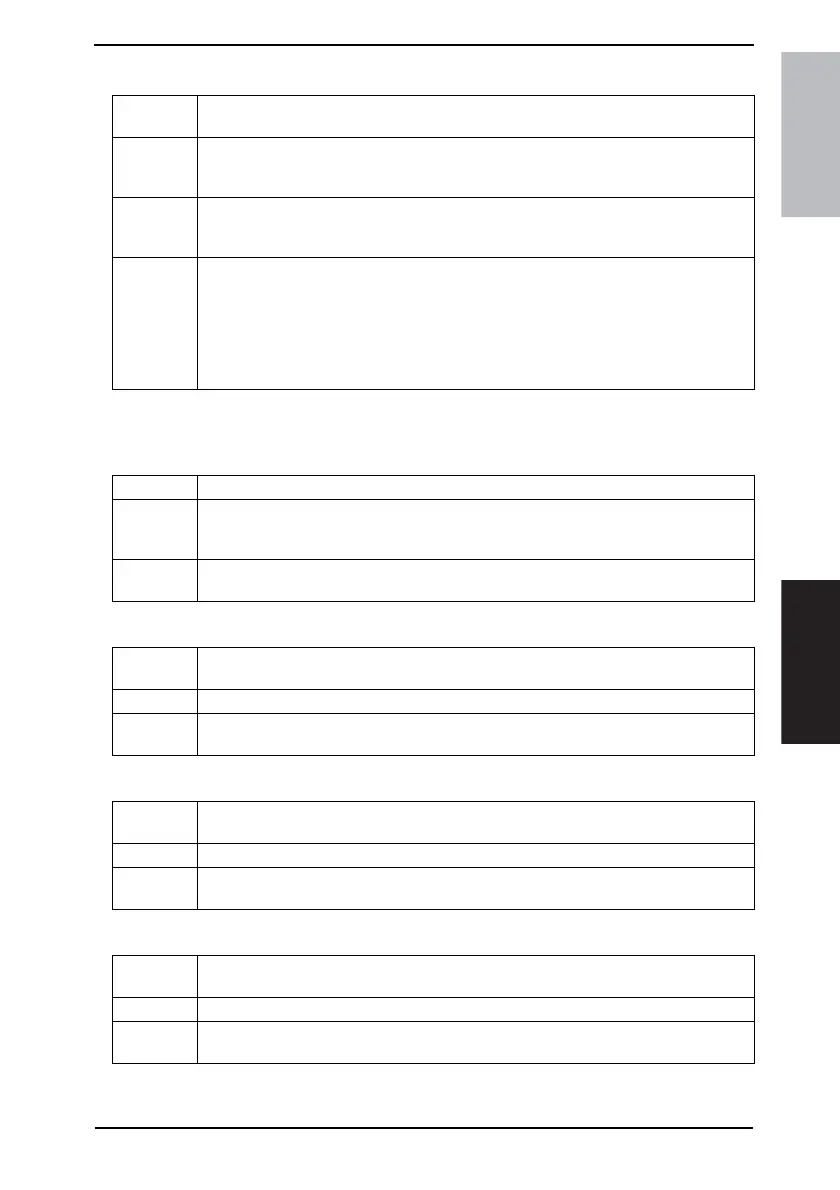
• To adjust the temperature of the Fusing Roller for each paper type in order to change
the fusing performance according to the operating environment and paper type.
Use
• To adjust the fusing temperature for each type of paper.
• When a fusing failure occurs.
• When the paper type is changed.
Adjustment
Range
• The default setting is “1”.
• Setting Range: 1 to 4 (Normal) 1 to 3 (Thick Paper) 1 to 3 (OHP)
1 to 3 (Thin Paper)
Adjustment
Procedure
1. Call the Tech. Rep. Mode to the screen.
2. Touch the keys in this order: [Tech. Rep. Choice] → [Printer] → [Fuser Temp.].
3. Select the paper, for which the adjustment is made.
4. Press the Clear key and change the setting value using the 10-Key Pad
5. Touch [END] to validate the new setting value.
• For more details, see the temperature table for fusing temperature adjustment.
☞ 157
Functions • To adjust the length of the loop formed in the paper before the Registration Rollers.
Use
• If slippage occurs due to a worn Document Take-Up Roller, which sometimes results in
misfeeds, the loop length may be increased as a temporary measure until the part can
be replaced with a new one.
Setting/
Procedure
☞ For details on adjustment, see the Service Manual for Option DF-605.
Functions
• To set the scanning zoom ratio in the main and sub scanning directions of the Sheet-
through-ADF.
Use • Upon setup of the Automatic Document Feeder
Setting/
Procedure
☞ For details on adjustment, see the Service Manual for Option DF-605.
Functions
• To adjust the scan start position in the main scanning direction (CD) of the Sheet-
through-ADF.
Use • Upon setup of the Automatic Document Feeder
Setting/
Procedure
☞ For details on adjustment, see the Service Manual for Option DF-605.
Functions
• To adjust the scan start position in the sub scanning direction (FD) of the Sheet-
through-ADF.
Use • Upon setup of the Automatic Document Feeder
Setting/
Procedure
☞ For details on adjustment, see the Service Manual for Option DF-605.











 To Next Page