Field Service Ver. 1.0 Aug. 2005 15. Initial Mode
211
bizhub 200/250/350Adjustment / Setting
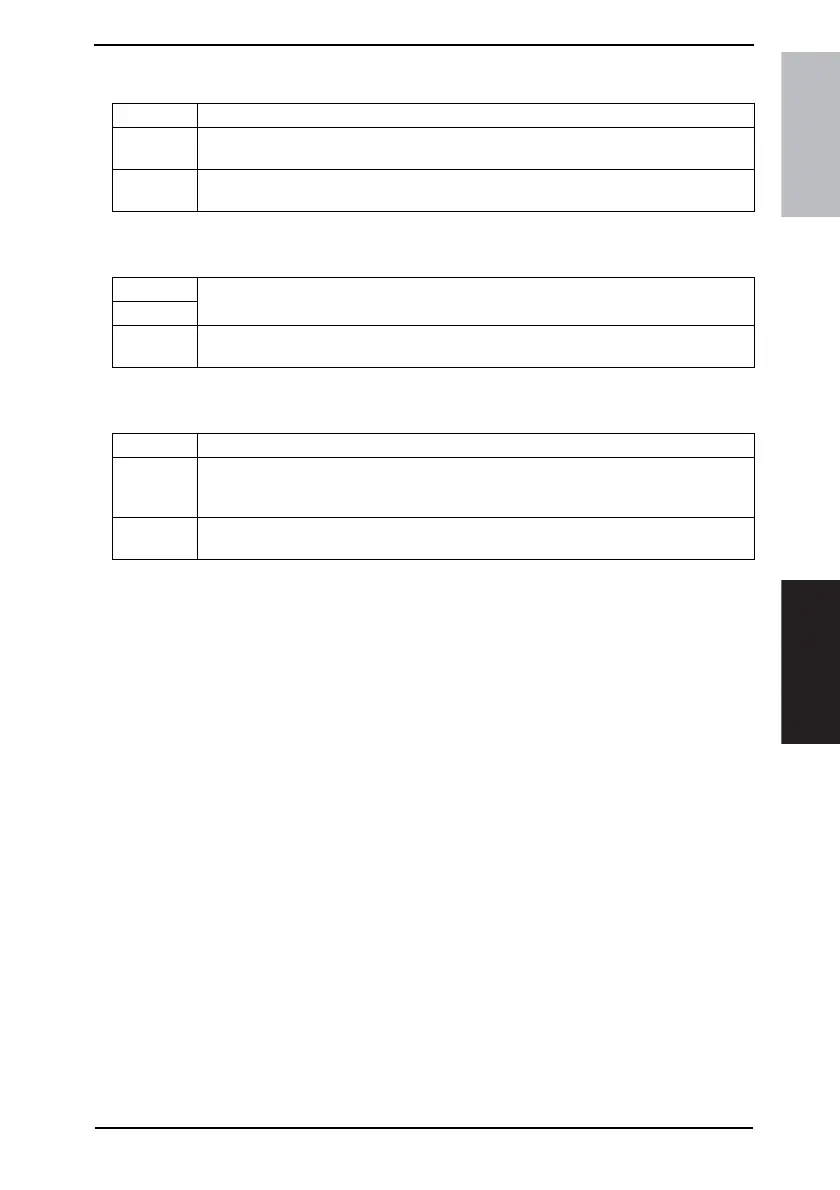
15.3.5 Clear FAX Setting
15.3.6 Date/Time Setting
15.3.7 Trouble Reset
Functions • To clear all fax settings.
Use
• To clear all settings of the local machine, remote machine, communication control, and
soft switches.
Setting/
Procedure
☞ For details, see FK-503 Service Manual.
Functions
• To specify the date and time.
Use
Setting/
Procedure
• Touch [Date/Time Setting] from the Initial mode screen.
• Enter the data from the 10-Key Pad and touch [END].
Functions • To clear all malfunctions, including fusing errors (C3XXX).
Use
• To reset fusing-related malfunctions.
• Malfunctions relating to units other than fusing can be reset by turning OFF and ON the
Main Power Switch and opening and closing the side cover.
Setting/
Procedure
• Touching [Trouble Reset] on the Initial mode screen will reset the malfunctions.




 To Next Page