Field Service Ver. 1.0 Aug. 2005 11. Soft Switch List
61
FK-503Adjustment / Setting
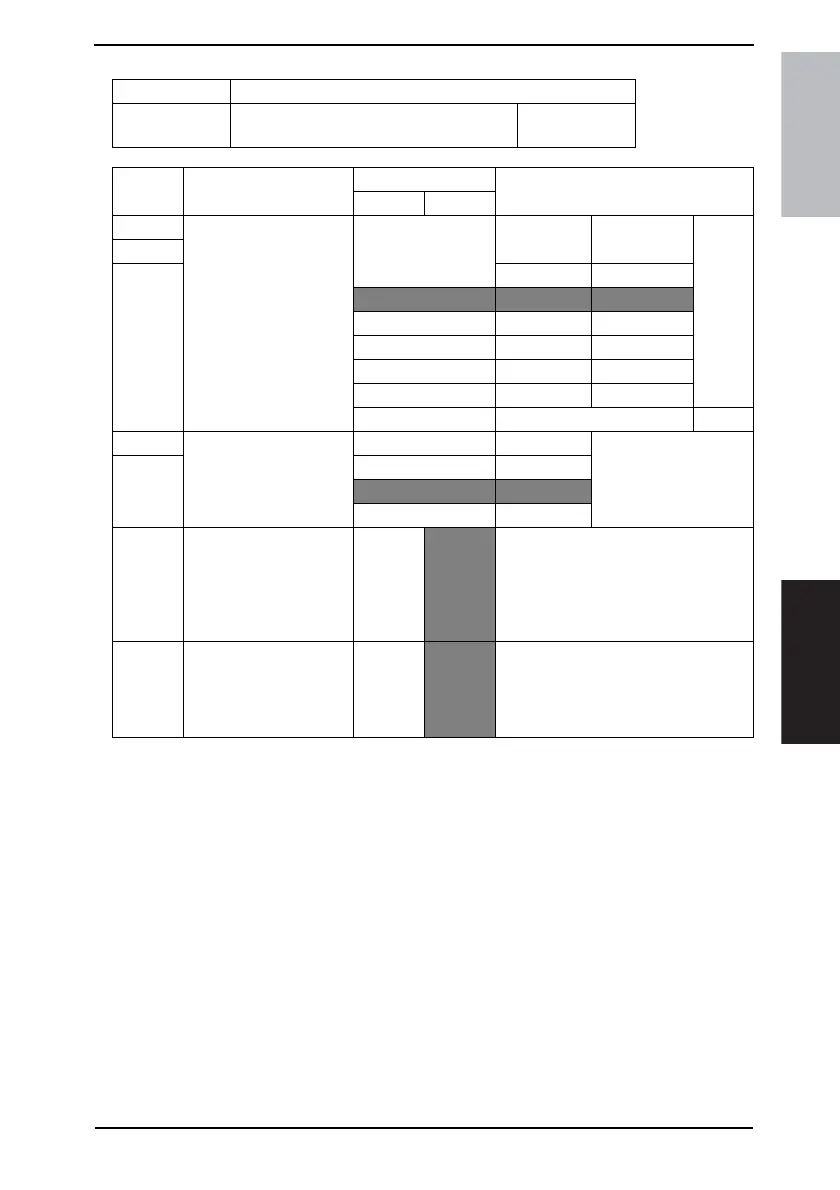
MODE Factory setting bit
013
Bit: 7654 3210
0011 0101
HEX:35
Bit Feature
Logic
Description
01
7 Select numbers of fax
one-touches and of copy
programs on auto-mode
screen.
One-touch Print program
6
5 Bit 7-5: 000 5 0
001 4 1
010 3 2
011 2 3
100 1 4
101 0 5
Others Not available
4 Determine the input of
numbers of copies or of
FAX destinations on auto-
mode screen.
Bit 4-3: 00 1 digit Regards these digits as
an input of number of
copies.
3 01 2 digit
10 3 digit
Others Not available
2 Automatically switch des-
tinations
No
Yes You can register main addresses and
2ndary addresses with onetouch. You
can send to 2ndary addresses when
communication with main addresses is
abnormal. (Optional Network Application
Kit must be installed.)
0 Select operation when
INBOX forward failed.
Destroy
docu-
ment
immedi-
ately
Destroy
docu-
ment
after
printing
Specify the action to be taken when
INBOX forwarding has failed. (Failed
means communications cannot be deliv-
ered. Communications means communi-
cation via FAX and E-mail.)











 To Next Page