AS Autosampler Operator’s Manual
74 Doc. 065051-03 1/08
Setting Up a Partial-Loop Injection
1. On the SYSTEM PARAMETERS screen (see Section C.6.5), select
NORMAL in the SAMPLE MODE field.
2. In the Chromeleon or Chromeleon Xpress sequence (see Figure 3-19
)
or in the front panel schedule (see Section D.3
), enter an injection
volume that is less than the volume of the sample loop installed on the
injection valve.
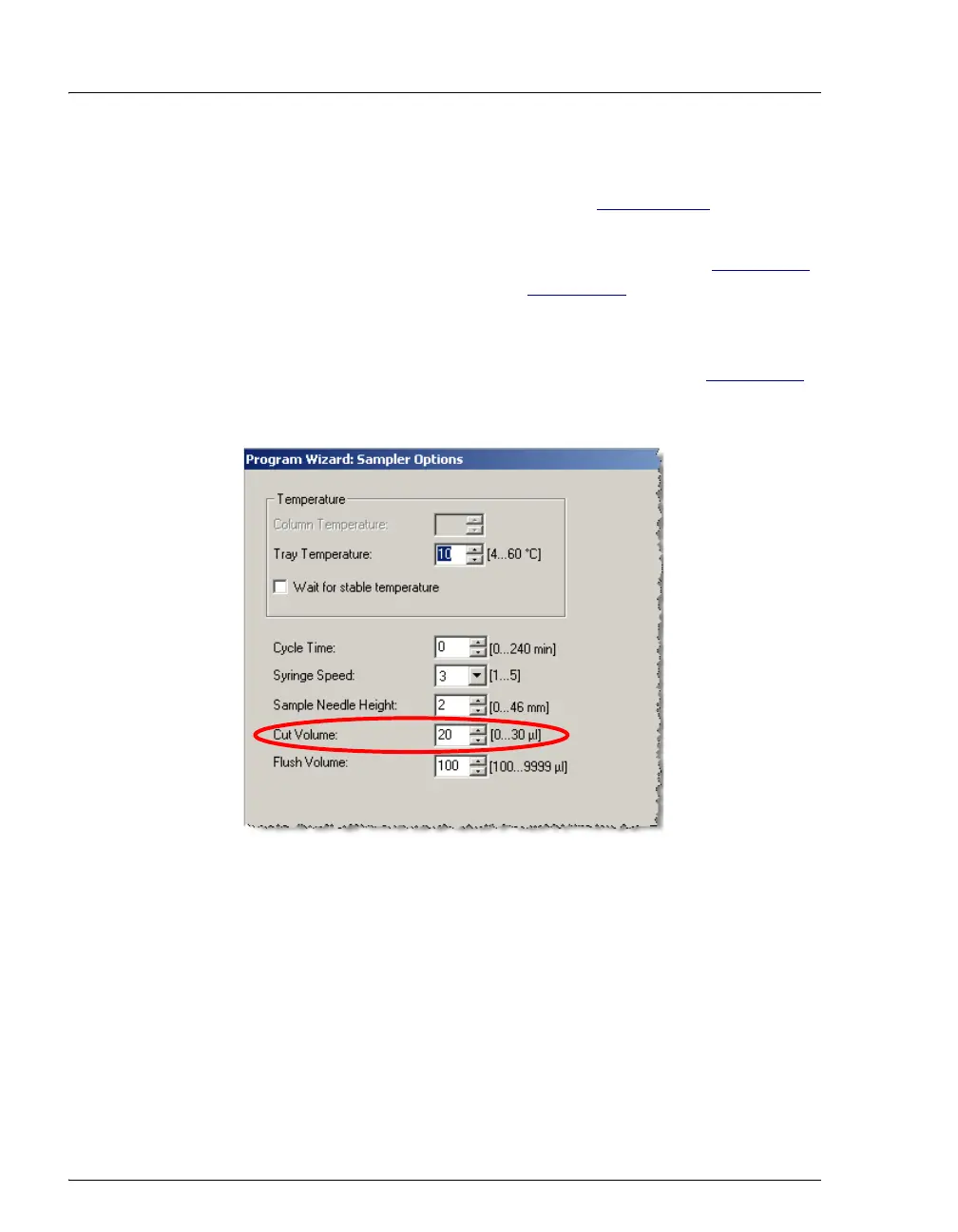
3. In the Chromeleon or Chromeleon Xpress program (see Figure 3-21
),
or on the
SYSTEM PARAMETERS screen, enter a cut volume greater
than zero.
NOTE For the best accuracy when performing partial-loop
injections, specify an injection volume equal to half
the loop size or less.
Figure 3-21. Program Wizard: Specifying the Cut Volume



 To Next Page