100 Hog 4 Operations Manual
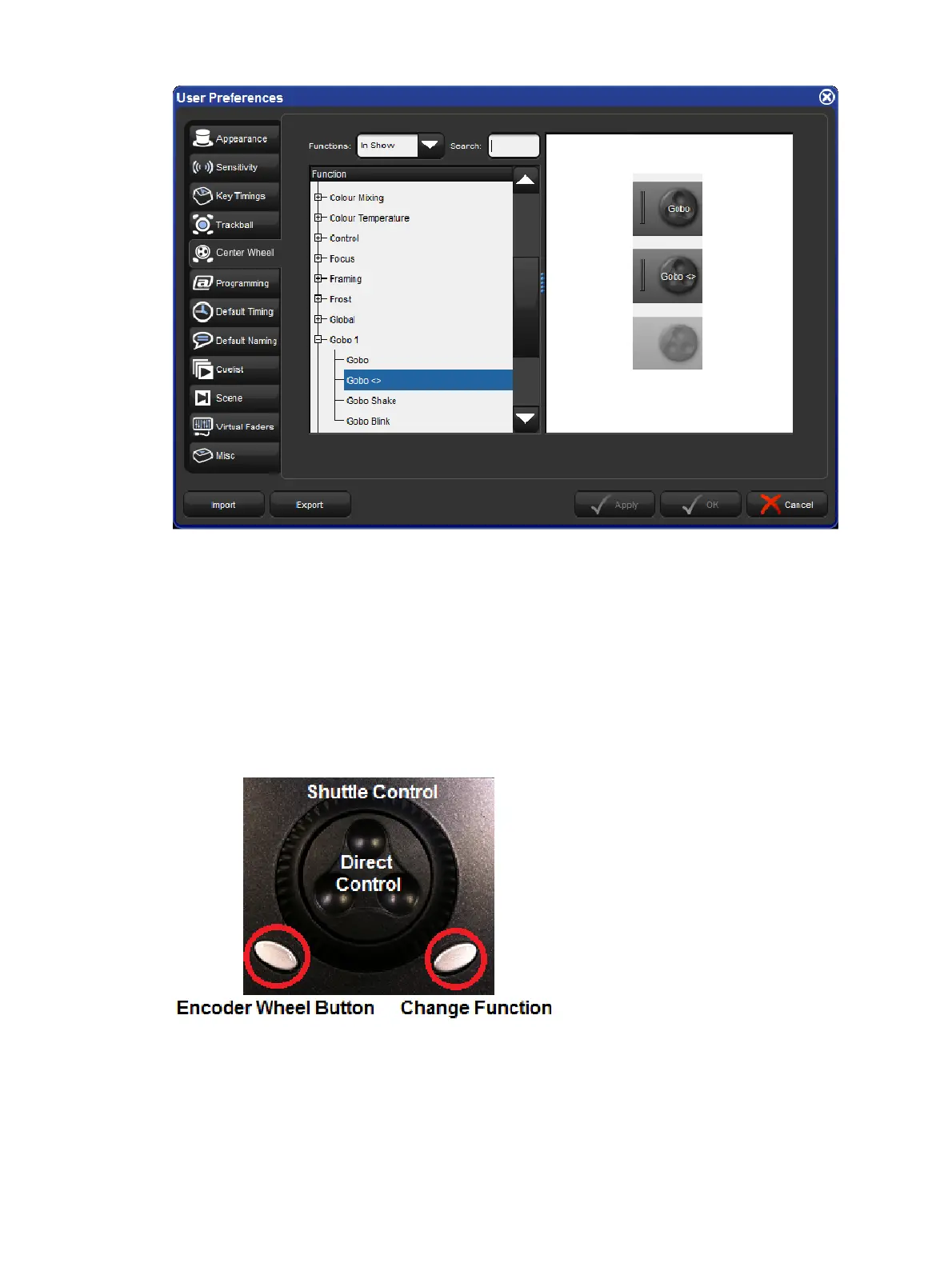
When a fixture selection is made functions assigned to the center wheel will be displayed on
the toolbar located at the bottom of the front panel's center display. Functions that you've
assigned to the center wheel will only be displayed if they are valid for your current fixture
selection.
To cycle the center wheel through the functions press the button to the bottom right of the
center wheel. The action of the button to the bottom left of the center wheel is determined by
the Encoder Wheel Options preference (see Encoder Wheel Button Options). The inner part
of the center wheel acts exactly like the main encoder wheels on the desk. The outer spring
loaded ring of the center wheel acts more like a shuttle whereby a move in either direction will
initialize a value change at a fixed rate. The more you turn the ring the higher rate of change
will occur.











 To Next Page