5. Adding, Patching and Managing Fixtures 127
Finding Unused DMX Addresses
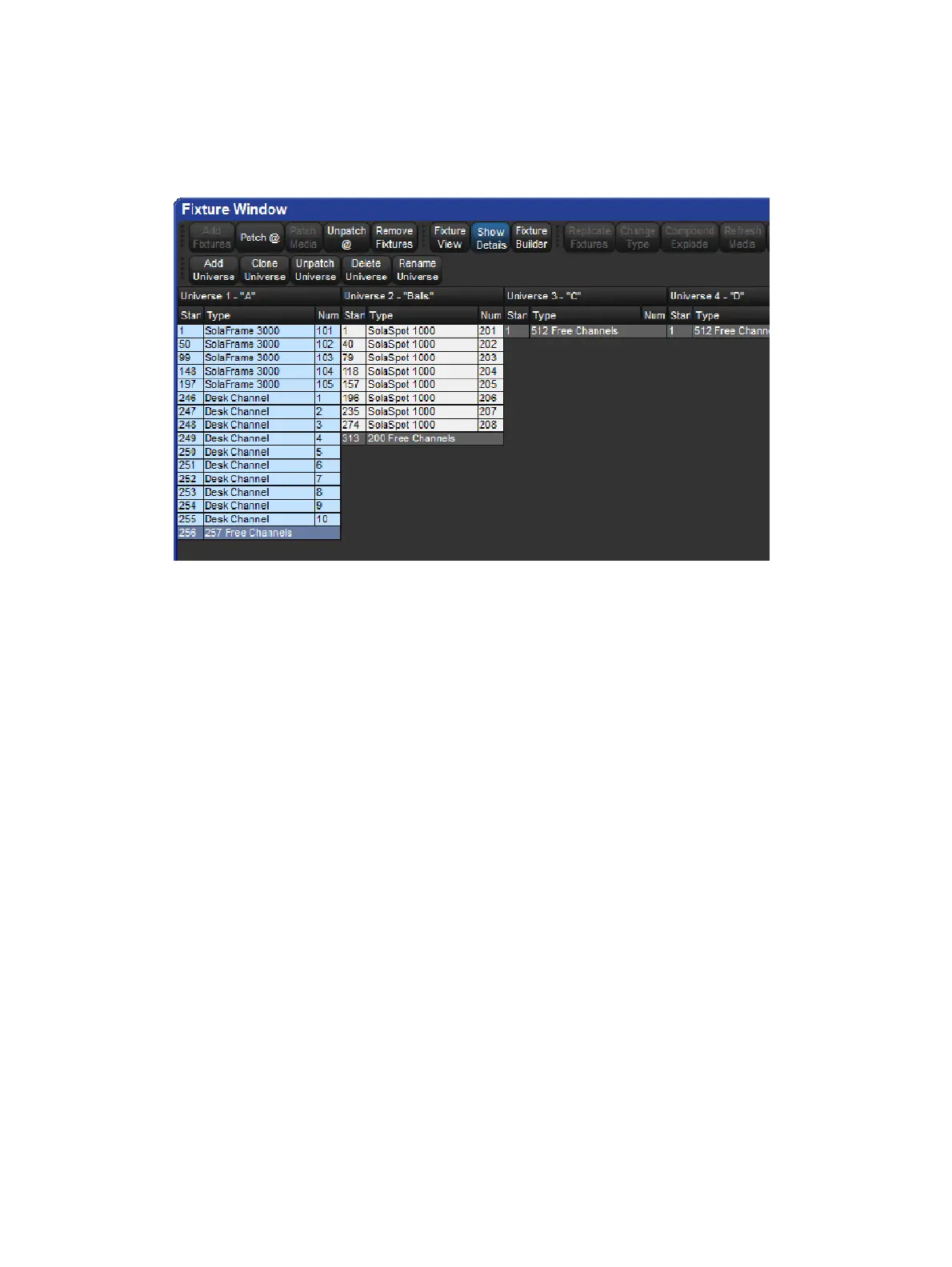
To see an overview of all patched fixtures in the Fixture window enable Universe View button
at the top of the fixture window.
The Universe view.
Universe View shows a spreadsheet with start address, fixture type and user number for
each universe. Additional rows show where there is an available space in the allocated
addresses. This is useful for finding free address ranges when patching additional fixtures to
established universes. To show this view:
Setup → Patch → Un iverse View.
Press the Fixture View button to return the Fixture window to its normal view.











 To Next Page