128 Hog 4 Operations Manual
Assigning Universes to Processors
Universes must be mapped to processors in order to achieve DMX, Art-Net, or SACN output.
To map universes to a processor:
1. Open the network window.
2. Select a processor from the list of processors and press the Settings button at the top
of the network window. If the processor you wish to configure isn't listed in the network
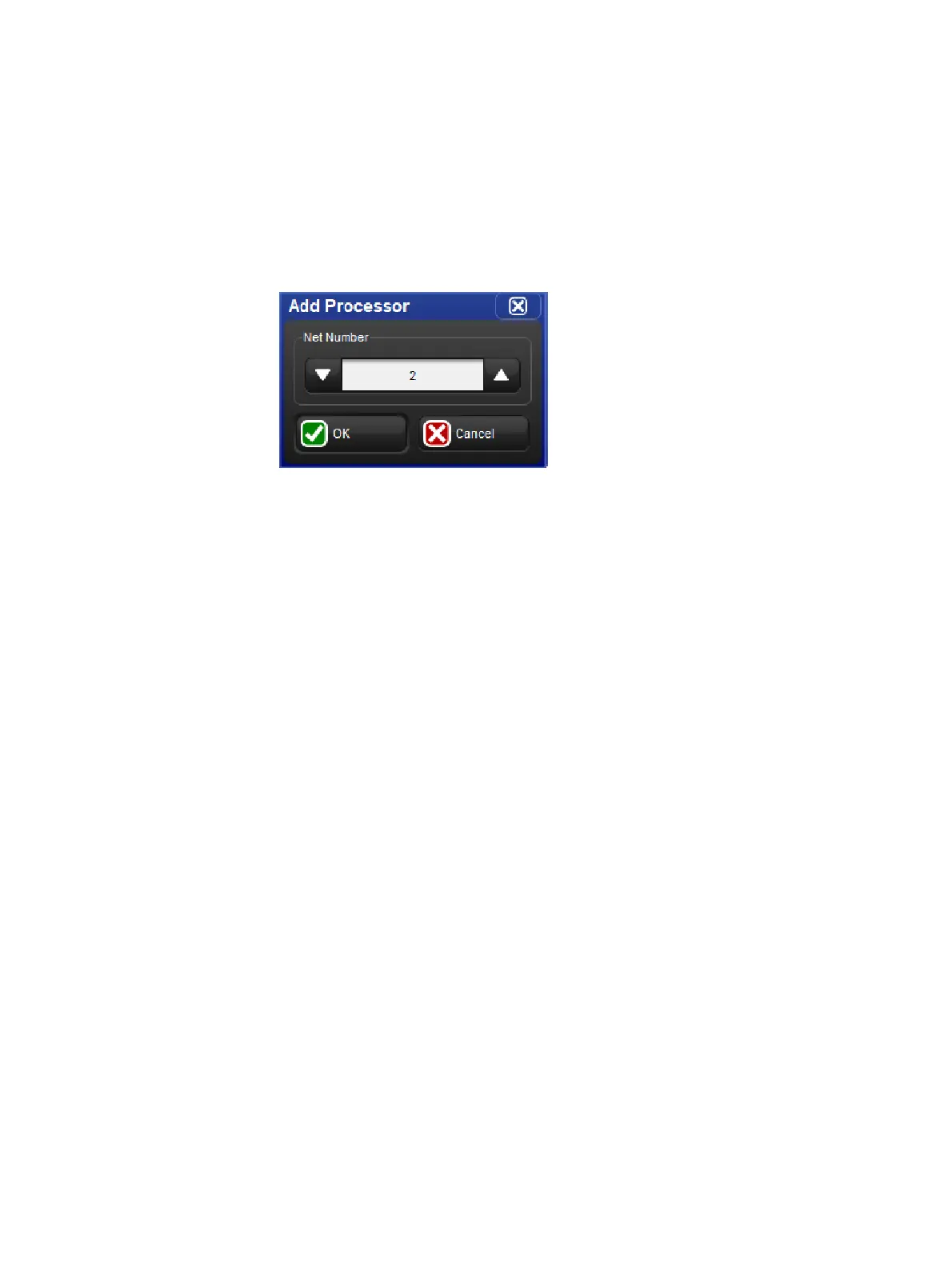
window then press the Add Pr ocessor button at the top of the network window. The
Add Pro cessor window will open. Choose a net number for the new processor and
click OK. Then open the settings window for the newly added processor.
3. Select the Output tab of the processor settings window.
4. Press the Add Mapping button.
5. Use the Add Mapping(s) dialogue window to specify a range of universes to map and
then enable one or more of the mapping type buttons. Press O K when finished.
6. The console will now map the universe to the processor using a default set of values.
To customize a mapping simply click on any one of its properties in the mapping table
and press the se t key.
7. Press the apply or ok button to confirm and store the mapping.
To remove a processor from a show file:
1. Setu p → Ne twork : open the Ne twork window.
2. Right click on the processor you wish to remove from the show file and select the
Remove Processor option. A confirmation dialog will open. Press OK to un-map and
remove the processor from the show.











 To Next Page