5. Adding, Patching and Managing Fixtures 141
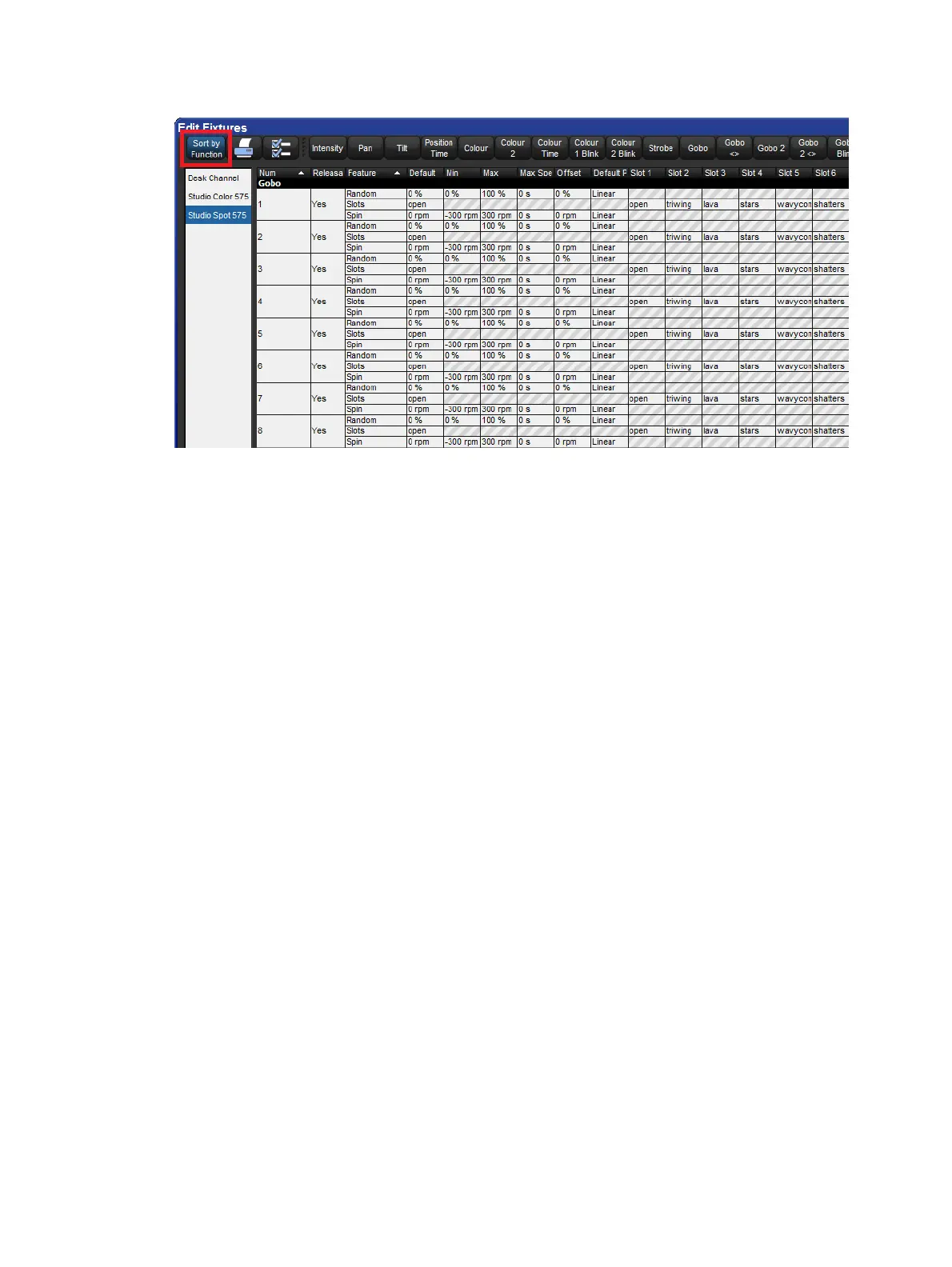
Edit Fixtures window sorted by Function
Assigning Minimums and Maximums for Parameters
When fixtures are placed close to obstacles, such as trussing or set pieces, it may be
important to limit movement to prevent accidental damage, especially when the fixture is out
of view of the operator. However, other functions can also be limited, for example to
implement a house or event policy on the use of strobe lighting.
Note that limits can only be assigned for continuous parameters, not slotted ones.
To assign limits:
1. Setu p → Patch → Edit Fixtur es
2. Select the Minimum cell of the parameter you wish to limit.
3. Set, [ n e w v a l u e ] , En ter : Enter a value as a real world unit. In the case of pan and
tilt, it will be a plus or minus number of degrees from the fixture's default position.
4. Repeat to assign the Maximum value.
Assigning a Custom Default
The default value is the value that the parameter will take when no playbacks or editors are
controlling it. Fixtures also go to their default setting when the console starts up.
To assign a custom default:
1. Setu p → Patch → Edit Fixtur es
2. Select the Defau lt cell of the desired parameter.
3. Set, [ n e w v a l u e ] , Enter : Enter a value as a real world unit.











 To Next Page