152 Hog 4 Operations Manual
6.1.4 Select All
You can select all the fixtures in the Programmer by pressing the ALL key on the front panel
of the console or by using the All button on the Select Toolbar. For example:
1. Studio Colors 1 to 5 are in the Programmer, but not selected.
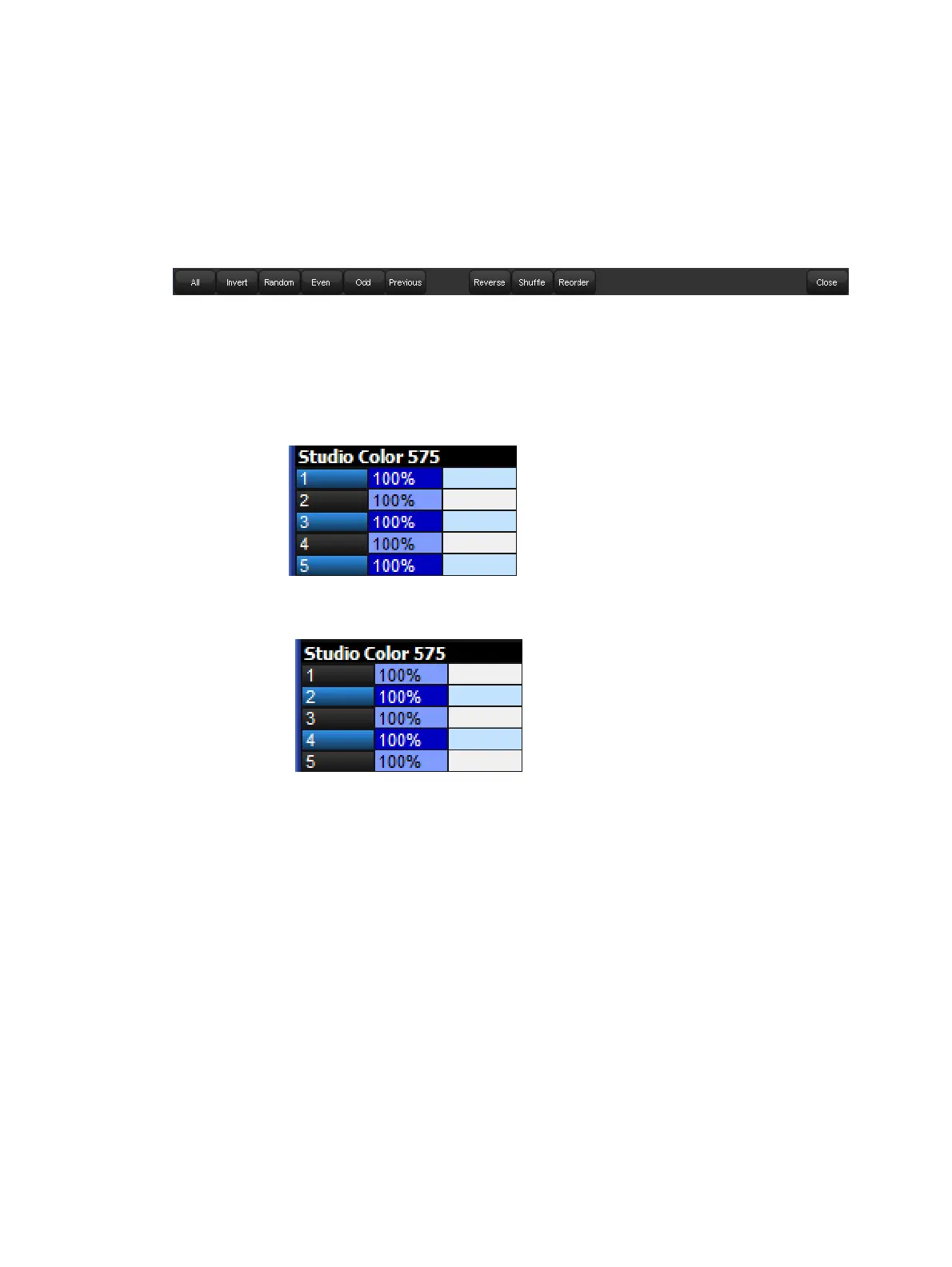
2. Main Toolbar → Sele ct : open the Select Toolbar
3. All : the selection is now Studio Colors 1 to 5.
6.1.5 Inverting the Selection
You can invert the current selection of fixtures so that the fixtures in the editor that were
previously not selected become the new selection. For example:
1. Studio Colors 1 to 5 are in the Programmer.
2. Fixture 1 + 3 + 5 : select Studio Colors 1, 3 and 5:
3. Main Toolbar → Sele ct : open the Select Toolbar
4. Invert : the selection is now Studio Colors 2 and 4:











 To Next Page