160 Hog 4 Operations Manual
Direct Value Entry
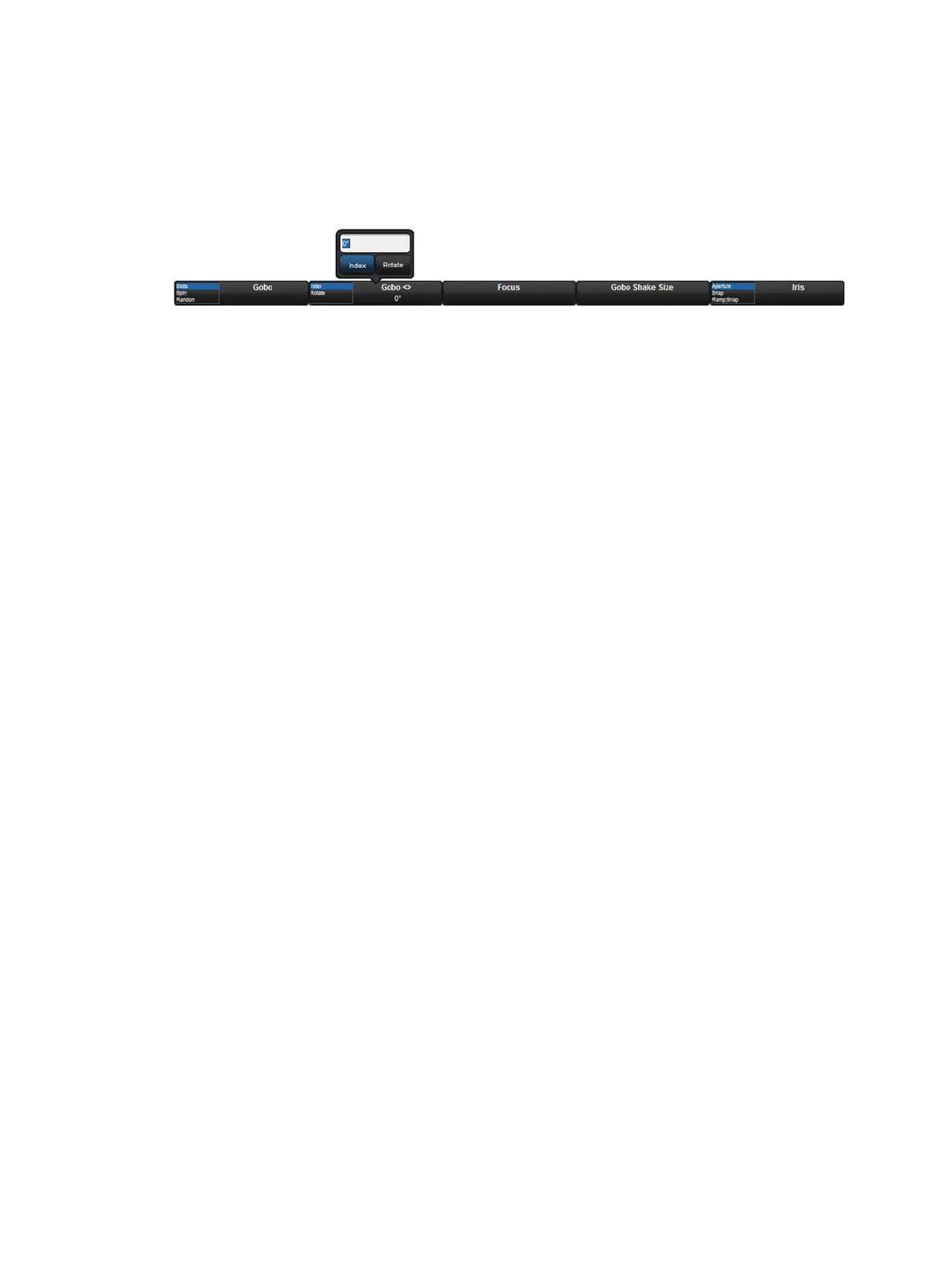
For parameters appearing on the parameter wheels, you can hold Set, then press the
associated button on the Wheels Toolbar to open a direct value entry dialog.
The Wheels Toolbar Direct Entry Dialog
Enter a value for the parameter in the direct value entry box and select any available modes.
Press Enter to complete the direct value entry.
Snapping to a Single Value
When you have several fixtures selected, you can make all the values of a parameter the
same as that of the first fixture:
Press and hold the / key while turning the appropriate parameter wheel.
Jumping to Endstop Values
You can assign a parameter to its endstop values:
Press and hold the + key and adjust the appropriate parameter wheel clockwise to
assign the parameter to its maximum value, and anticlockwise to assign the parameter
to its minimum value.
Inverting Parameter Values
Some parameters have values either side of zero; for example, gobo rotation speed. You can
invert such parameters so that they have the same value but the other side of zero. In the
case of gobo rotation, this reverses the direction whilst maintaining the current speed. To
invert a parameter:
Press and hold the – key and adjust the appropriate parameter wheel.











 To Next Page