6. Selecting and Modifying Fixture Parameters 161
6.3.4 Slotted Parameters: Colour and Beam
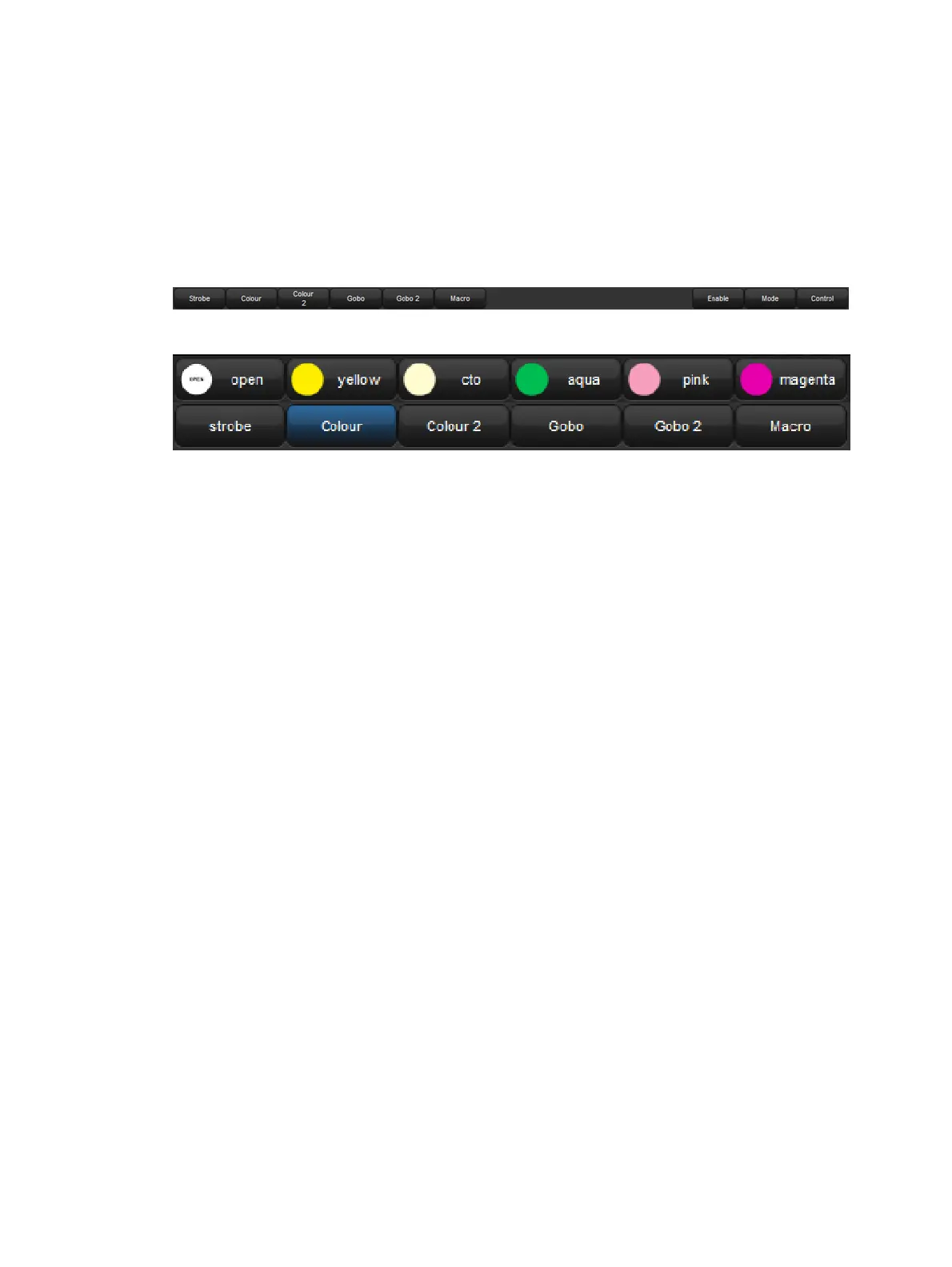
To control slotted colour and beam parameters such as gobo and colour wheels:
1. Press the appropriate parameter type key : Colour or Beam. The Slo t Toolb ar shows
the available parameters.
2. Click on the required parameter, and an additional toolbar will open showing the
available slot positions.
3. Select a slot from the available slot positions.
The Slot Toolbar for a Studio Spot 575
The Colour Slots Toolbar for a Studio Spot 575, for Colour wheel 1.











 To Next Page