164 Hog 4 Operations Manual
Using Colour Matching
One of the advantages of the Hog 4 OS's HS Colour system is its ability to match Colours
across different fixture types. Assigning the Hue and Saturation parameters of two different
types of fixtures will set them to the same visual Colour (within the limitations of the
fixtures), but it might send different DMX values to each. Furthermore, they will maintain that
match through a cross-fade, ensuring even Colour fades.
For Colour matching to work, the fixtures need to have a Colour calibration in the fixture
library; you can check this in the Fixture window:
Setup → Patch
If the fixture has Yes in the Co l Cal column, then it has a Colour calibration. Fixtures that are
not calibrated will use a standard DMX mapping to determine hue and saturation.
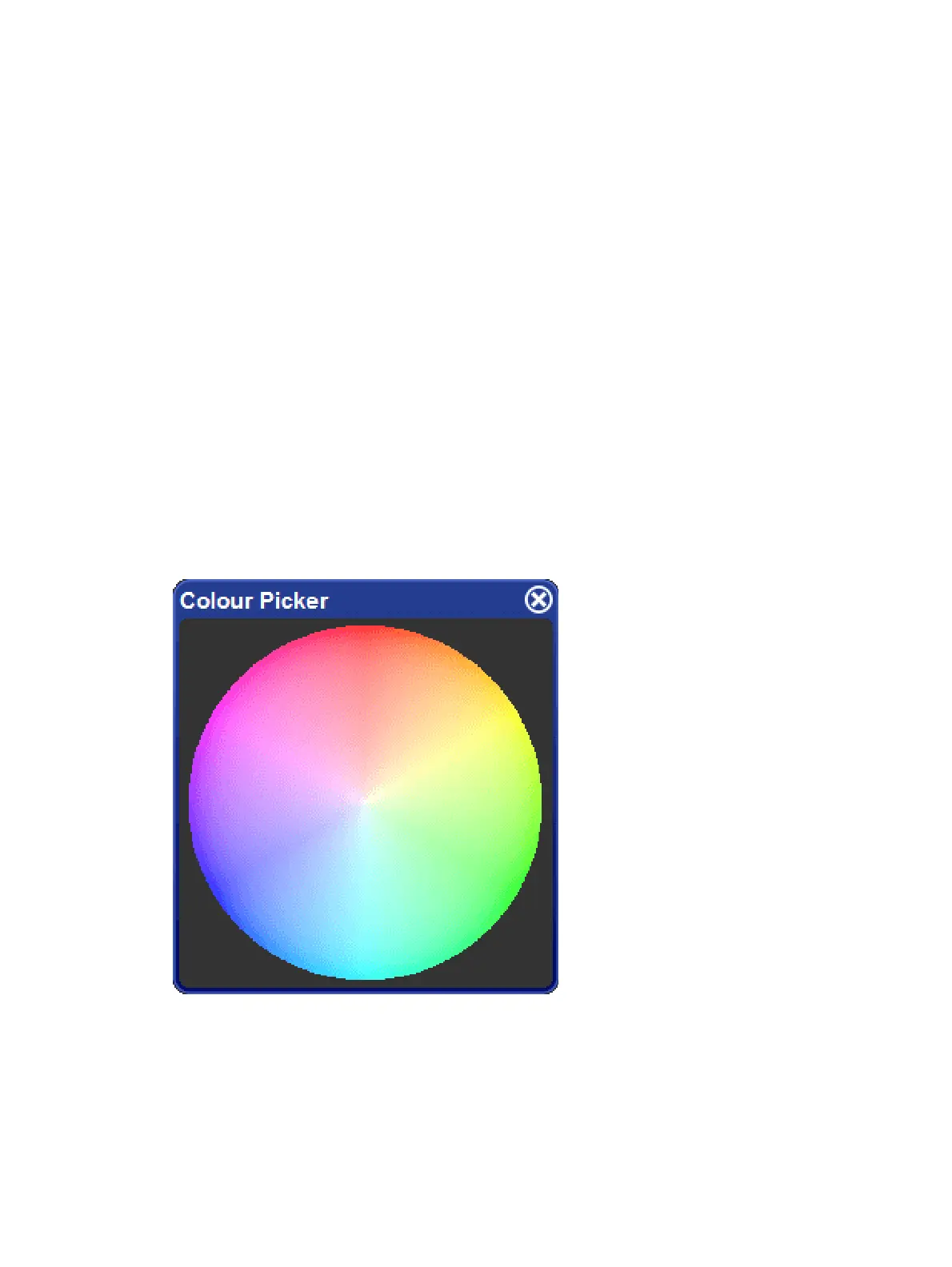
The Colour Picker
You can use the Colour Picker to graphically select Hue and Saturation values. To open the
Colour Picker:
Hold down the Op en key and select HS Picker.
Or:
Pig + O pen + Colour
There is also a button to open the Colour Picker in the Colour Directory window.
The Colour Picker











 To Next Page