6. Selecting and Modifying Fixture Parameters 163
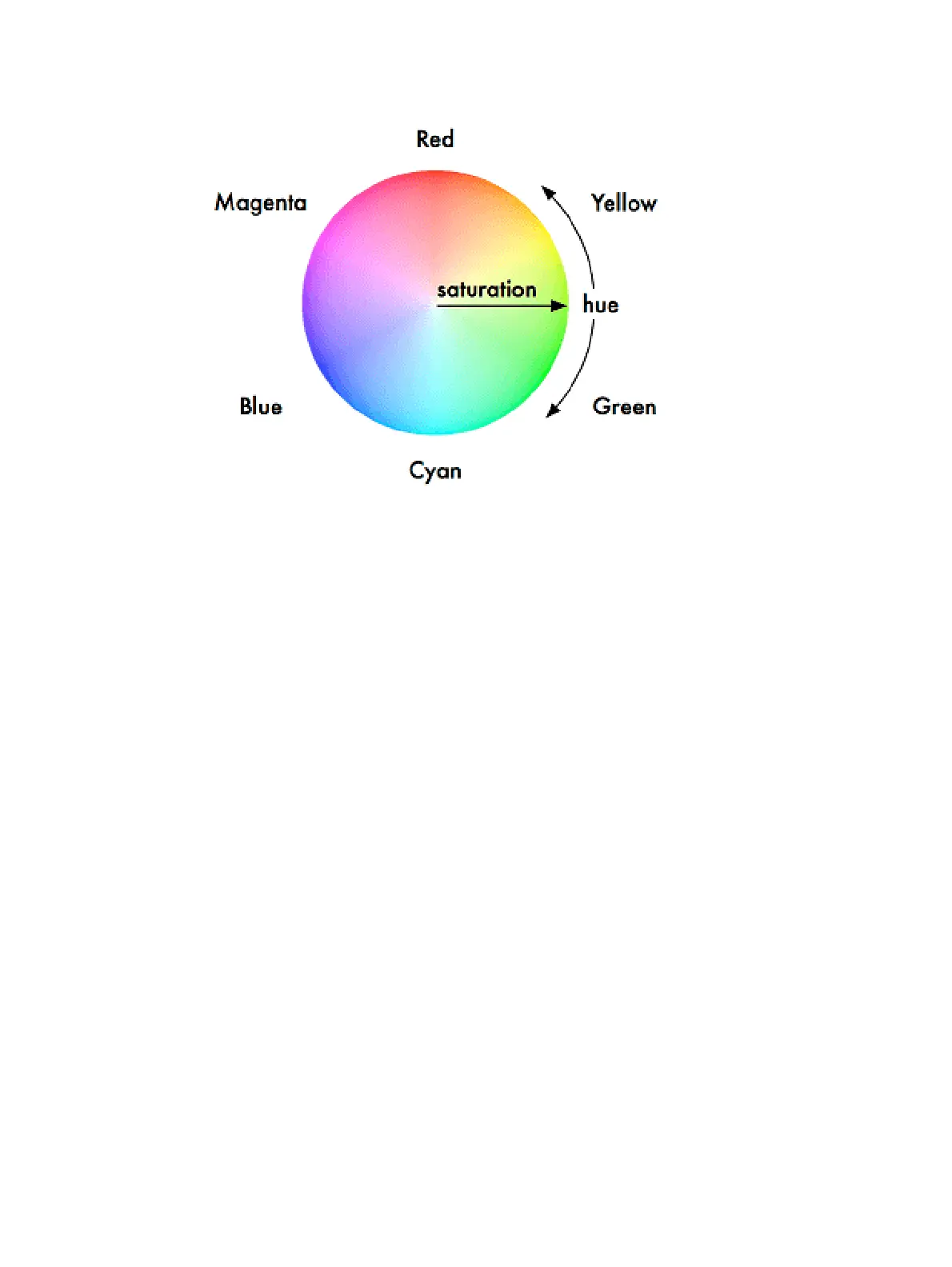
The Colour Wheel
When you program with the HS parameters, Hog 4 OS stores all values as HS, and converts
them to CMY or RGB as required when sending DMX data to the fixtures. As part of this
process, the console is able to match the Colours of different fixture types; see Using
Colour Matching.
The Hue and Saturation parameters of fixtures with continuous Colour mixing are controlled
in the same way as other continuous parameters; see Continuous Parameters: Colour and
Beam. You can also use the Colour Picker and Gel Picker.











 To Next Page