6. Selecting and Modifying Fixture Parameters 173
Fan To Center: the middle fixture remains unchanged, while the first and last fixtures'
values change the most, in the same direction. For example:
Before fanning: 30 30 30 30 30
After fanning: 50 40 30 40 50
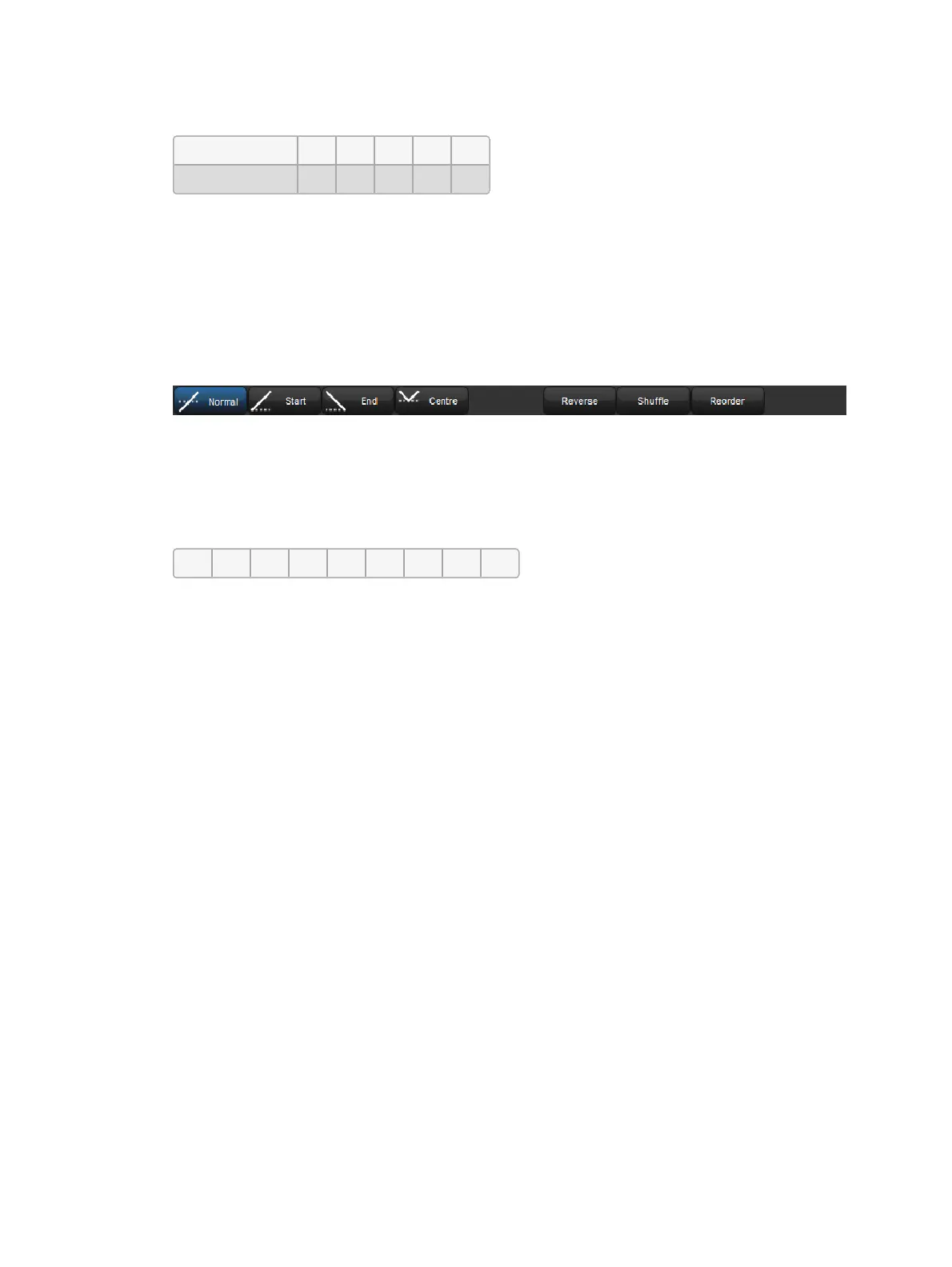
You can set the fanning mode from the Fanning Toolbar as shown below.
Press and hold the Fan key to display the Fanning Toolbar
All subsequent fans will follow the currently selected fanning mode, until the editor is cleared.
The fanning toolbar
6.4.5 Multi-part Fanning
With the command line, you can enter multi-part fanning:
1 Thru 9 @ 1 0 Thru 5 0 Th ru 1 0 : The fixtures at either end of the range take the value
of 10%, that in the middle 50%, and the others spread between:
10 20 30 40 50 40 30 20 10
You can fan in as many parts as you want, separating values with the Thru key. Note that
multi-part fanning only works with the command line, not when editing values in the
spreadsheet.











 To Next Page