174 Hog 4 Operations Manual
6.4.6 Fanning with Segments and Buddying
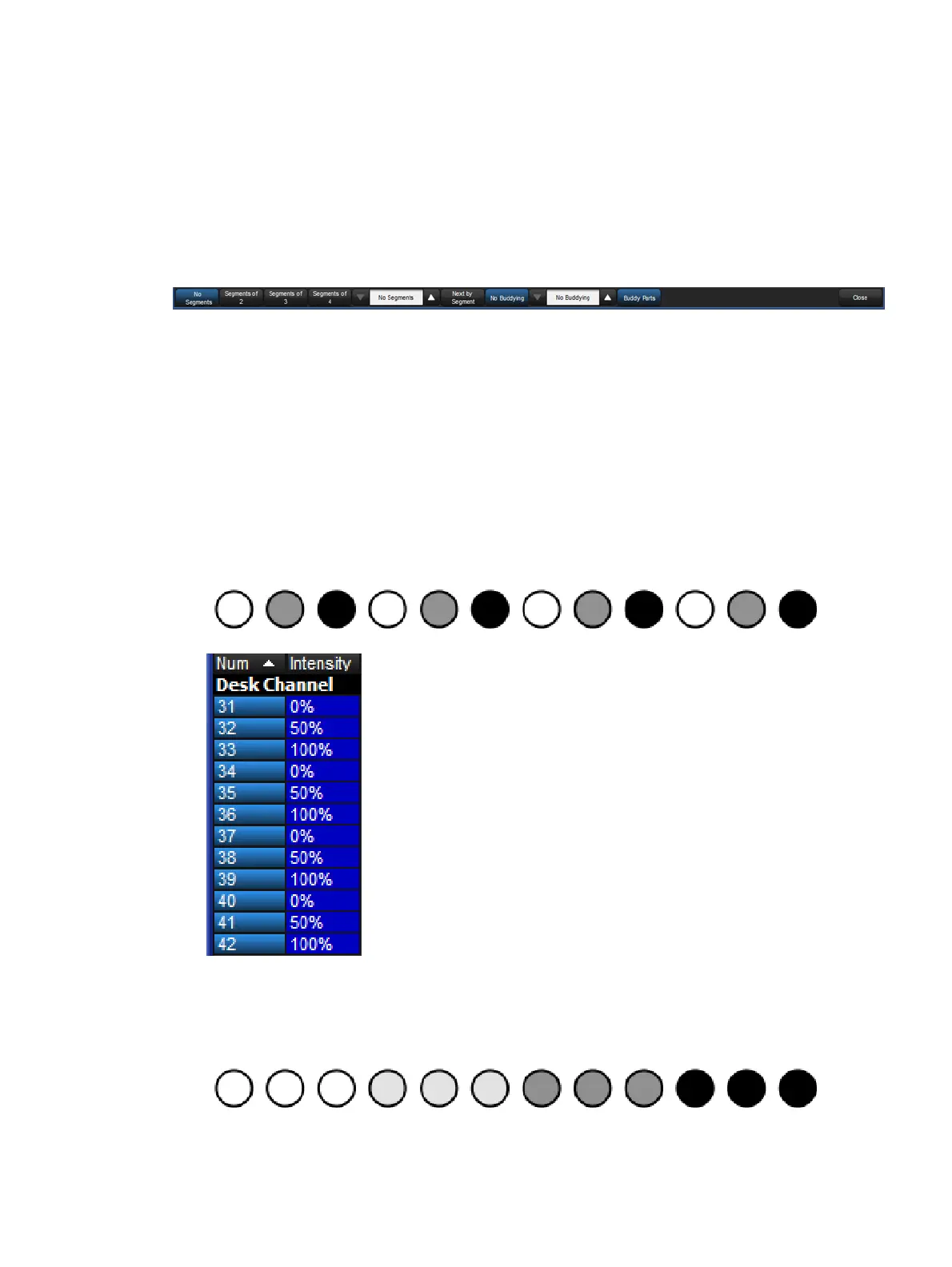
Segmenting and buddying allows you to control the way that parameters are fanned to make
complex patterns. The Segments... button on the main toolbar reflects the current segment
/ buddying settings of the console. To change segment and buddying settings press the
Segme nts... button on the Main Toolbar. A Segments and Buddying toolbar will then appear.
Press Enter or click on the toolbar Close button when you have made your selection.
The Segments Toolbar
The segments toolbar displays the current segment and buddying size and has buttons to
increase and decrease the segment size and the buddying. There are also shortcuts for
common segment sizes and options for nexting by segment and buddying parts.
Note that segments and buddying are only used during fanning; segment and buddying
information is not recorded into cues and palettes; only the resulting parameter values are
recorded.
Segmenting: Segmenting a fixture selection is achieved by setting a segment size on
the segments toolbar (represented as "segments of x"). Fanning is repeated for each
segment. For example, segmenting twelve fixtures into "segments of three" will result
in the fan pattern shown in the figure below:
Buddying: The buddying number puts the fixtures into ‘gangs’ that all take the same
value. For example, fanning a selection of twelve fixtures with a buddying value of three
would result in fixtures 1 to 3 having the same parameter value, fixtures 4 to 6 having
the same value, and so on:











 To Next Page