200 Hog 4 Operations Manual
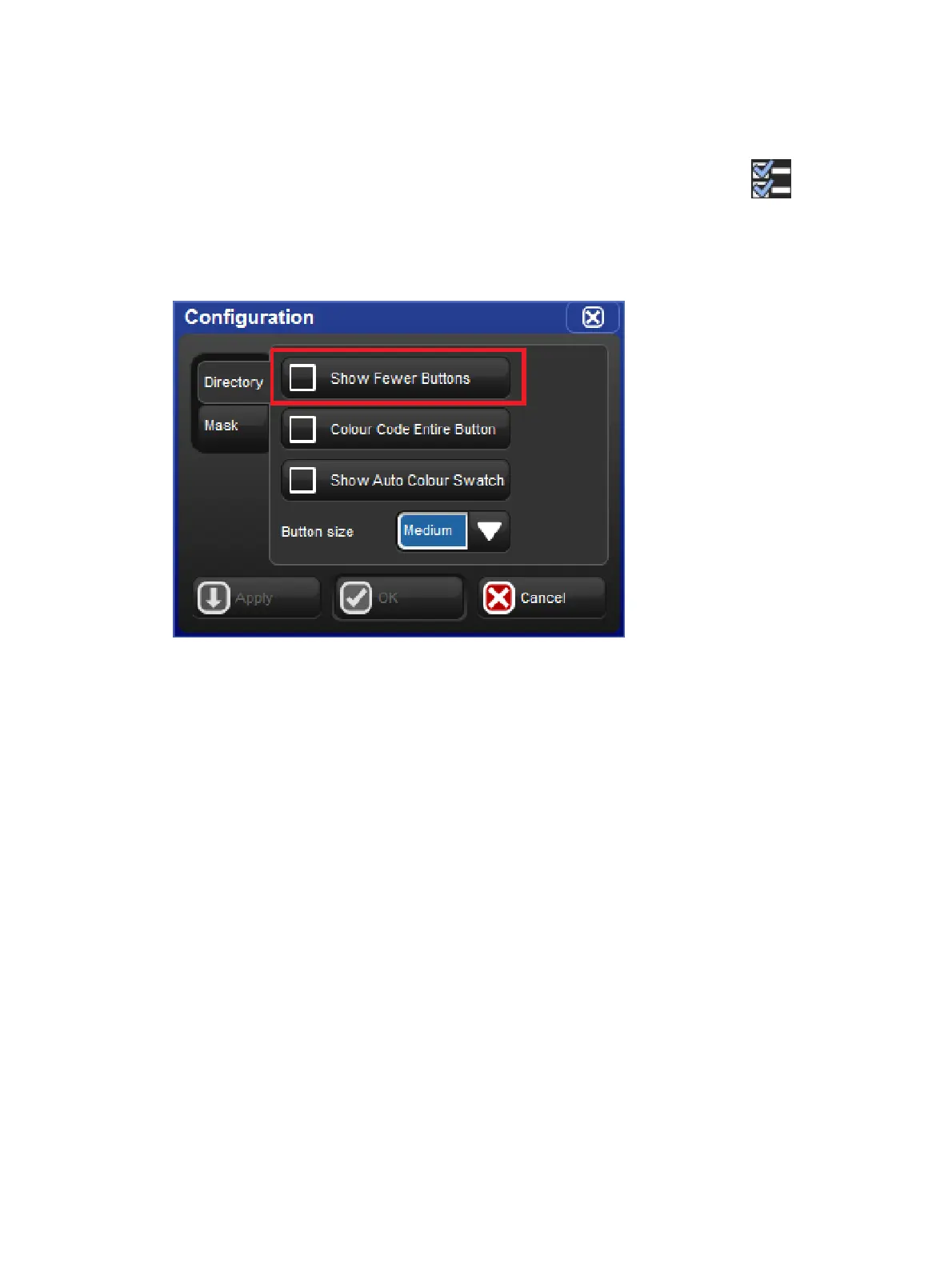
9.4.2 Show Fewer Buttons
By default directory windows display both active buttons (buttons that contain data) and
inactive buttons (buttons with no data). In some cases you may wish to hide the inactive
buttons in the directory. To hide the inactive buttons in a directory click on the icon to
open the window configuration menu and enable the "show fewer buttons" option. The option
to show fewer buttons is unique to each directory and is also stored when you record a
directory window into a view.











 To Next Page