11. Cue and Cuelists 225
You may want to record the new cue so that parameter values in the new cue return to their
original value in the next cue (so that the inserted cue does not change the original looks due
to tracking):
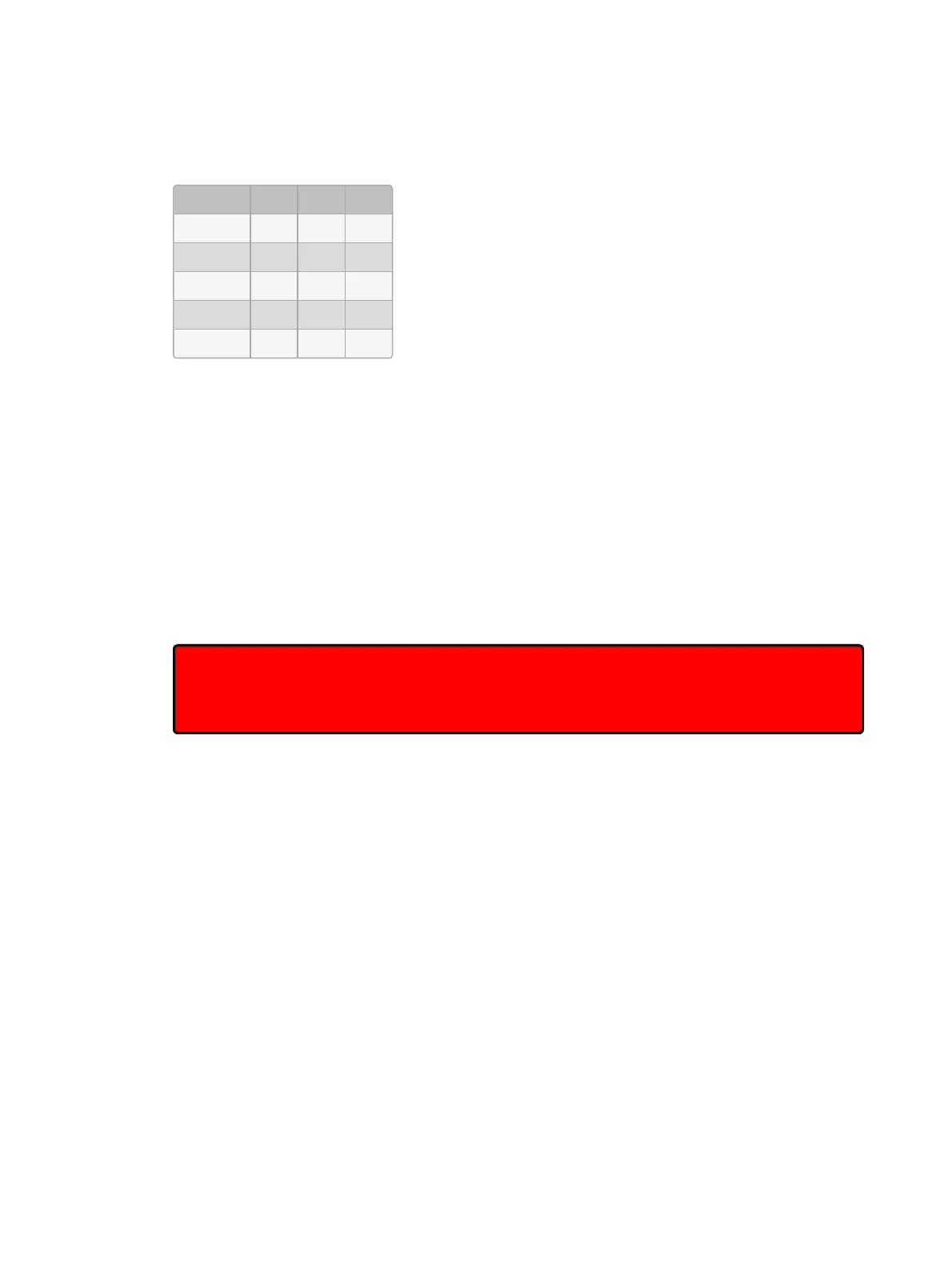
Fixture: 1 2 3
Cue 1 30 50 100
Cue 2 100 60
Cue 2.5 100
Cue 3 30 50
Cue 4 40
Hog 4 OS allows you to record a cue between other cues without destroying existing tracking
values. To do this, record the inserted cue without tracking forwards by deselecting the
Track Forward button on the Re cord O ptions Too lbar that appears after pressing the
Record key. For example:
1. Press the Re cord key.
2. Deselect Track Forward on the Record Options Toolbar.
3. Cu e 2 . 5 Ente r : insert Cue 2.5 into the cuelist on the currently chosen master.
This is sometimes referred to as recording ‘cue only’ as the changes only affect the recorded
cue and do not track into subsequent cues. Note that you can only turn tracking forwards off
when you insert a new cue into a cuelist or when you merge values into a cue, not when
adding new cues to the end of a cuelist.
Important: When recording or merging as ‘cue only’ any parameter values that did not
previously exist in a cuelist, an ‘Off’ indication will be placed into the subsequent cue for
these parameters. This Off indication will release the parameter value back to its previous
state (as if it were not programmed in the list).











 To Next Page