226 Hog 4 Operations Manual
11.7.3 Deleting without Tracking Forward
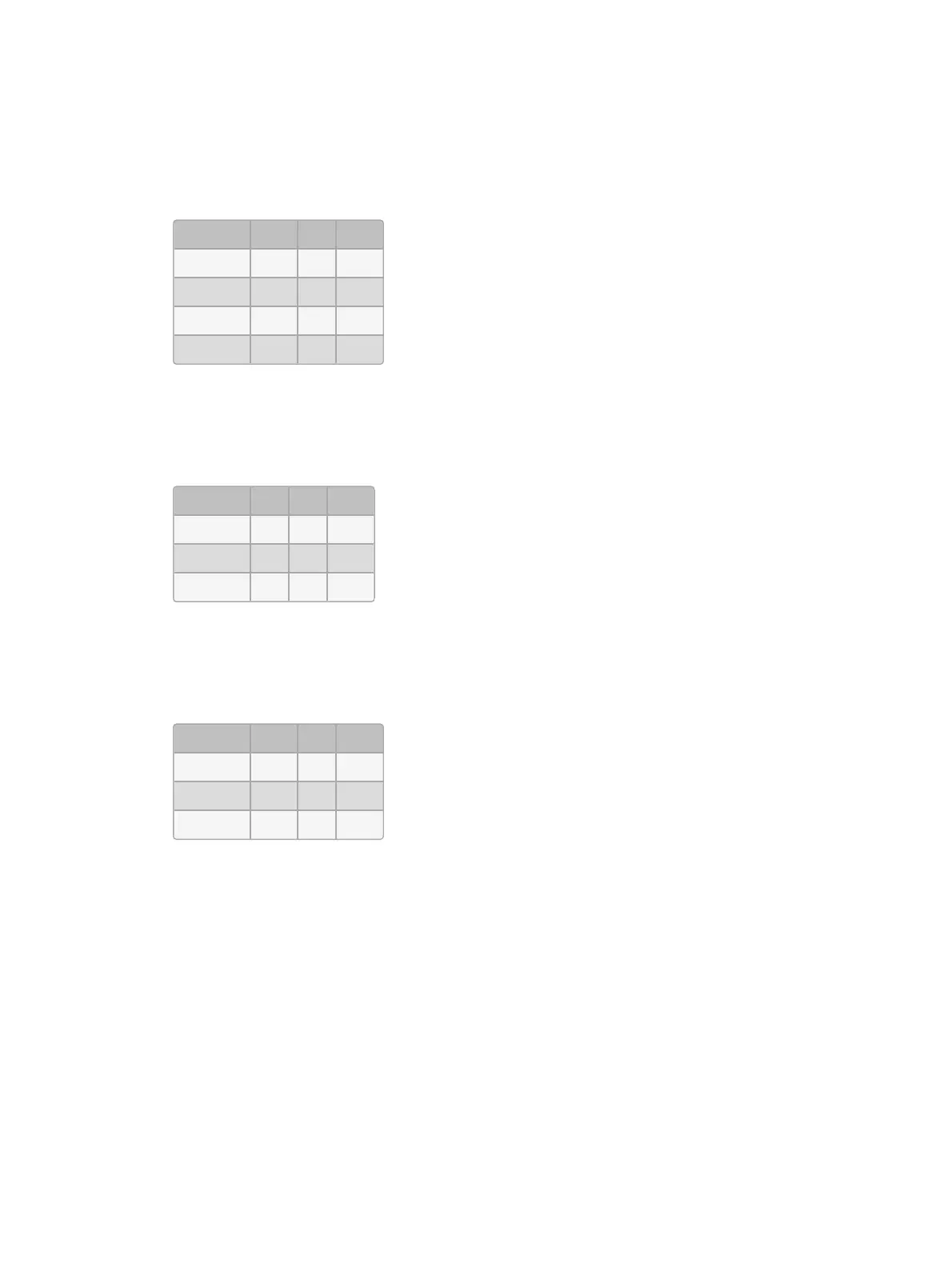
When you delete a cue, this can have unexpected consequences on later cues in the cuelist
if the deleted cue contained parameter values that tracked through to contribute to the state
of the later cues. For example, you have the following cues:
Fixture: 1 2 3
Cue 1 30 50 100
Cue 2 100 80 60
Cue 3 50
Cue 4 40
If you now delete Cue 2, Fixture 1 will track from Cue 1 through Cues 3 and 4 at 30%, rather
than going to the expected 100% in Cues 3 and 4:
Fixture: 1 2 3
Cue 1 30 50 100
Cue 3 50
Cue 4 40
You can prevent this happening by deleting the cue ‘cue only’ which adds any values that
previously tracked through from the deleted cue into the next cue:
Fixture: 1 2 3
Cue 1 30 50 100
Cue 3 100 80 50
Cue 4 40
To delete a cue without tracking the changes forwards:
1. List 1 Cue 3 : select the cue to be deleted.
2. Press and hold the Delete key. The Record Options Toolbar will appear.
3. Deselect Track Forward from the Record Options Toolbar.
4. Release the De lete key.











 To Next Page