2. Hog OS Fundamentals 23
Desktop Views
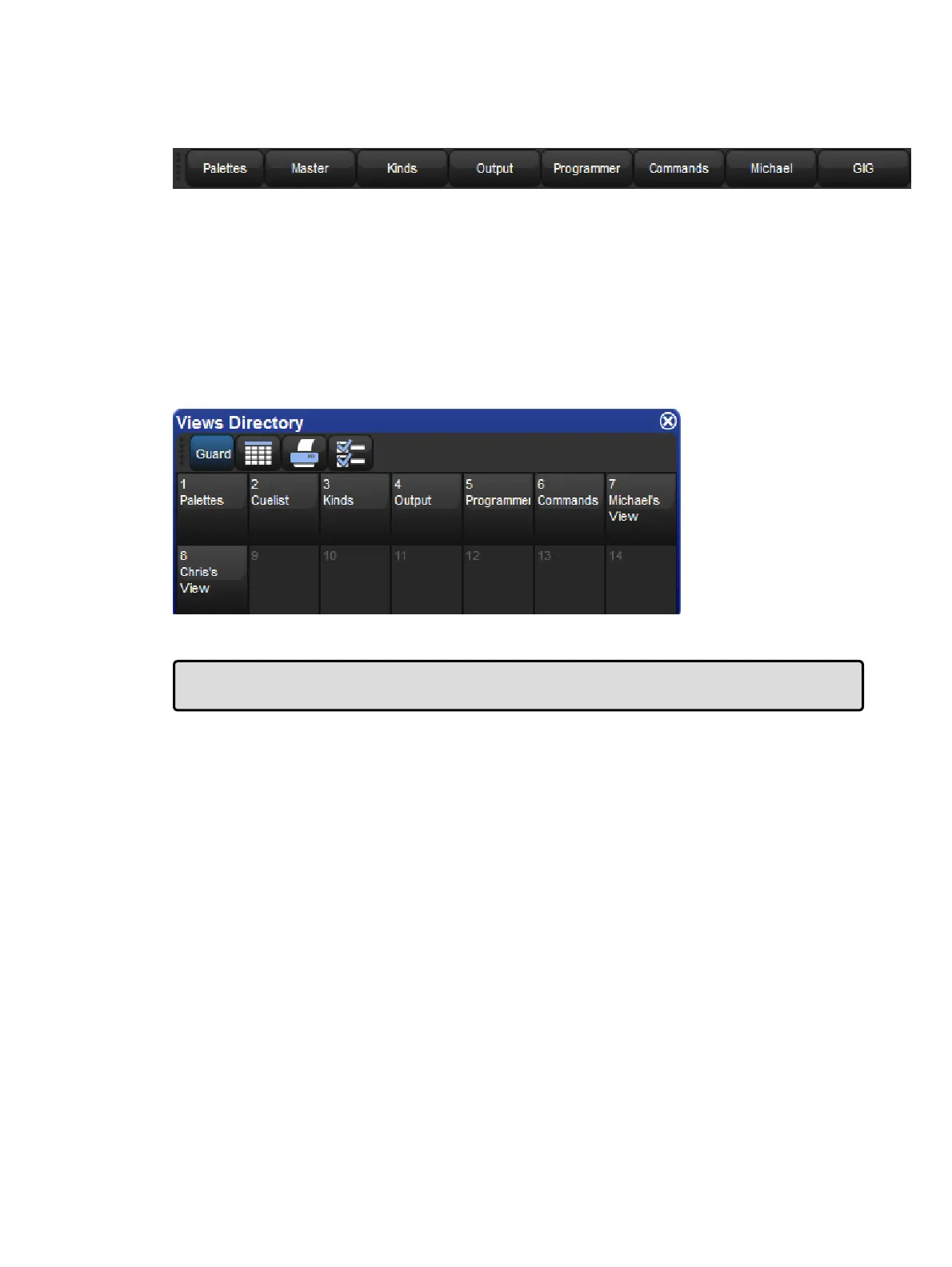
The View Toolbar
Desktop views allow you to store arrangements of windows for quick access so you do not
have to re-open and re-arrange windows to perform specific tasks. For example, you could
create a programming view that shows the group, palette and effects directories along with
the Programmer window. A playback view could display the cuelist and scene directories,
and the Output window.
Desktop views are managed by the View Toolbar at the top of the left-hand touch screen and
the Views Directory. You can open the Views Directory by holding down the Open key and
pressing the View button on the View Toolbar.
The Views Directory
Tip: When you create a new show, it automatically contains desktop views for palettes,
cuelists, output and the Programmer.
Recording a Desktop View
To record a desktop view using the View Toolbar:
1. Arrange the console's windows as you want them stored in the desktop view.
2. Hold down the Reco rd key and press one of the numbered buttons on the View
Toolbar.











 To Next Page