262 Hog 4 Operations Manual
Clock Recurrence Patterns
Clock triggers can be programmed to trigger on a regularly scheduled interval such as every
hour, day, or week based on the provided start time of the trigger and selected recurrence
pattern. To set a recurrence pattern for a clock trigger check the Re currence Pa ttern
check box. Then select the frequency (Time, Daily, Weekly, Monthly, Yearly) for which the
trigger should recur. A set of more complex options are then provided to further customize the
recurrence pattern.
For daily triggers, a recurrence value of "every 0 days" nullifies the recurrence pattern and
thus the clock trigger will only fire once on the start time specified.
For weekly triggers, a recurrence value of "every 0 weeks" indicates that the clock trigger will
fire on the days specified but only for the upcoming week. For example, a weekly pattern
value of "every 0 weeks" with the Monday and Tuesday options checked will fire the clock
trigger on the upcoming Monday and Tuesday and then stop recurring.
The Clock Toolbar
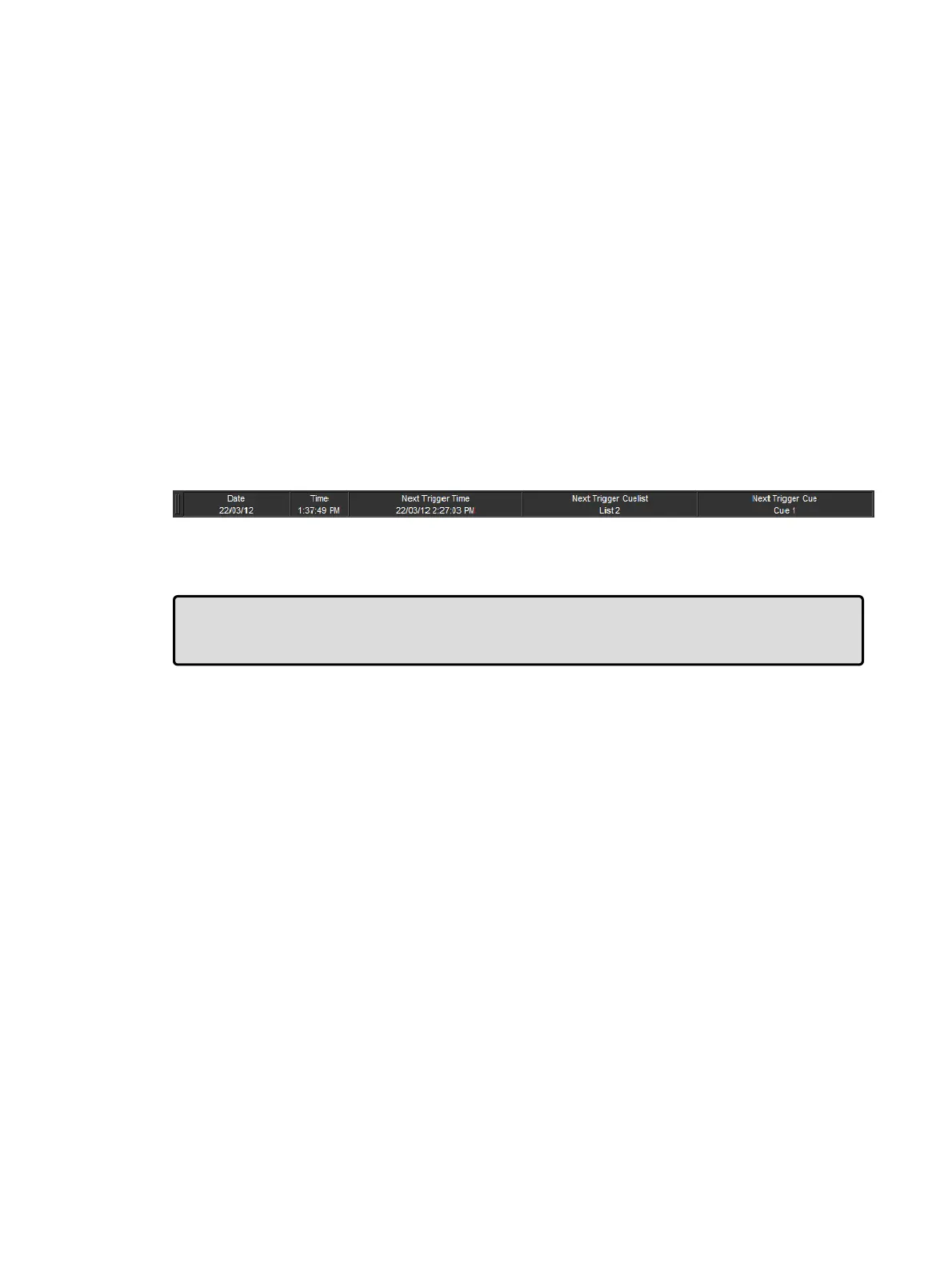
The Clock Toolbar shows the time and date according to the Hog 4 OS clock, and information
about the next cue due to be triggered. To open the Clock Toolbar:
Open + Clock : the Clock Toolbar will open on the left touchscreen:
The Clock Toolbar will automatically update its fields according to the next valid trigger.
Tip: You can assign the format of the date and time in the Ap pe arance pane of the
Prefe ren ces window. The Clock Toolbar, Cuelist triggers and the Command Line Toolbar
clock will display in the selected format.











 To Next Page