13. Timing 261
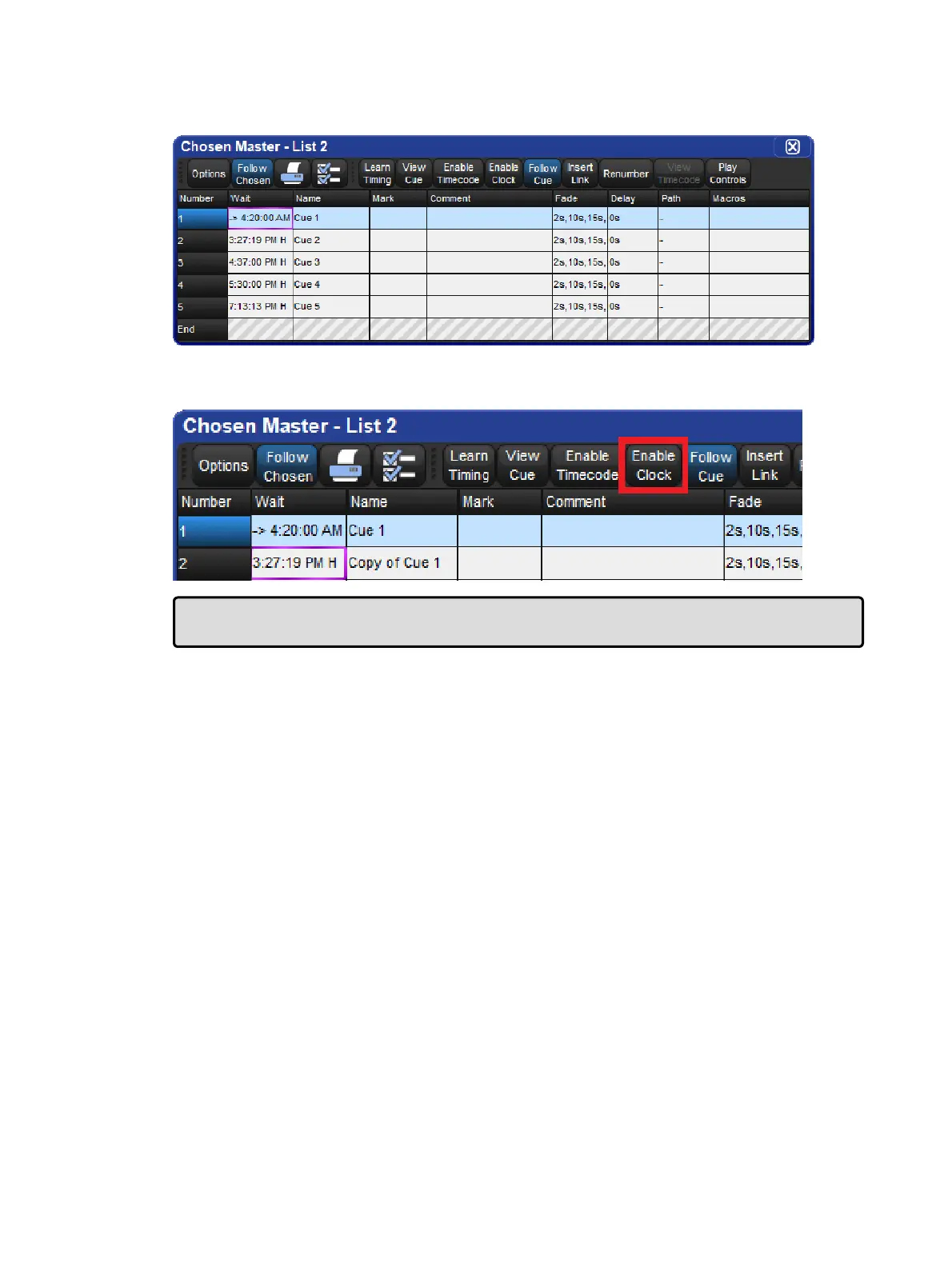
Once you have set a clock trigger, the cuelist window will now indicate the trigger time and
type in the cue’s Wait column:
To enable or disable the clock functions on a cuelist, toggle the Enab le Clock button in the
cuelist window:
Tip: You can also enable or disable the clock functions for a cuelist in the Cuelist Cuelist
Options window, or using macros; see Macros.











 To Next Page