2. Hog OS Fundamentals 25
Desktop View Options
By default, when you recall one desktop view it replaces the previous one, so that all
windows not part of the new view are closed. However, you can set views so that they are
additive instead:
1. Open + View : opens the Vie ws Directory.
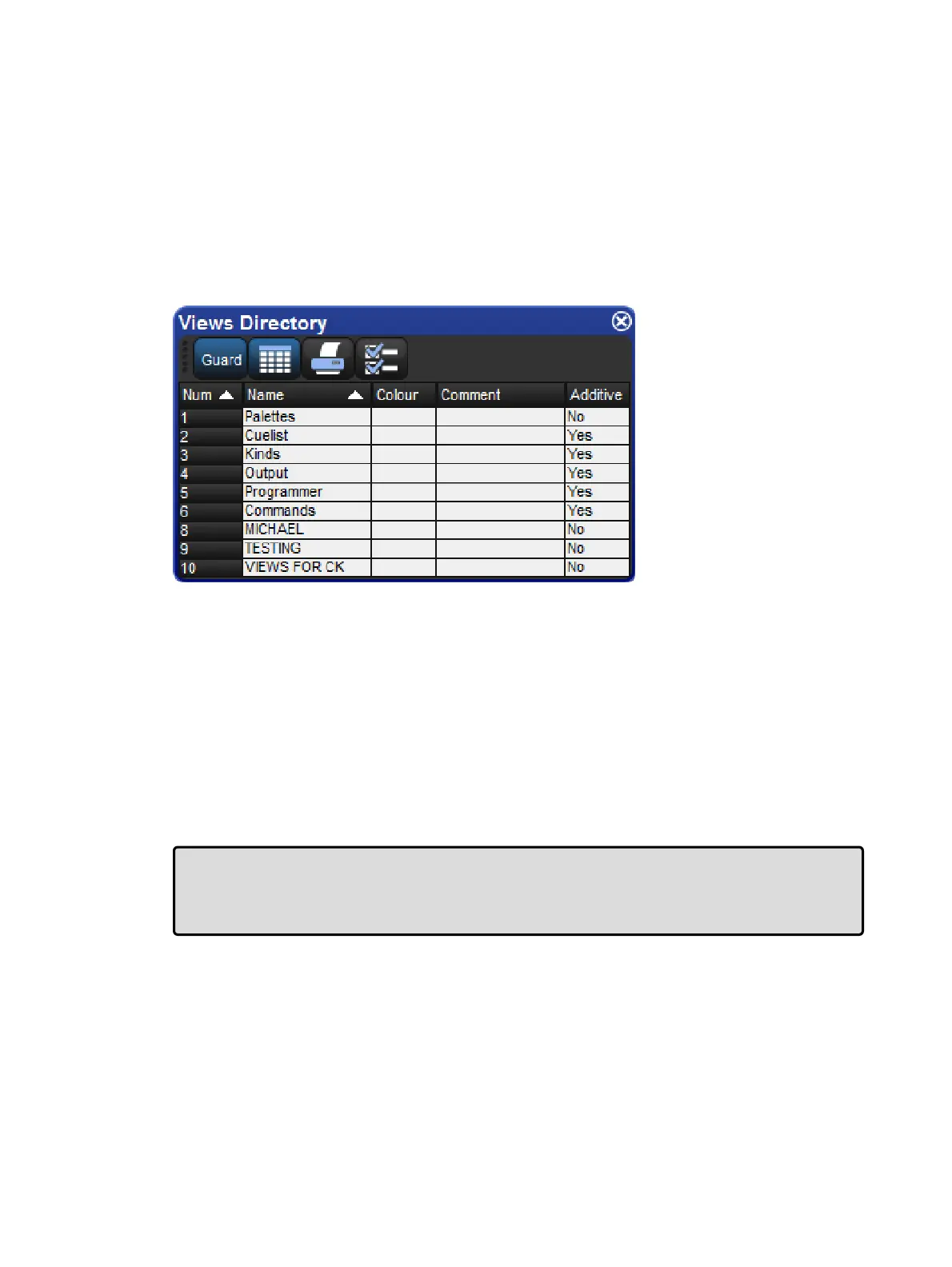
2. Select the directory's spreadsheet view.
3. Select the view's cell in the Additive column.
4. Press the Set key to toggle between Ye s and No .
The Views Directory in spreadsheet view.
Deleting a Desktop View
To delete a desktop view using the View Toolbar:
1. Hold down the Dele te key and press the appropriate button on the View Toolbar.
2. Press O K to confirm.
To delete a view using the Views Directory:
1. Open + View : opens the Vie ws Director y.
2. Check that the directory's G uar d button is depressed, so that you can select buttons
within the directory without activating them.
3. Press the appropriate directory button and then the Delete key.
4. Click OK to confirm the delete.
Tip: If you prefer not to be asked to confirm the delete action, select Don't Ask Me Aga in
in the confirmation window. You can re-enable the confirmation by going to Setup →
Prefe ren ces → Progra mming and selecting Confirm before de leting dire ctory
items.











 To Next Page