286 Hog 4 Operations Manual
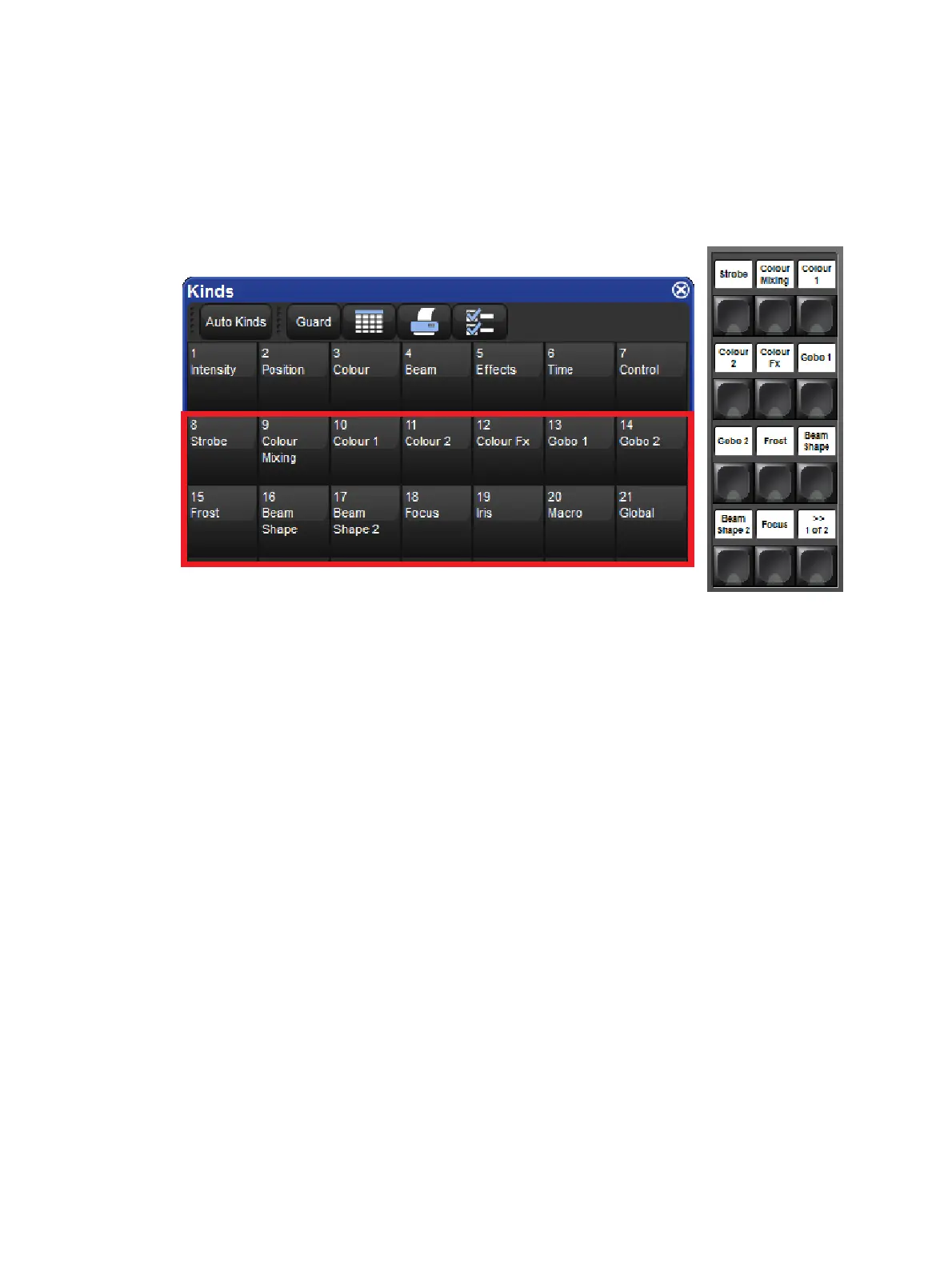
Auto-generating User Kinds
You can auto-generate user kinds for your show by pressing the auto-kind button a the top of
the kinds directory or fixture schedule window. Auto-generated user kinds are based on pre-
defined families of functions established by the Hog 4 OS. For example, Cyan, Magenta,
Yellow, Hue, and Saturation are all part of the colour mixing family as defined in the Hog 4 OS
library model, therefore a fixture that features they functions would automatically generate a
user kind containing CMY and HS functions.
Deleting Users Kinds
To delete a user kind:
1. Open + Kinds opens the Kinds Directory Window.
2. Press and hold De lete and then press the cell of the kind you wish to delete in the
Kinds Directory window.
Copying and Moving Users Kinds
To copy a user kind:
1. Open + Kinds opens the Kinds Directory Window.
2. Click on an existing user kind in the Kinds Directory, press the Copy key, and then
click on any empty cell in the Kinds Directory window.
To move a user kind:
1. Open + Kinds opens the Kinds Directory Window.
2. Click on an existing User Kind in the Kinds Directory, press Move and then click on
any empty cell in the Kinds Directory window.











 To Next Page