17. Playback 315
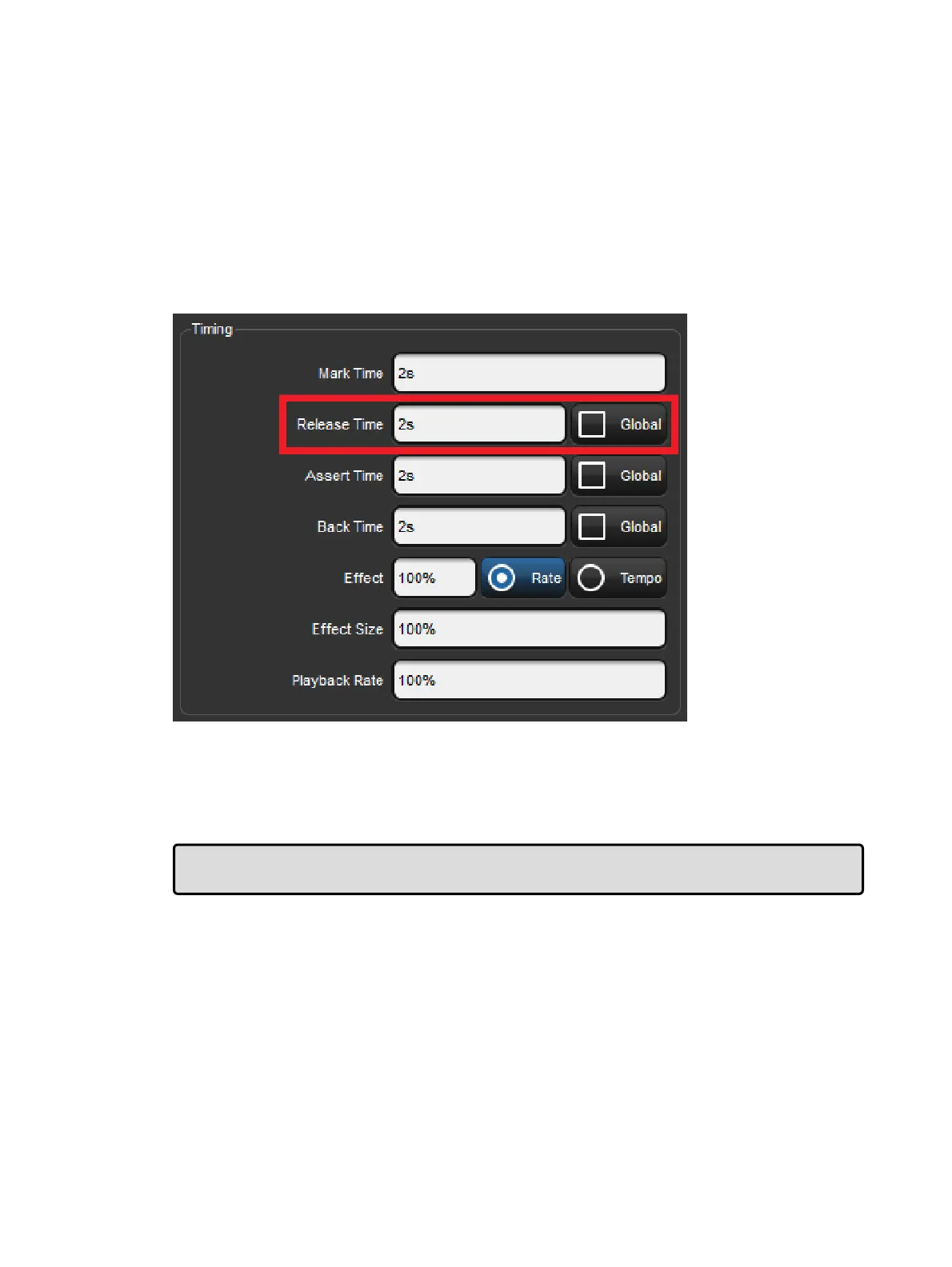
17.4.1 Release Time
When you release a cuelist and fixture parameters go to their default values, they do so over
the release time, and this change may be visible if you have fixtures that are visibly live on
stage (i.e. with intensities above zero). To assign the cuelist's release time:
1. Open + Choo se : open the Cuelist window for the cuelist on the selected master.
2. Option s → Cuelist : open the Options window and select the Cuelist pane.
Alternatively, press Pig + Choose to open the Options window for the
selected master.
3. Select the Release Time cell:
Set 5 , En ter : assign the desired release time.
You can also set a default release time for all newly created cuelists in the Cuelist pane of
the User Preferences window:
Setup → Preferences → Cuelist
Tip: If you have assigned a release time to a cuelist, and you want to revert to the default
release time, press the De fault button adjacent to the Rele ase Time cell.











 To Next Page