316 Hog 4 Operations Manual
17.4.2 Auto Release
You can use auto release options to send fixture parameters to their default values at the end
of a show, or to relinquish control of parameters for use by other cuelists when a cuelist is no-
longer needed.
There are two Auto Release options for cuelists:
Auto-release at End: Use this to automatically release the Cuelist at the completion
of the fade and delay times of the last cue.
Add Release End Cue: After the last cue has run another press of the Go key will
release the cuelist rather than running the first cue again.
You can assign auto release options in the Pla yback O ptio ns window of each cuelist:
1. Open + Choo se → O ptio ns → Cuelist
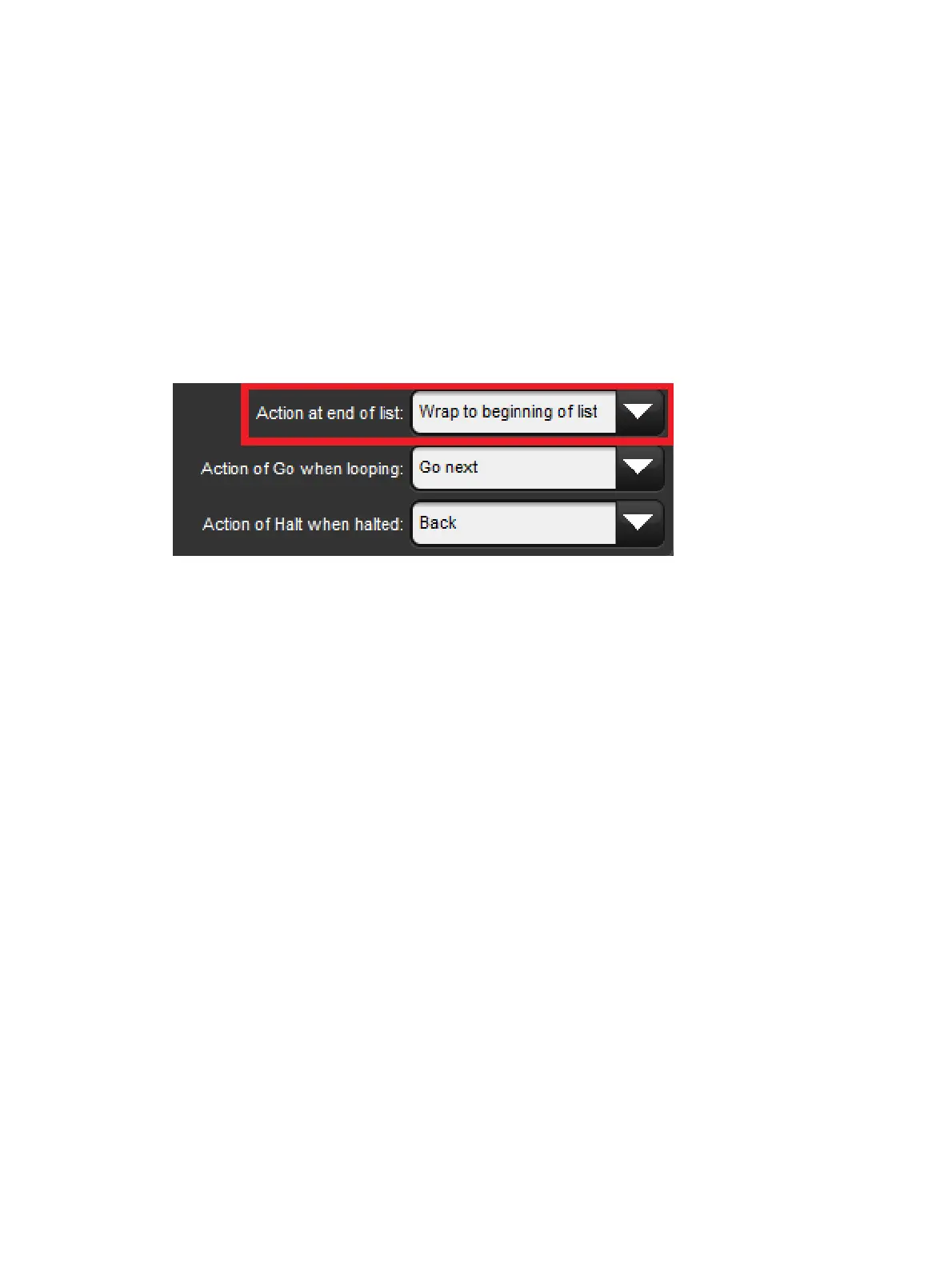
2. Select the desired release option from the Action at End of List menu:
You can also assign the default Auto Release options for new cuelists in the Action a t End
of List menu in the Cuelist pane of the Use r Prefe ren ces window:
Setup → Preferences → Cuelist











 To Next Page