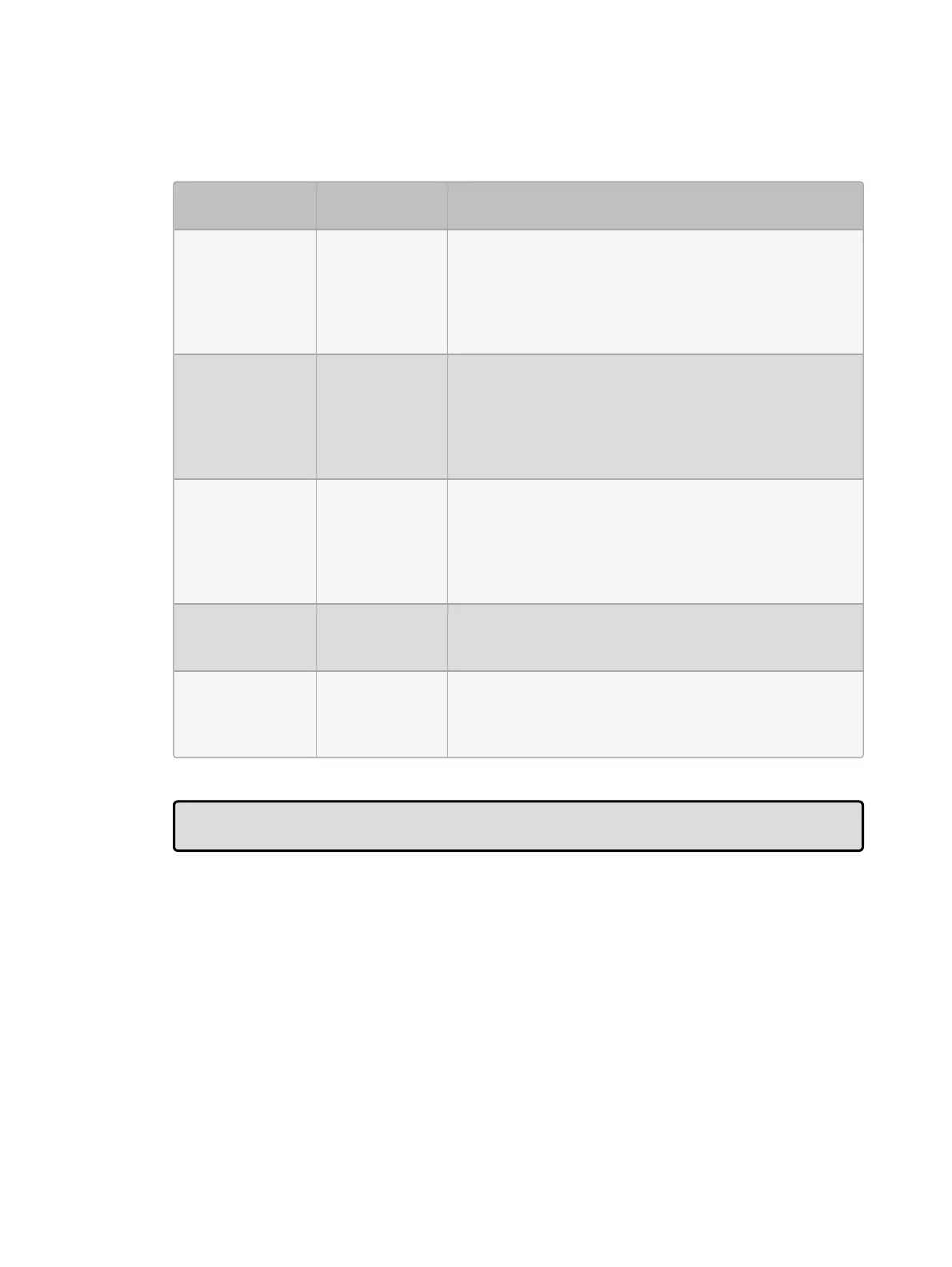
Timing
Function
Default Notes
Release Time 2s
The time over which parameter values go to their
default values when the cuelist is released; see
Releasing Masters. Using the global option will refer
the cuelist to use the global release time established
in the show manager window under the show settings
tab.
Assert Time 2s
The time in which parameters go to their values
determined by the cuelist when the cuelist is asserted;
see Asserting One Cuelist Over the Others. Using
the global option will refer the cuelist to use the global
assert time established in the show manager window
under the show settings tab.
Back Time 2s
The time in which the cuelist steps back to the
previous cue when the Pa use key is pressed twice (to
first halt the cuelist and then send it back). Using the
glo ba l option will refer the cuelist to use the global
back time established in the show manager window
under the show settings tab.
Playback Rate 100%
Default proportion rate of the cuelist. A rate of 50% will
double all cue timings, a rate of 200% will halve all cue
timings.
Cue Only Off
Releases previous cue's tracking values as you
advance the list to the next cue. Tracking values are
released using the total fade time of the cue being
played.











 To Next Page