17. Playback 323
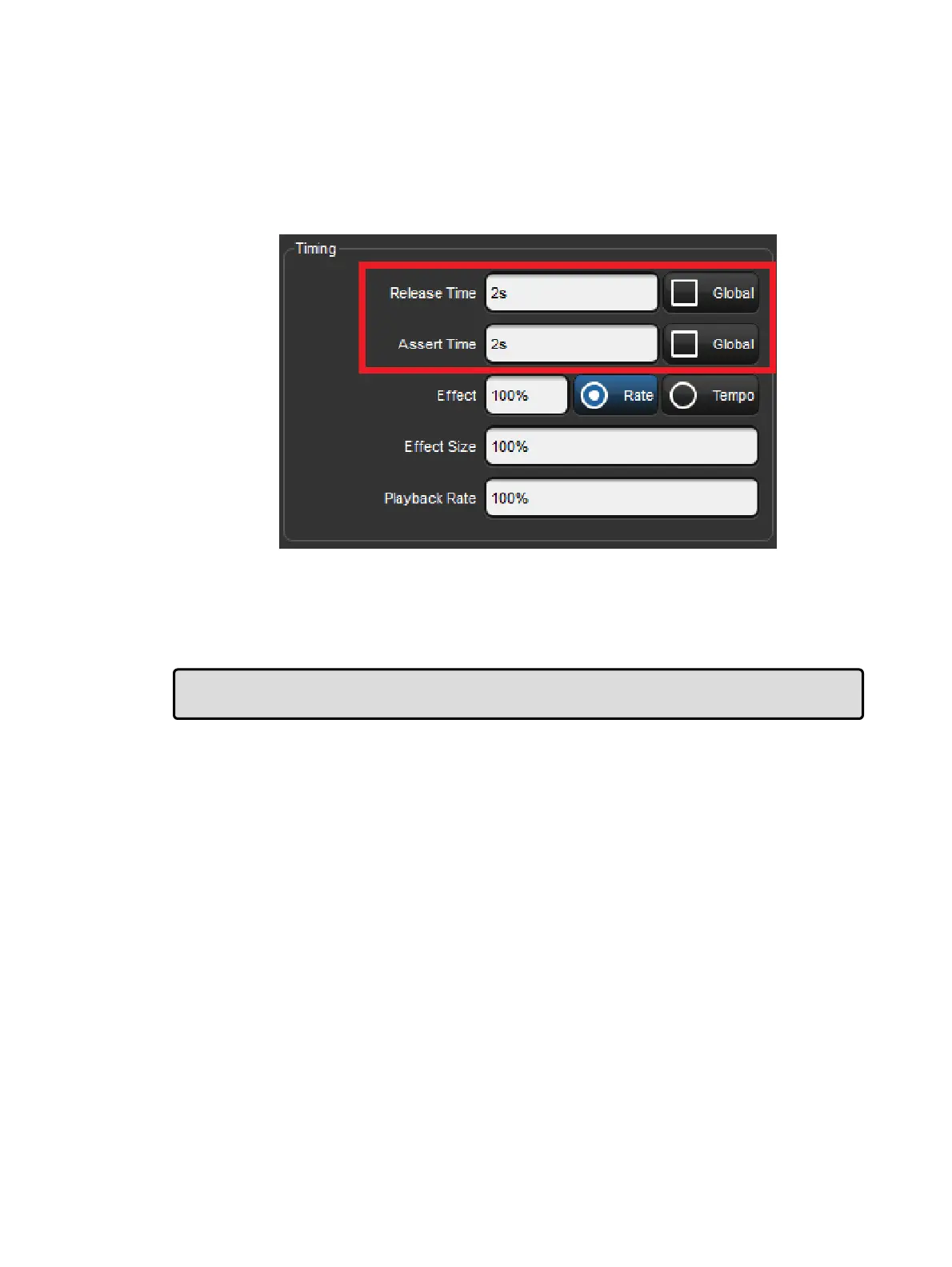
The Assert Time
When you assert a cuelist, the parameters that have been asserted change to their new
values over the assert time. The default is 2 seconds, but you can assign your preferred
assert time for each cuelist:
1. Open + Choo se → O ptio ns → Cuelist
2. Select the Assert Time cell:
3. Set 5 , Enter : change the assert time to 5 seconds.
Alternatively, you can assign the Assert Time for all new cuelists in the
Cue list pane of the User Pre ferences window:
Setup → Preferences → Cuelist
Tip: If you have assigned an assert time to a cuelist, and you want to revert to the default
assert time, press the De fault button adjacent to the Asser t Time cell.











 To Next Page