324 Hog 4 Operations Manual
17.6.2 Multiple Cuelists with Effects
If a cuelist contains parameters that are running an effect, when another cuelist or scene
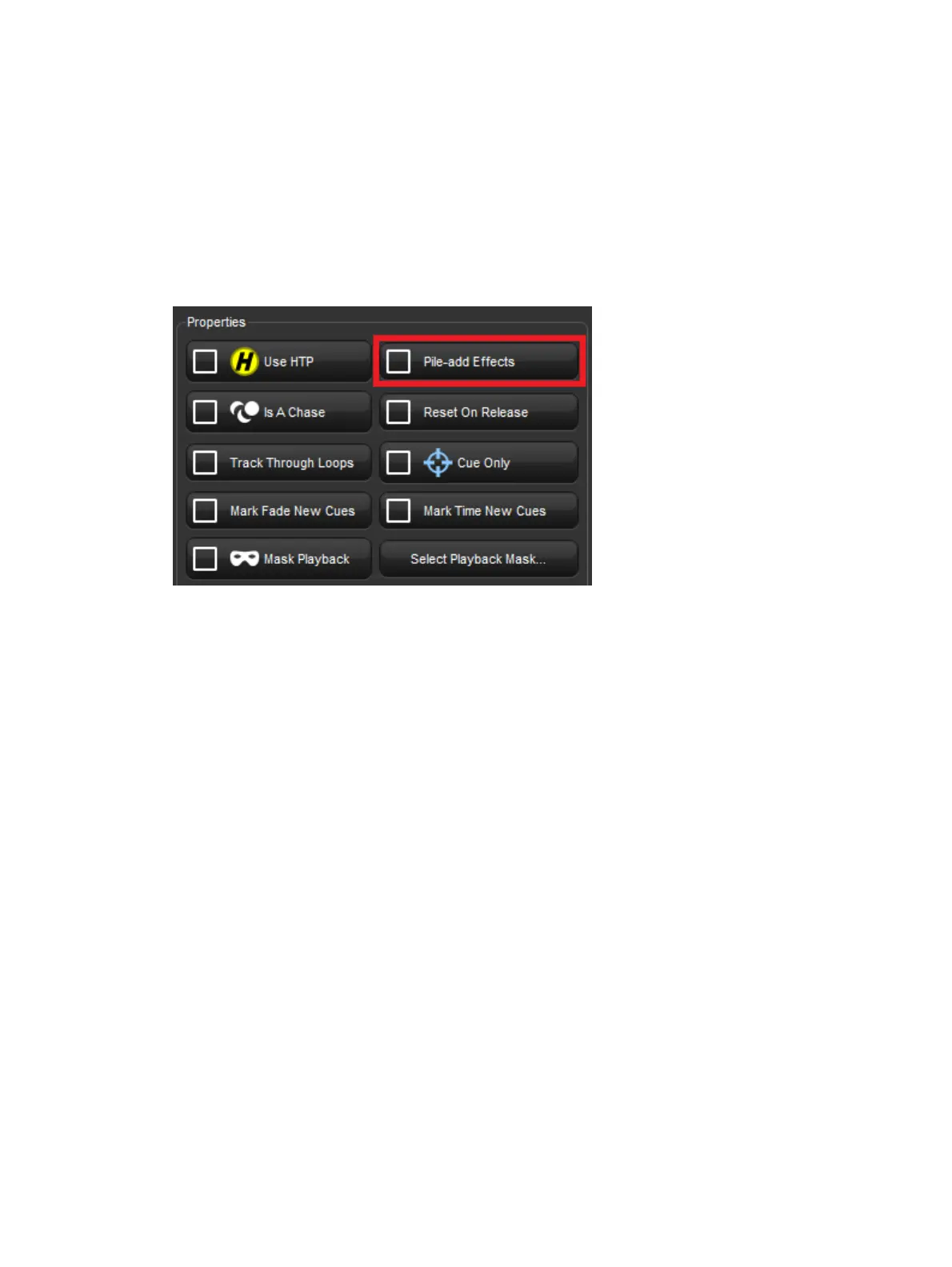
changes the underlying values of those parameters the effect continues to run. Use Pile-Add
FX to allow the second cuelist or scene to override the effect as well as the underlying
values.
For example, to allow the cuelist on Master 10 override effects running on other masters:
1. Open + Choo se : open the Cuelist window for Master 10.
2. Option s : open the cuelist's Playback Options window.
3. Select the Cuelist pane and select Pile -Add FX:
17.6.3 Changing a Cuelist's Priority
Under the LTP rule, the most recent action determines the value of a fixture parameter; see
Latest Take Precedence (LTP). However, you can override this precedence by assigning
cuelists different priorities, so that cuelists with a higher priority take precedence over those
with a lower one. If their priority is equal, then the LTP rule is used to determine which cuelist
will take precedence and determine the parameter's value.
A cuelist's default priority is 0, and you can assign the priority value in increments of 10. For
example, if the priority of the cuelist attached to Master 5 is at default (0) and the priority of
that on Master 4 is 50, then a Go triggered on Master 5 will not override common parameters
currently active on Master 4. Conversely, you can apply a minus priority so if the cuelist on
Master 3 has a priority of -50, common parameters on Master 5 will override those on Master
3.











 To Next Page