336 Hog 4 Operations Manual
17.9.4 Manually Cross-fading Cuelists
You can assign any cuelist to be operated manually, allowing you to perform the cross-fades
from one cue to the next manually using the fader. Once a cuelist's Manual Fade option is
selected, the Master's fader will no longer control intensity but instead the cross-fade
progress of all parameters from the current cue to the next; starting when moved from any
end stop, finishing when the opposite end stop is reached.
If you select Manual Fader mode when the fader is at 50%, a manual fade cannot take place
until the fader is moved to and then from an end stop, further moves from end stops will
manually work through the cuelist sequentially.
To assign a cuelist's Manual Fade function:
1. Open + Choo se → O ptio ns → Master
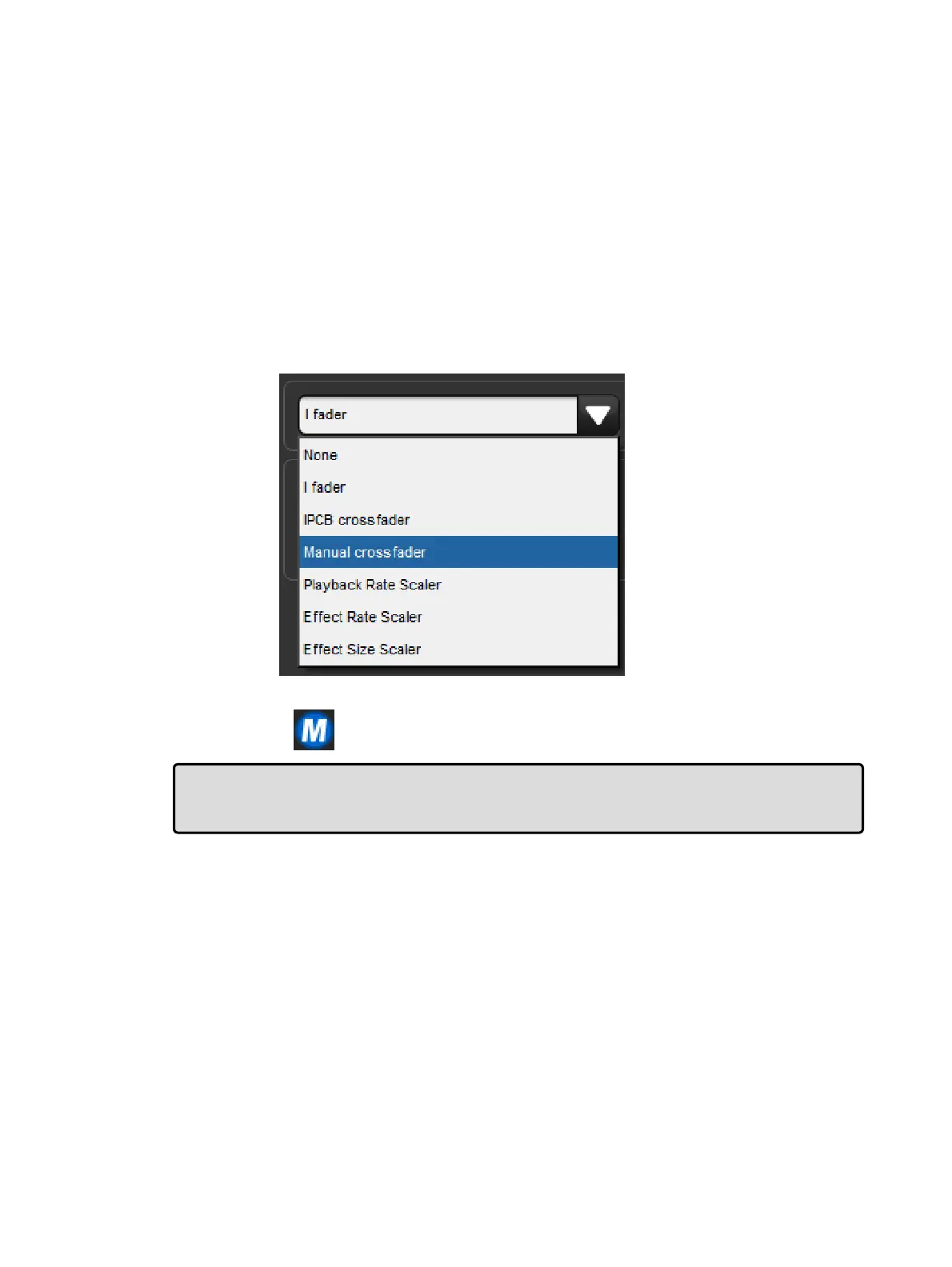
2. Select Manua l Crossfader from the Fader menu:
3. Manual cross-fade mode will be indicated on the Playback Bar above the selected
master by
Tip: You can still run cues to time when manual fader mode is selected by pressing the
master's Go key. Note that you have no individual fader control of intensity and
accidentally moving a fader will start to run the next cue manually.











 To Next Page