17. Playback 337
17.9.5 IPCB Faders
You can adjust the output values of any intensity, position, colour or beam parameter
information in any cuelist by assigning its fader as a IPCB fader.
To assign a cuelist to use the IPCB fader function:
1. Open the Prog rammer from the Main Toolbar. In the Programmer select the fixtures
and parameters that you wish to adjust with the fader, then assign a maximum level.
2. Re cord 1 Enter : record the cue to the chosen master.
3. Pig + Choo se → Playback O ptions : open the options window for the cuelist's
master.
4. In the Master pane, select IPCB Crossfader from the Fade r drop down menu.
You can now adjust the value of the parameters contained in the IPCB fader cue by adjusting
the master’s fader level.
17.9.6 Using a Cuelist as a Chase
You can use a cuelist to make a chase. Any wait times are ignored, and each cue becomes a
step in the chase where the rate is set in Beats Per Minute(BMP).
To use a cuelist as a chase:
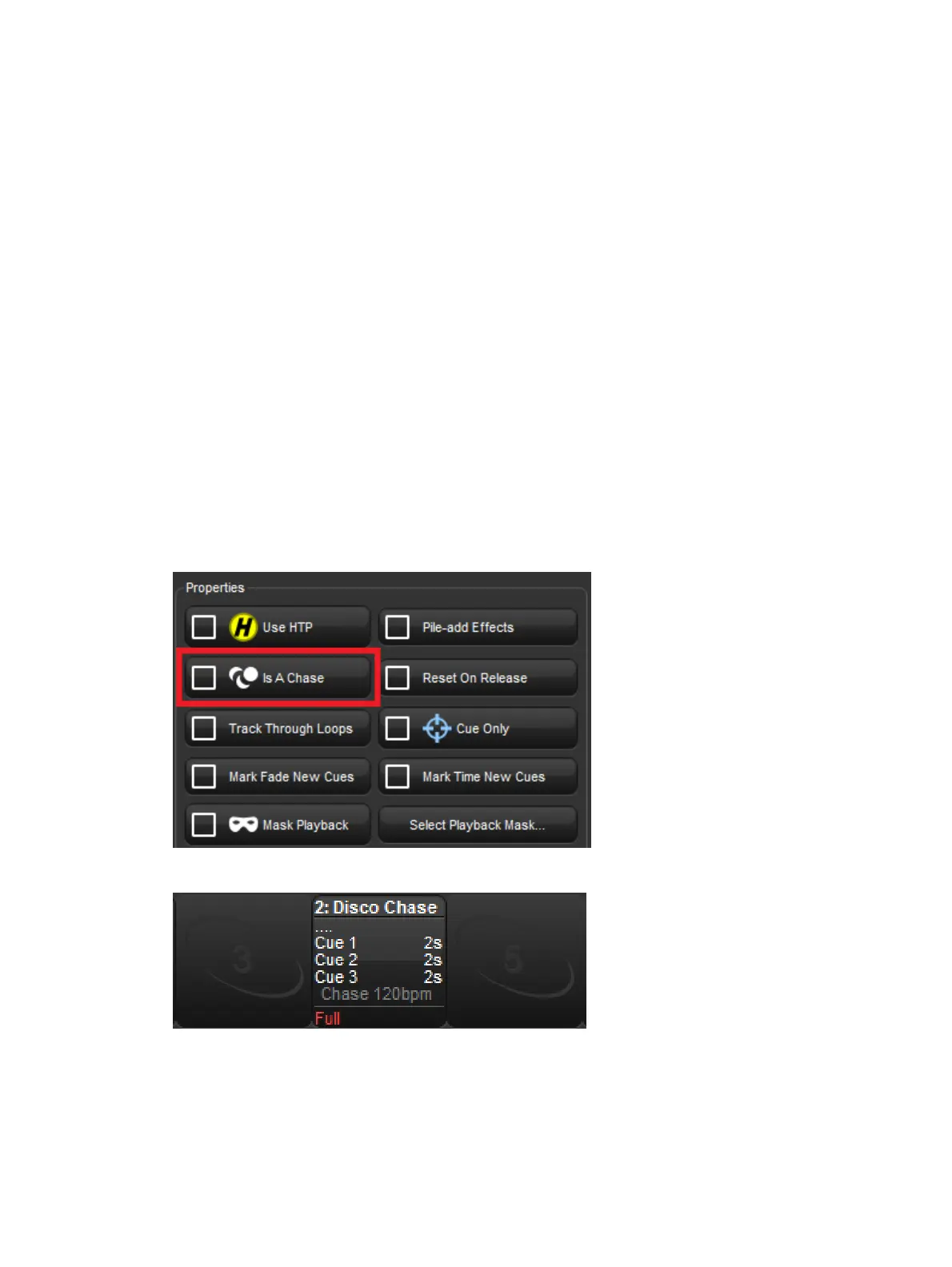
1. Open + Choo se → O ptio ns → Cuelist
2. Select Is a Chase:
The Playback Bar displays Cha se and the playback rate (which defaults to 120 bpm):
Each cue step is by default equivalent to a beat, so to set a chase that advances every
second the rate needs to be 60 bpm. By holding down the master's Ch oose key you can
modify the playback rate, effect rate, and effect size on the parameter wheels:











 To Next Page