338 Hog 4 Operations Manual
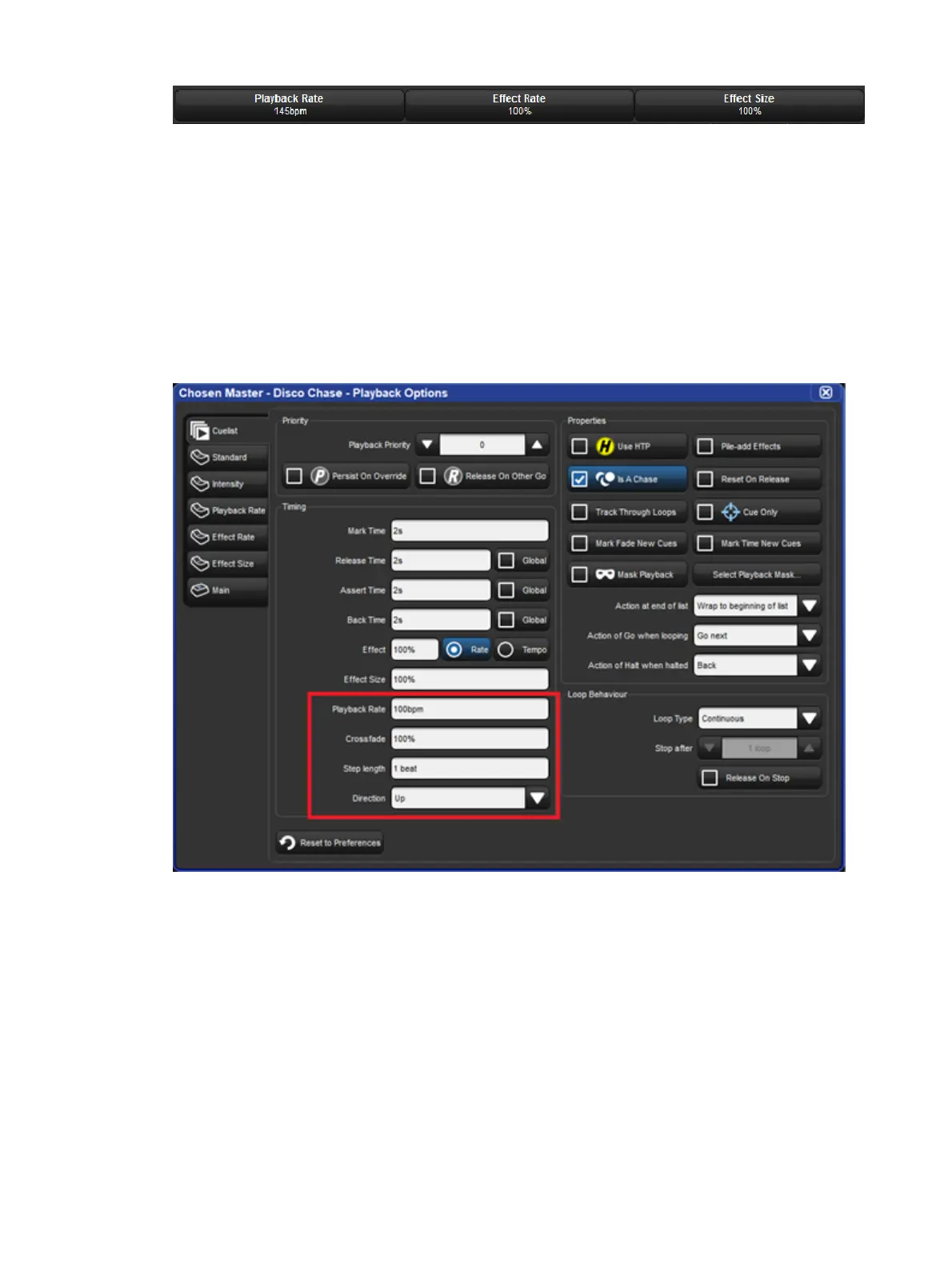
When you select Is a Chase the Cu elist pane of the Playback Options window, the
following chase options appear:
Playback Rate: the speed of the chase defined in Beats Per Minute (bpm).
Crossfade: the amount of each step that a cross-fade is active for, as a percentage.
Step Length: by default each cue step is the equivalent to a beat. This is helpful when
you enter a rate using Tap Sync, but then wish the chase to step at half or double
speed. For more on Tap Sync, see Adjusting Chase Rate with Tap Sync.
Direction: four directions are available: Up, stepping up through cue numbers; Down,
stepping down through cue numbers; Random, stepping randomly through cue
numbers; and Bounce, stepping up then down through cue numbers.











 To Next Page