366 Hog 4 Operations Manual
20.3.3 PixelMaps
PixelMaps are rectangular plot objects which can be used to map the pixels of rich media
content (photos and videos) onto lighting fixtures through a process known as PixelMapping.
In this section we will discuss how to add / remove PixelMaps in plots. For more information,
see the section on PixelMapping
To add a PixelMap:
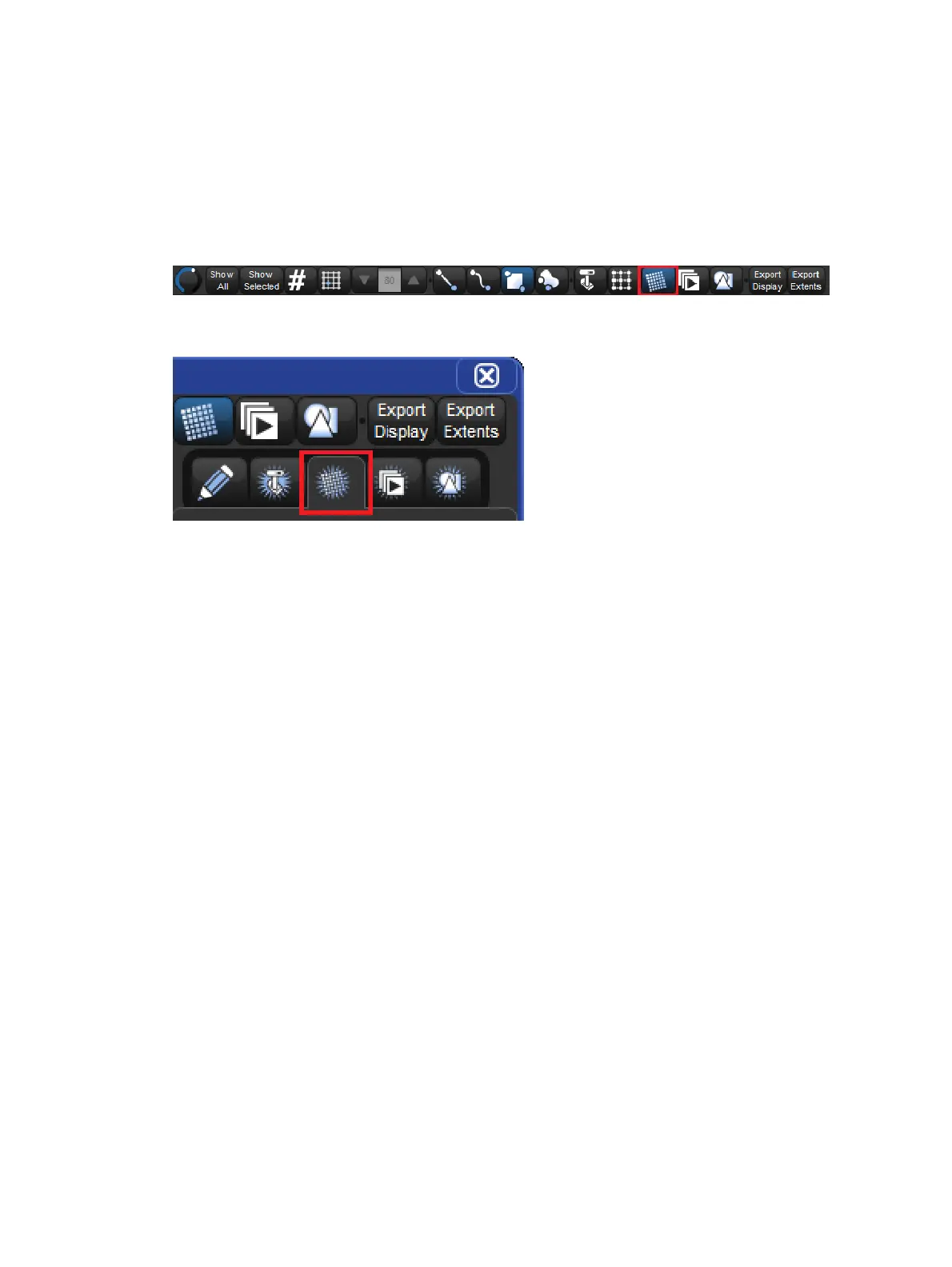
1. Enable the PixelMap edit button at the top of the plot window
2. Click on the add PixelMap tab of the properties pane located on the right side of the plot
window
3. Touch (or left click) and drag across the plot window to draw a pixel map
To remove a PixelMap:
1. Enable the gang edit button at the top of the plot window.
2. Select the gang you wish to delete.
3. Press the De lete button in the properties pane located on the right side of the plot
window.
To edit a PixelMap (change its properties):
Enable the PixelMap edit button at the top of the plot window.
1. Select the PixelMap you wish to edit.
2. Use the properties pane located on the right side of the plot window to adjust the
PixelMap's position, size, rotation, and layer assignments). You can also reposition the
PixelMMap by using the mouse or touchscreen to click and drag the PixelMap into
position. Similarly, you can resize and rotate the PixelMap using the blue object
handles that appear when the PixelMap is











 To Next Page