34 Hog 4 Operations Manual
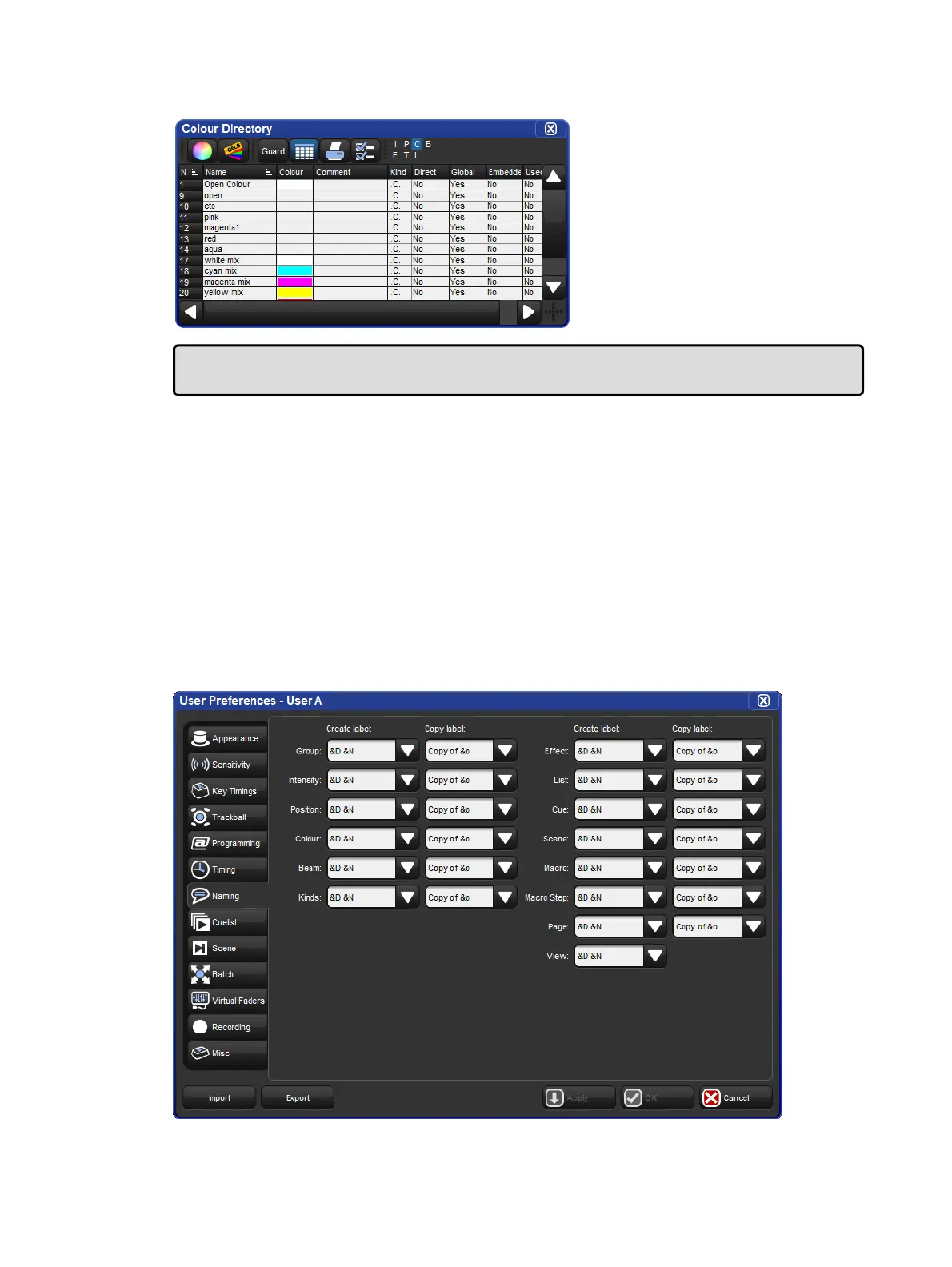
A Typical Directory in Spreadsheet View
Tip: You can override the effect of the Guard button by holding down the Pig key while
pressing a directory button.
2.7.1 Automatic Naming of Directory Items
When you create or copy a directory item, the console automatically generates a name for the
new item. For example, if you have two position palettes and them create a third, the new one
will be recorded into location 3 in the directory and named ‘Position 3’. If you then copy this
position palette, the copy will be recorded into location 4 in the directory and named ‘Copy of
Position 3’.
You can customize how the console automatically generates these names in the Default
Naming pane of the User Preferences window. To open the Default Naming pane:
Setup → Preferences → Default Naming
The Default Naming pane of the User Preferences window











 To Next Page