2. Hog OS Fundamentals 33
Display
Applies
To
Description
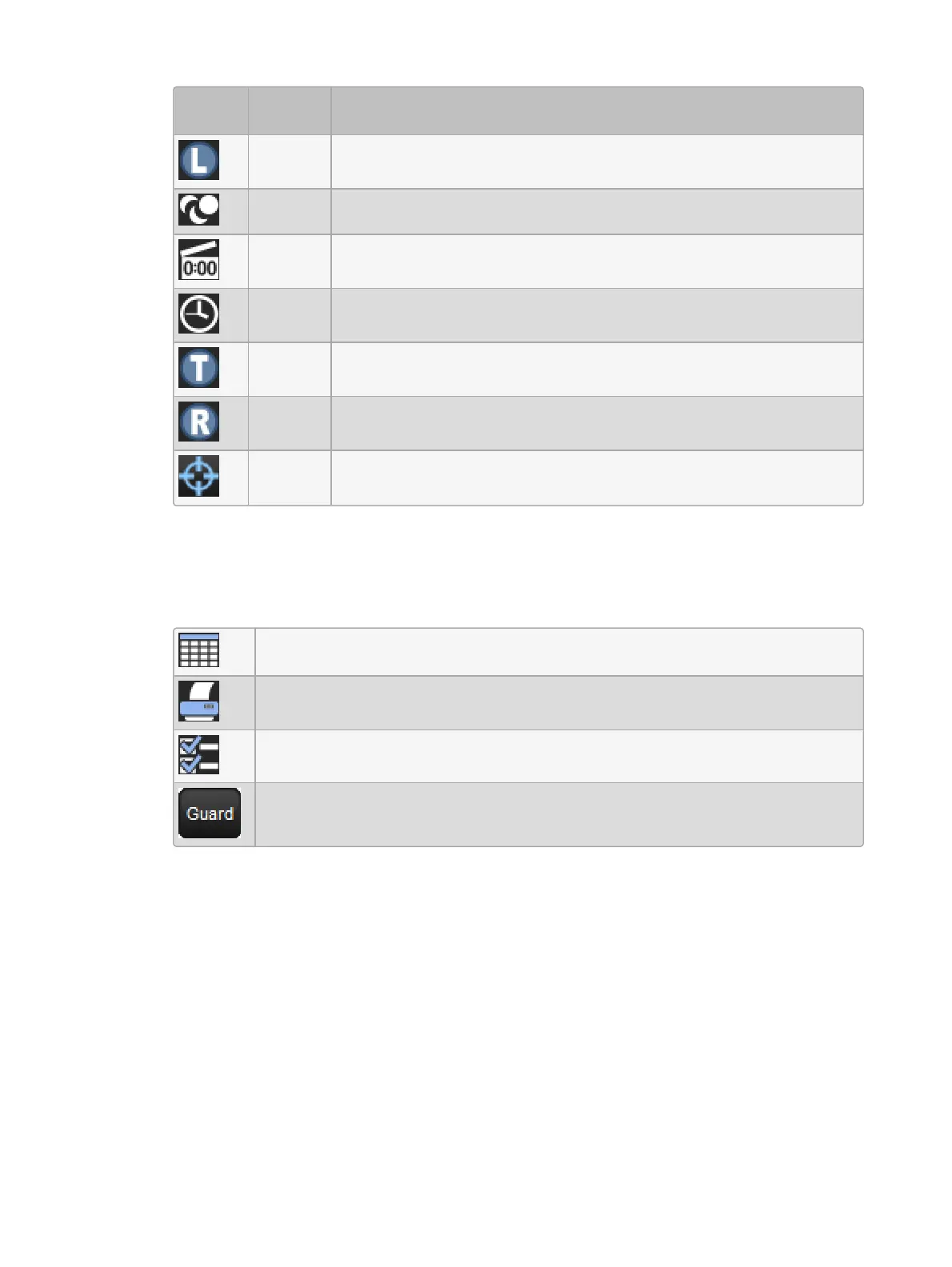
Palettes The palette is the Lowlight Palette. See Customizing Highlight.
Cuelists The cuelist is a chase. See Using a Cuelist as a Chase.
Cuelists The cuelist has timecode active. See MIDI.
Cuelists The cuelist has clock triggers that are enabled. See Clock Triggers.
Pages The page is the template page. See The Template Page.
Pages
The page has a Restore Activity macro defined. See Restoring
Activity When Changing Pages.
Cuelists The cuelist is cue only. See Cuelists and Tracking
You can rename the selected button (with the red border) by pressing the Se t key. You can
also hold Se t and press any button to rename it.
At the top of the window there are four buttons common to all directories:
Switches the directory to a spreadsheet view.
Prints the contents of the window.
Configure allows you to control various aspects of how the directory window
displays information.
When guard is enabled the buttons in the directory will not activate when
touched but rather token on the command line.











 To Next Page