20. Plots 369
Importing Images from a USB Flash Drive
To import an image file from a USB Flash drive into the image file list:
1. Use a personal computer to copy the image file you wish to import to an external USB
flash drive.
2. Insert the USB flash drive into the console.
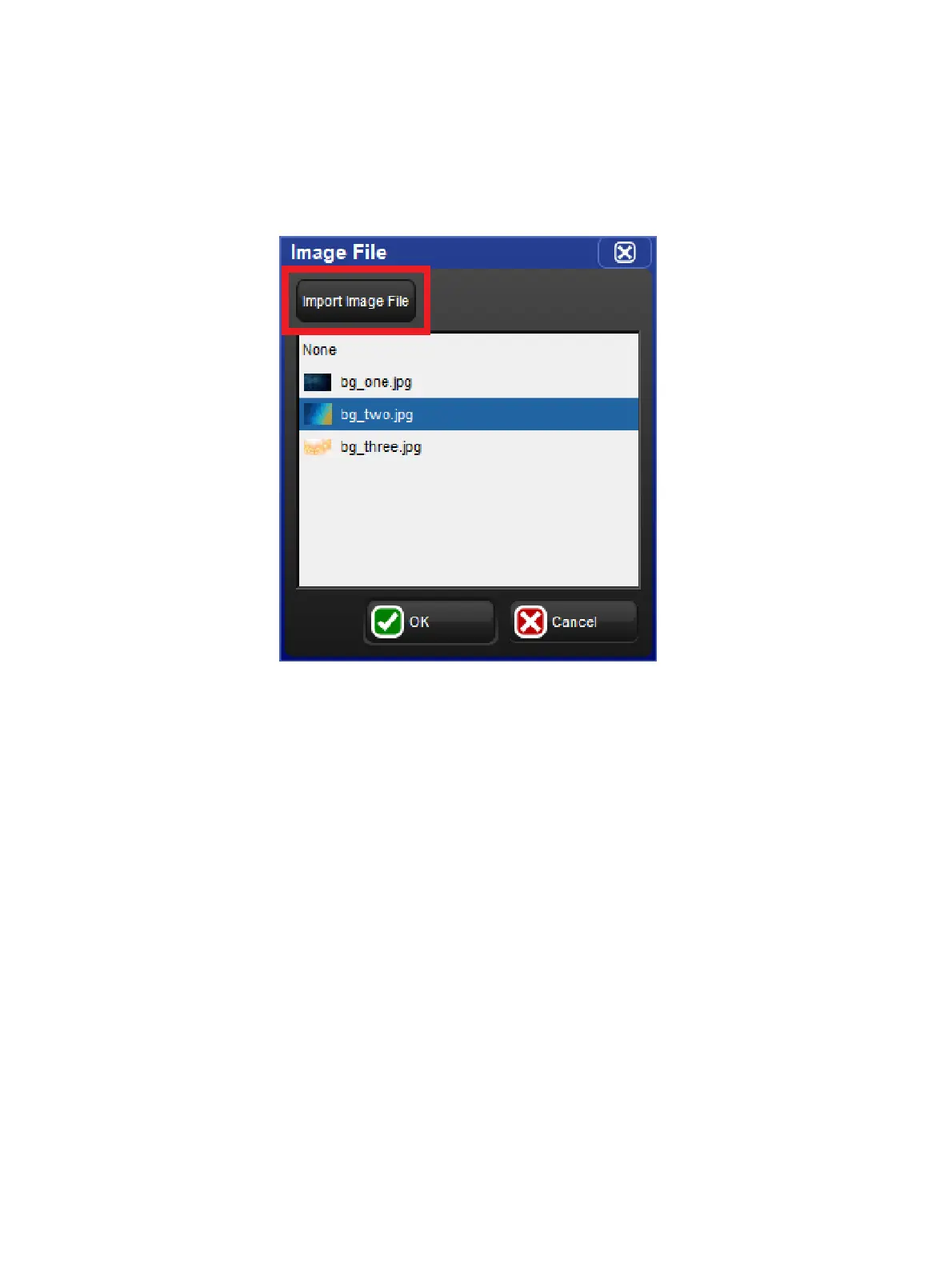
3. Click on the "Import Image File" button at the top of the Image File dialogue box.
4. Browse to the external USB flash drive and select an image to import. Press okay to
confirm.
5. The image has now been imported and is available for assignment to image rectangles
for all plots in the show unless the image is manually deleted using the right click menu
in the Image File dialogue box.











 To Next Page