392 Hog 4 Operations Manual
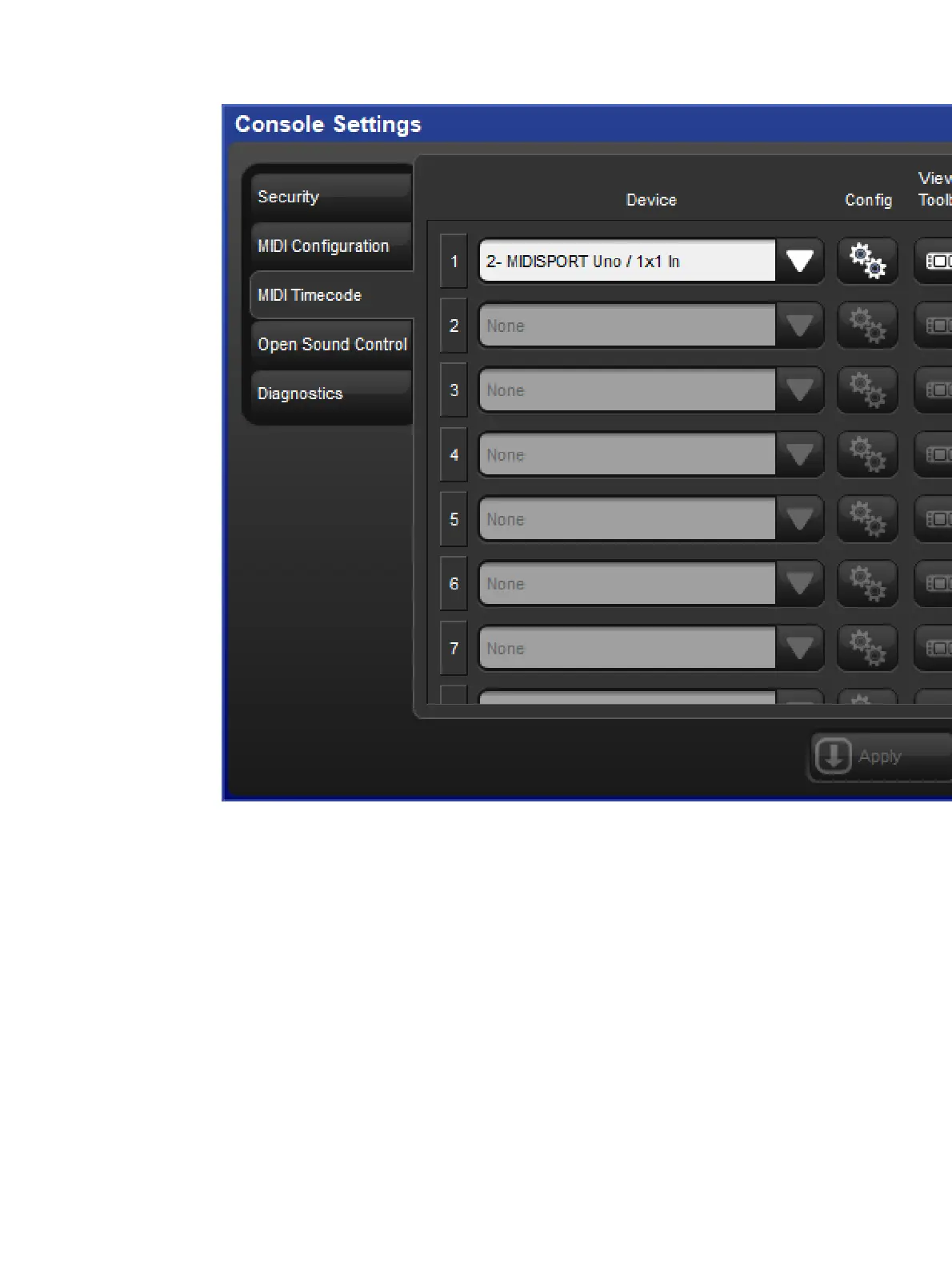
4. Select the MIDI Timeco de tab of the Console Settings Window.
5. Map a MIDI device to one of the eight indexes by pressing the blue plus button located
to the far right of the index, then select a MIDI device from the device drop down menu
and press App ly. (On Hog 4, Hog 4-18, and Full Boar 4 consoles the built-in MIDI
device will be listed as "LTCMIDI".)
21.4.2 View Incoming MIDI Timecode
To view incoming timecode for a specific MIDI device navigate to the MIDI Timecode tab of
the Console Settings window and enable the "View Timecode Toolbar" button on the
appropriate device mapping.
The timecode toolbar can also be displayed for a MTC device by pressing the View
Timecode button at the top of the master window for any cuelist that is assigned to receive
timecode from that device.











 To Next Page