21. MIDI 393
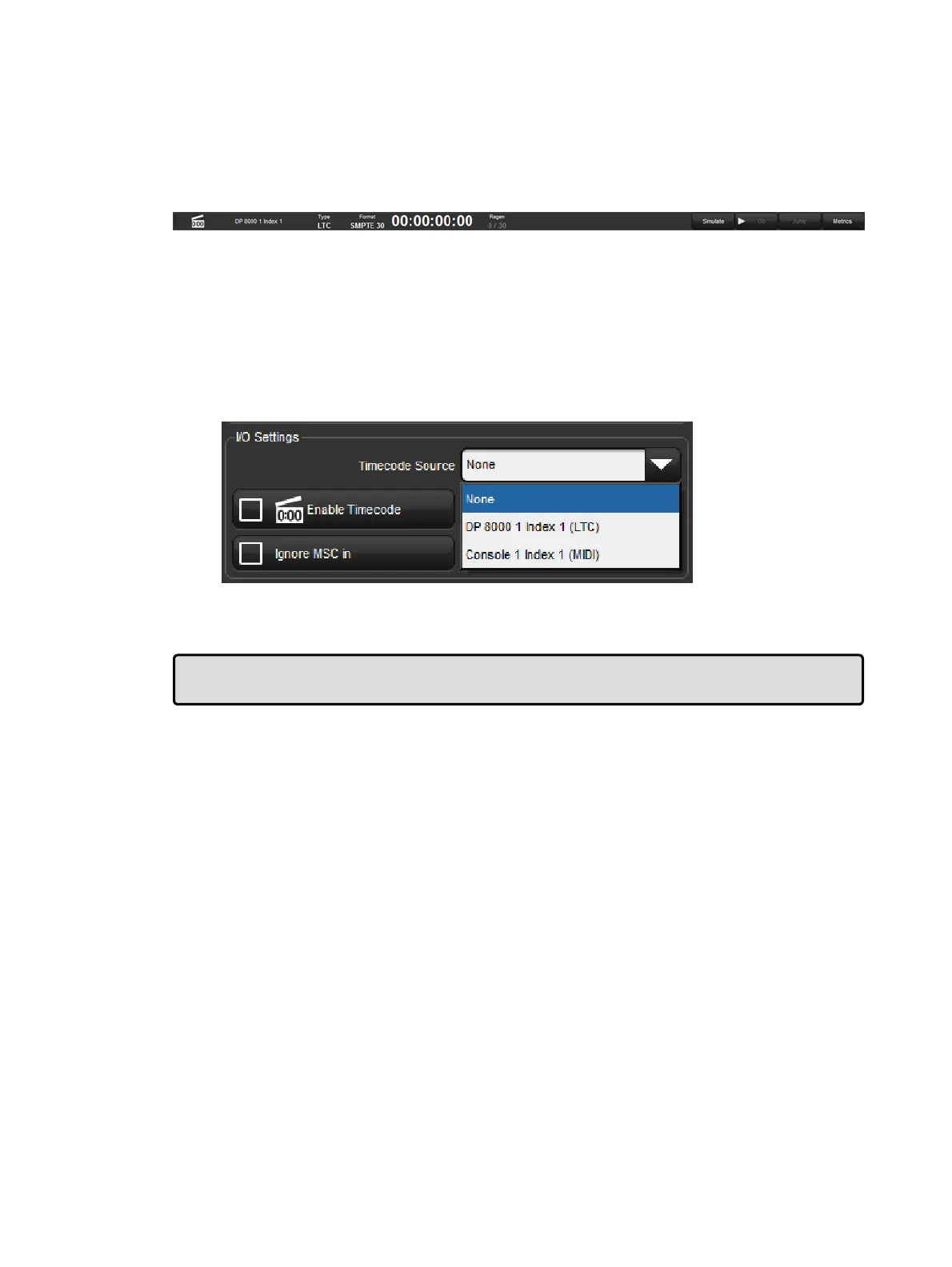
The Time code Toolbar displays the incoming timecode type, format, value, and frame
regeneration. Frame Regeneration occurs when the console does not receive a clean
timecode signal and must make up for the missing frames in order to prevent missed cues.
You can set how many frames of timecode are generated by the console before timecode is
lost in the timecode settings window by clicking on the word movie slate icon in the timecode
toolbar.
21.4.3 Triggering Cues from MIDI Timecode
Each cuelist can be assigned to listen to different timecode sources from different consoles.
To select MIDI timecode as the source:
1. Open → Choose : open the Cuelist window.
2. Option s → Cuelist : go to the Cuelist pane of the Playback Options window.
3. Select a MIDI timecode source from the drop down list:
4. Ensure that the Enable Timeco de button is selected.
Tip: The Enable Timeco de button at the top of a cuelist's master window allows for quick
enabling and disabling of timecode input for that specific cuelist.
To trigger a cue from timecode:
1. Open → Choose : open the Cuelist window.
2. Select the Wait cell for the cue, and press Set.
3. From the toolbar, select Timecode.
4. Enter a timecode value in hours, minutes, seconds and frames, in the form
h h / m m/ s s . f f , then press En ter.
As well as entering timecode values manually, you can use Hog 4 OS's learn timing function
to quickly associate timecode values with cues; see Learn Timing.
By default, cuelists will follow the incoming timecode, even if the timecode skips forwards or
backwards; generally, this is a useful behaviour as, for example, you might ‘rewind’ the
timecode during rehearsals to repeat a part of the show, and the cuelist will automatically go
to the correct cue. Sometimes you may want to prevent a cuelist going backwards if the
timecode goes backwards. You can do this using Trigger Forwards Only:
1. Open + Choo se → O ptio ns → Cuelist
2. Select Trigger Forwards On ly.











 To Next Page