38 Hog 4 Operations Manual
To edit the contents of cells in a spreadsheet: Click or press in the cell and press
the Set key, or double-click in the cell. Type in the new value, and press Enter. This
works for both a single selected cell and a range. Cells that are editable have a red
border when selected. Cells labeled Colour in cuelists and scenes will open the colour
selection dialog to allow you to colour code the cell.
2.8.1 Compact Mode
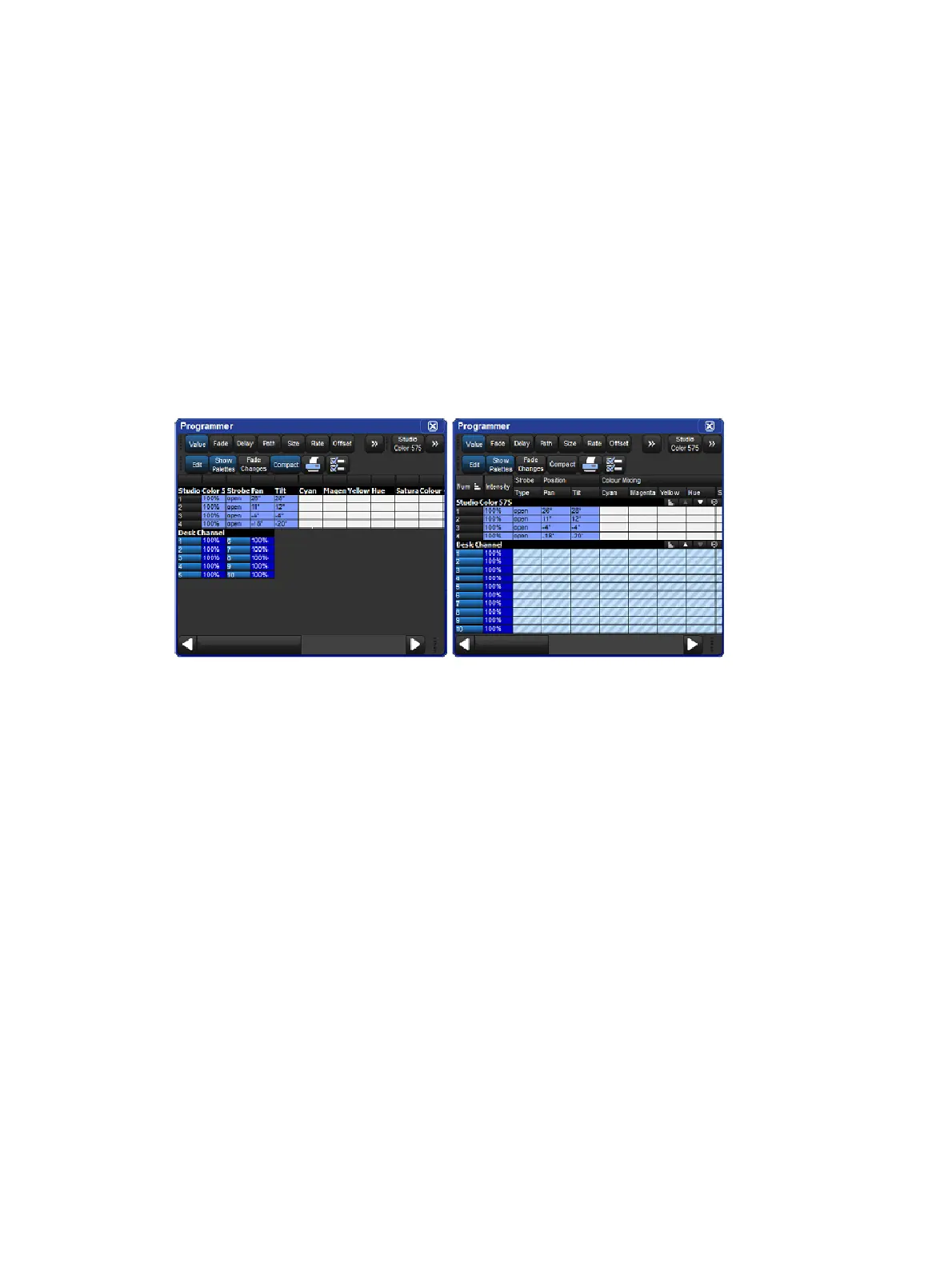
In editor windows such as the Programmer, you can use compact mode to save space and
get more information onto the screen without having to scroll as shown in the image below. In
compact mode, fixtures only have columns for the actual parameters that they have, rather
than for all the parameters of any fixture in the editor. The console uses the display space
more efficiently by having multiple columns for fixture types with few parameters, such as
desk channels.
You can toggle compact mode on and off with the Compact button in the window's toolbar.
A spreadsheet with and without Compact Mode
Note that you cannot sort a spreadsheet that is in compact mode.











 To Next Page