24. Macros 421
Running a Keystroke Macro from the Macro Window
1. Open + Macro: open the Macro Directory Window.
2. Check that the G ua rd button is depressed.
3. Open + [Ma cro 4]: open the required Macro.
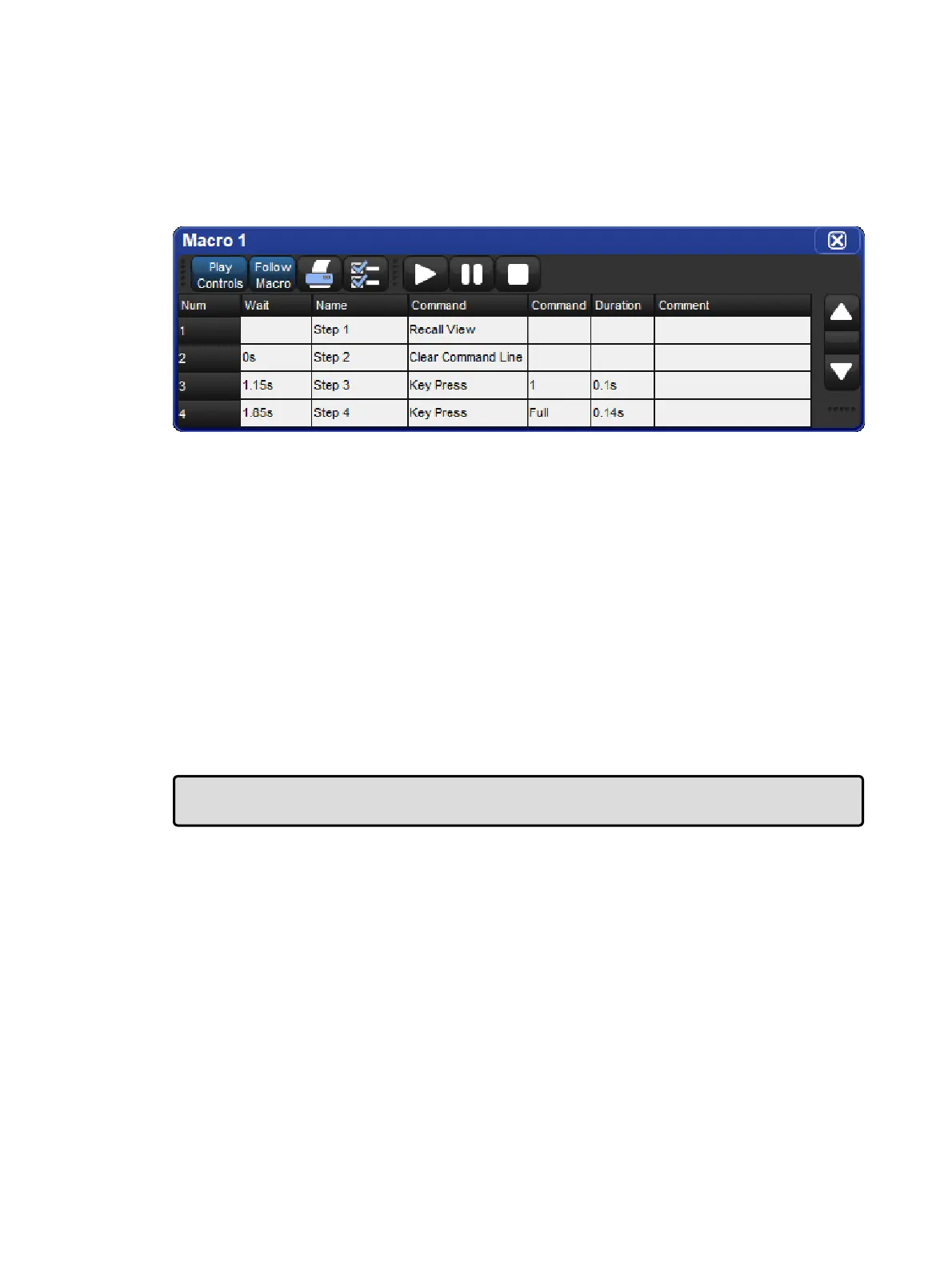
4. Press the Pla y Controls button in the Macro window. The on-screen playback
controls will appear:
The controls are, from left to right, the G o,Pa use, and Stop buttons.
During Macro playback, the Macro LED will illuminate green and the keystroke macro icon on
the status toolbar will turn green. If the keystroke macro is paused, the Macr o key LED will
flash green.
Running Keystroke Macros from the Command Line
To run a Keystroke Macro from the command line:
Macro 1, Enter: sends a start command to Macro 1.
During keystroke macro playback, the Macro LED will illuminate green and the keystroke
macro icon on the status toolbar will turn green.
Tip: Keystroke Macros can also be triggered within cuelists or scenes by using a Comment
Macro. See Comment Macros for more information.











 To Next Page