422 Hog 4 Operations Manual
24.3.4 Editing Keystroke Macros
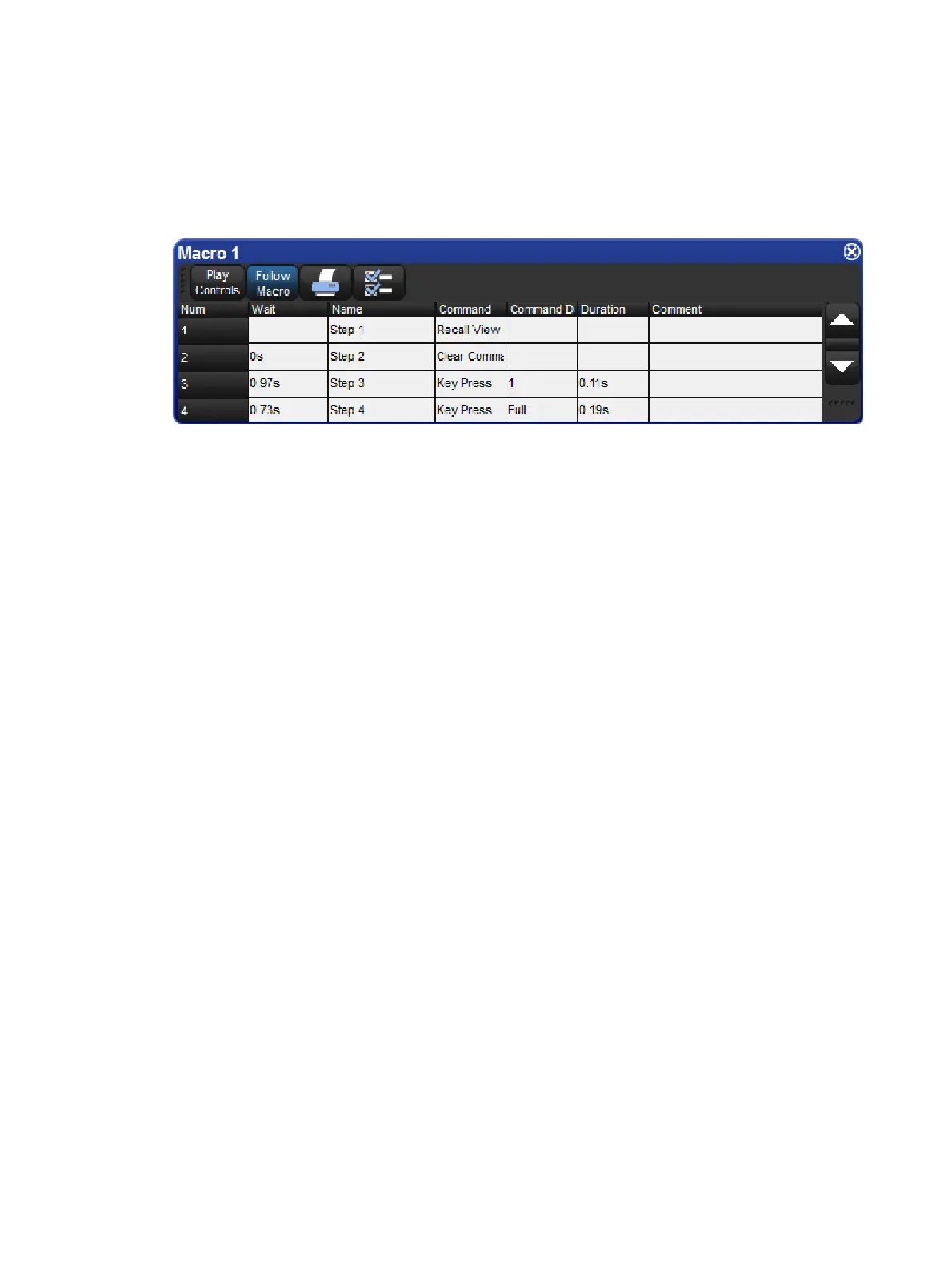
You can edit the contents of a Macro in an editor window. For example, to open Macro 1 for
editing:
1. Open + Macro: opens the Macro Directory.
2. Open + [Ma cro 1]: opens the Macro editor for Macro 1.
3. Alternatively, using the command line: Op en Macro 1
The Keystroke Macro window has six columns that define each step of the macro.
Wait: The Wait time is the time between the triggering of the previous step and the next
step to be triggered.
Name: The name of the step.
Command: Type of command used in this step.
Command Data: The data that is applied to the selected command. The type of
command selected will determine the type of available command data.
Duration: The amount of time for the command data to be applied. This information is
useful for encoder movements and flash key presses.
Comment: A notes field.
Each of the above fields can be edited by selecting the appropriate cell and pressing Set.
Command and Command Data fields will display available selections.











 To Next Page