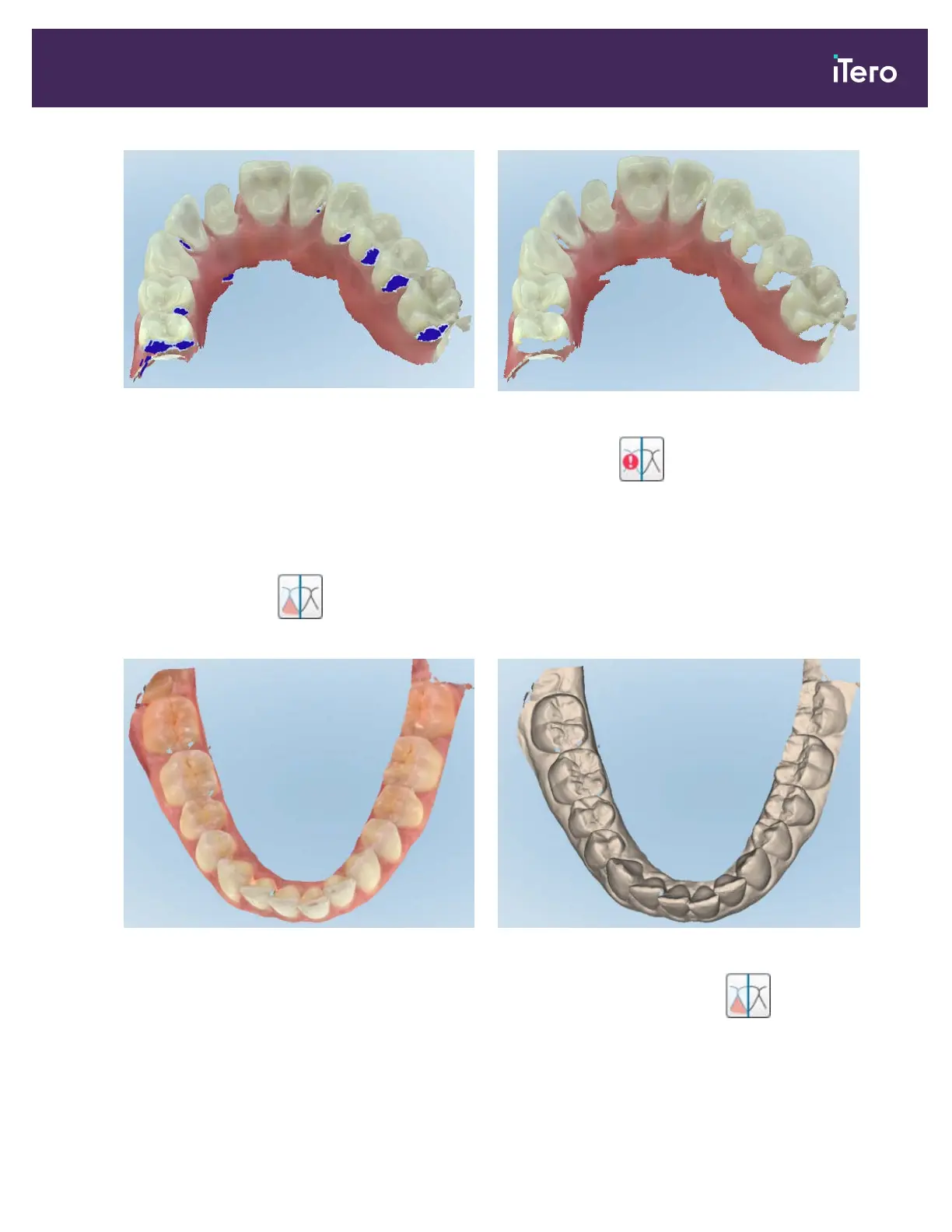
Figure 100: Areas with missing anatomy shown with and without additional scan feedback – color mode
By default, this mode is enabled, but it can be disabled per case by tapping or by default in the Scan settings,
as described in section 3.6.2.1.
4.5.3.2 Scan color toggle
The color toggle button allows you to toggle between color and monochromatic modes. This applies to both
scanning and viewing all case types.
Figure 101: Model displayed in color and monochrome mode
By default, models are scanned in color, but you can toggle the display per case by tapping or by default in the
Scan settings, as described in section 3.6.2.1.
iTero Element® 5D Plus User manual
© 2020 Align Technology, Inc. All rights reserved. 91



 To Next Page