3 Working with the iTero Element 5D Plus scanner
3.1 Logging in to the scanner
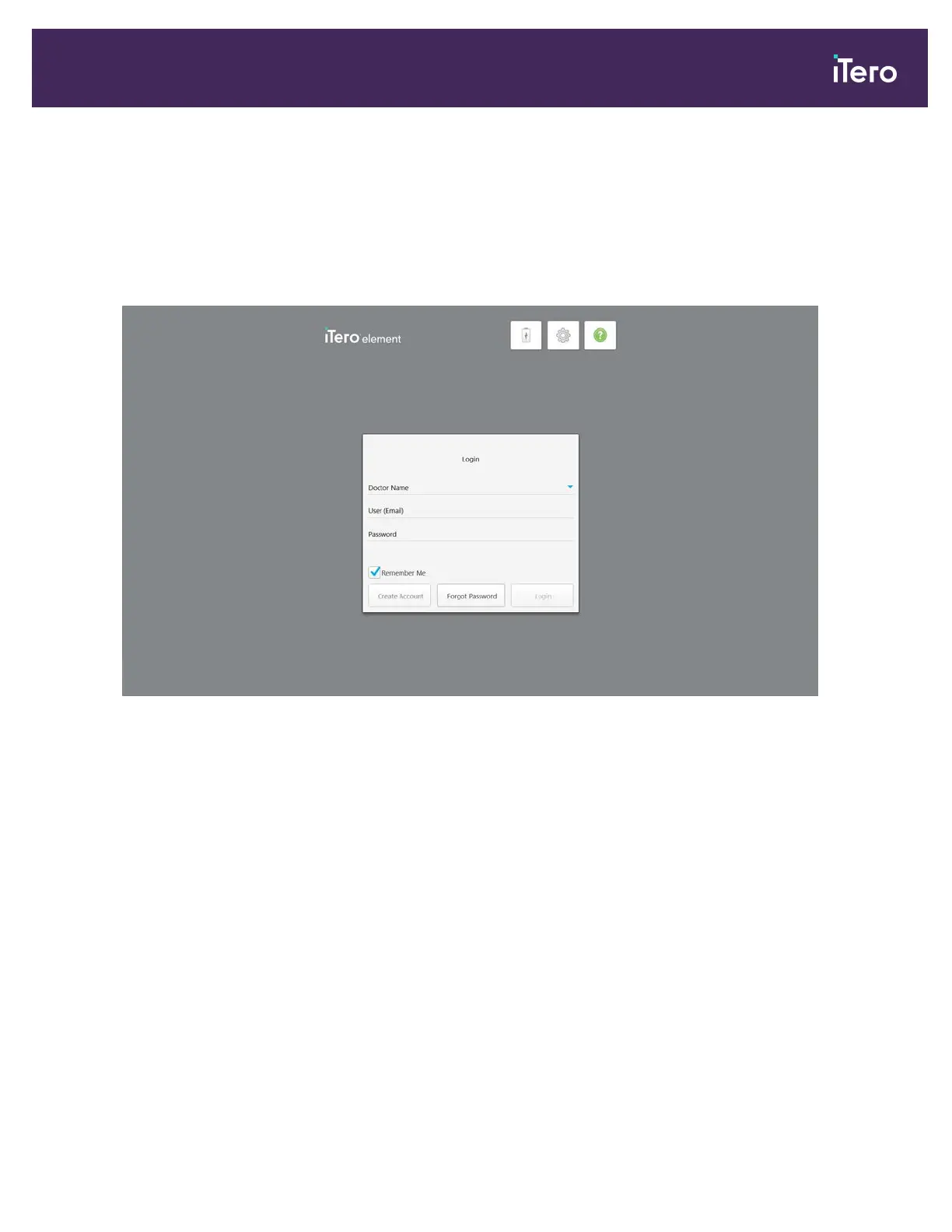
When the scanner is powered on, the Login window is displayed.
Figure 30: Login window
Make sure you have your MyAligntech account information ready when logging in to the iTero scanner. You need
your name, account email, and password. Fill in all the necessary fields and then tap the Login button.
Notes:
l In order to ensure that all Windows security patches are up-to-date, a notification will be displayed at the bottom of
the Login window and the home screen as soon as security updates are available to be installed. For more
information on installing security updates, see section 3.1.2.
l If you did not shut down the scanner correctly previously, a message will be displayed notifying you of this. For
more information on shutting down the scanner, see section 3.3.
iTero Element® 5D Plus User manual
© 2020 Align Technology, Inc. All rights reserved. 27



 To Next Page