3.
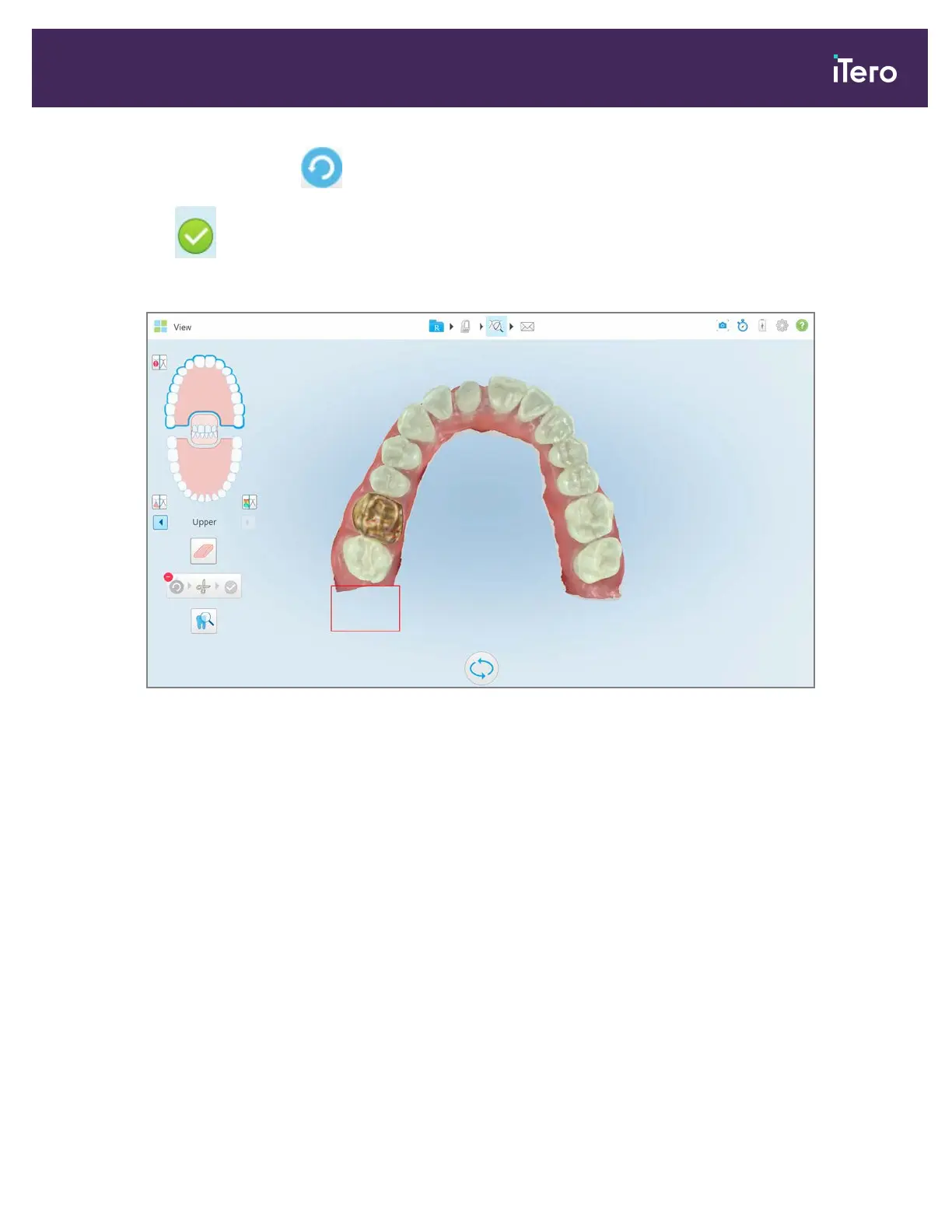
If required, you can tap to undo the trimming.
4.
Tap to confirm the trimming.
The selected area is removed.
Figure 160: Selected area has been removed
9.9 Working with the Die Separation tool
The die separation is created automatically, according to the position of the green hint point, which must be located
on the center of the prepped tooth after scanning.
If required, the die separation area can be edited or created manually.
To display the die separation:
1. After scanning the prepped tooth, ensure that the green hint point is centered on the prepped tooth. Move it
manually, if required.
iTero Element® 5D Plus User manual
© 2020 Align Technology, Inc. All rights reserved. 141



 To Next Page