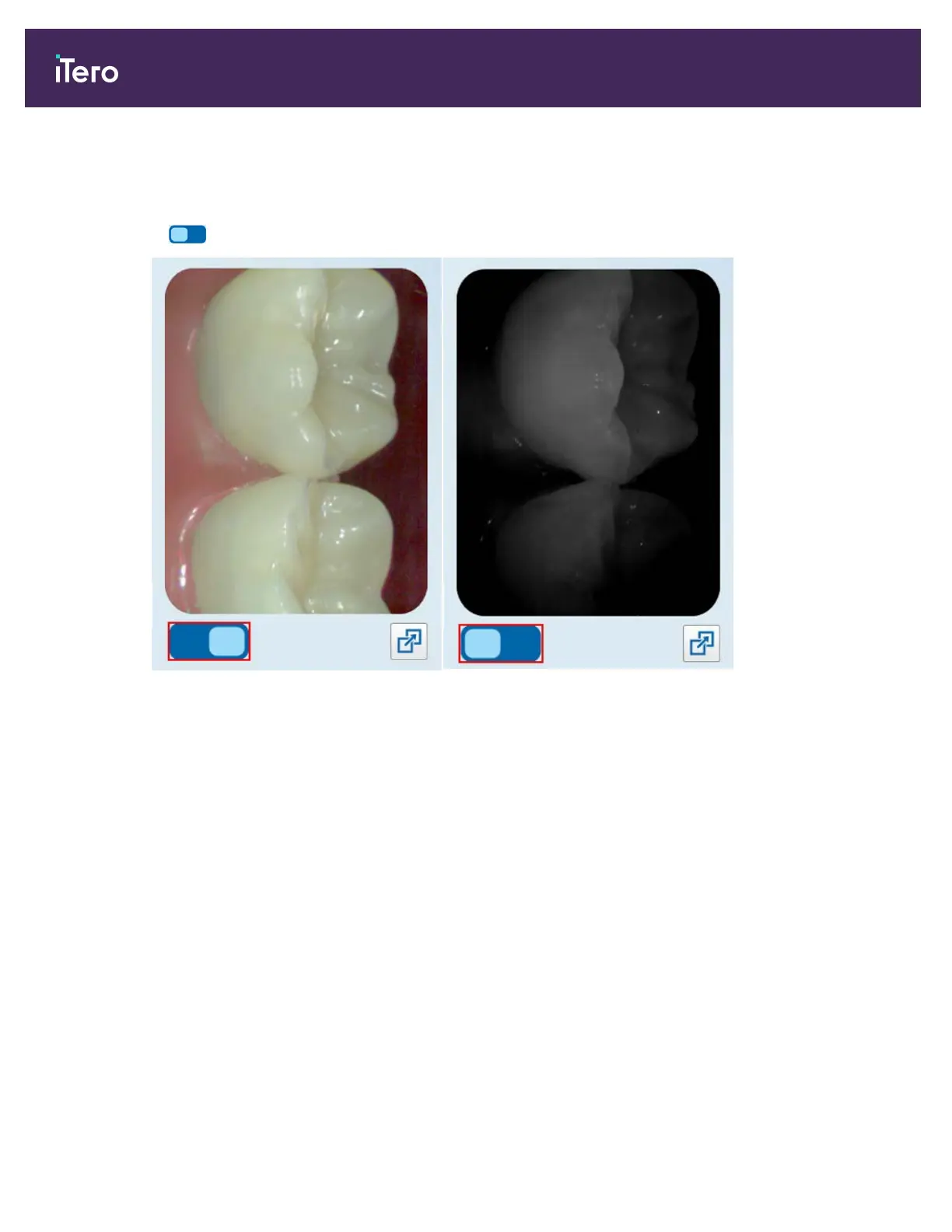
4.5.5 Toggling between color and NIRI images in the viewfinder
In addition to moving the viewfinder, you can toggle the display to show the viewfinder image either in color or as a
NIRIimage.
l
Tap to toggle between displaying a color image or a NIRI image in the viewfinder.
Figure 105: Viewfinder displaying a color image (left) or a NIRI image (right)
4.5.6 Editing a scan
After you have scanned the model, you can edit it using the following tools:
l Delete Segment tool, described in section 9.5.1
l Delete Selection tool, described in section 9.5.2
l Fill tool, described in section 9.5.3
l Disable A.I Cleanup tool, described in section 9.5.4
The editing tools are accessed by pressing on the screen.
iTero Element® 5D Plus User manual
94 © 2020 Align Technology, Inc. All rights reserved.



 To Next Page