To define the period of inactivity:
1. Tap the Login Settings button.
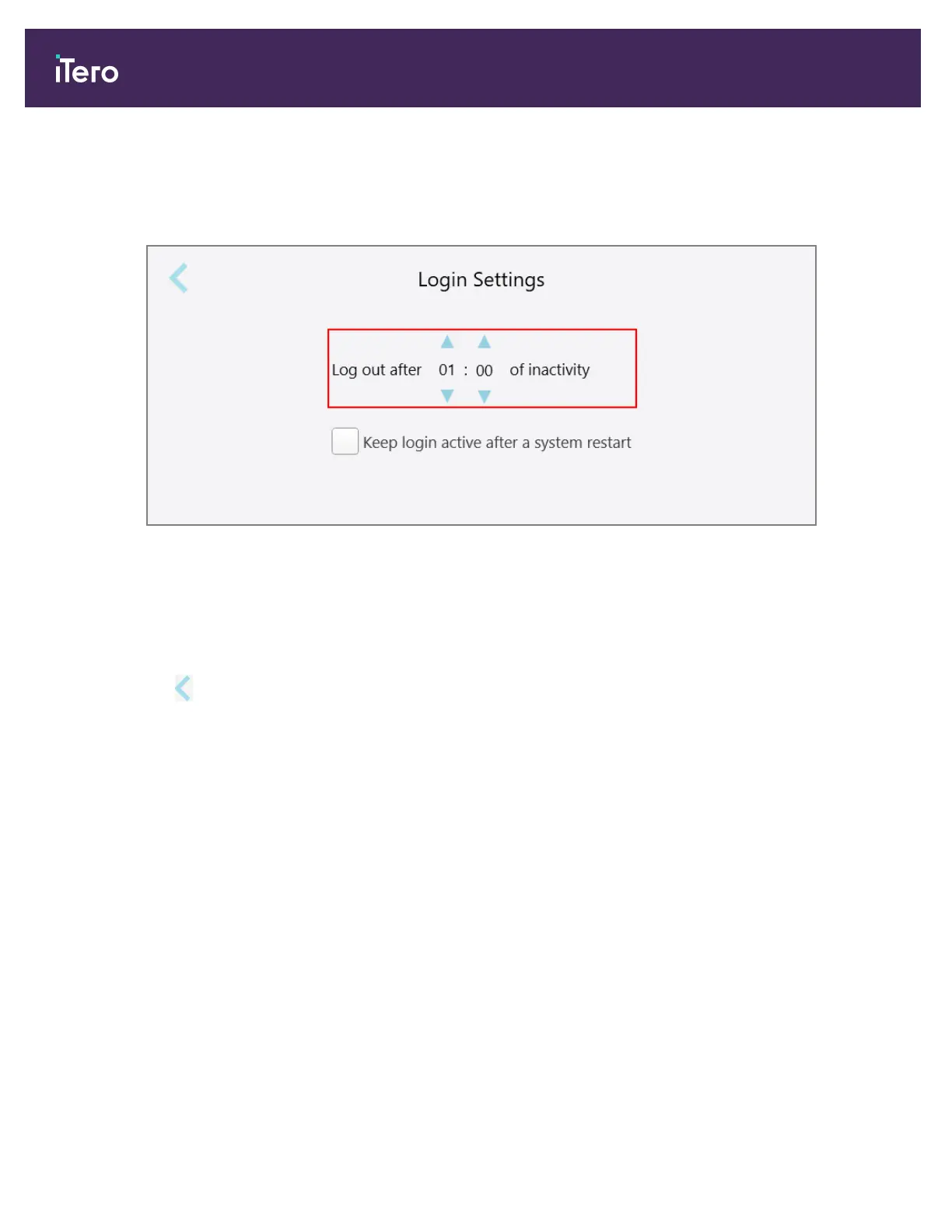
The Login Settings window is displayed.
Figure 61: Login Settings window
2. Select the period of inactivity after which the user will be logged out of the scanner. (Min time: 10 minutes, Max
time: 8 hours)
3. Select the Keep login active during system restart check box to remember the user’s password if the system
restarts before the inactivity logout period has elapsed.
4.
Tap to save the changes and return to the Settings window.
iTero Element® 5D Plus User manual
56 © 2020 Align Technology, Inc. All rights reserved.



 To Next Page