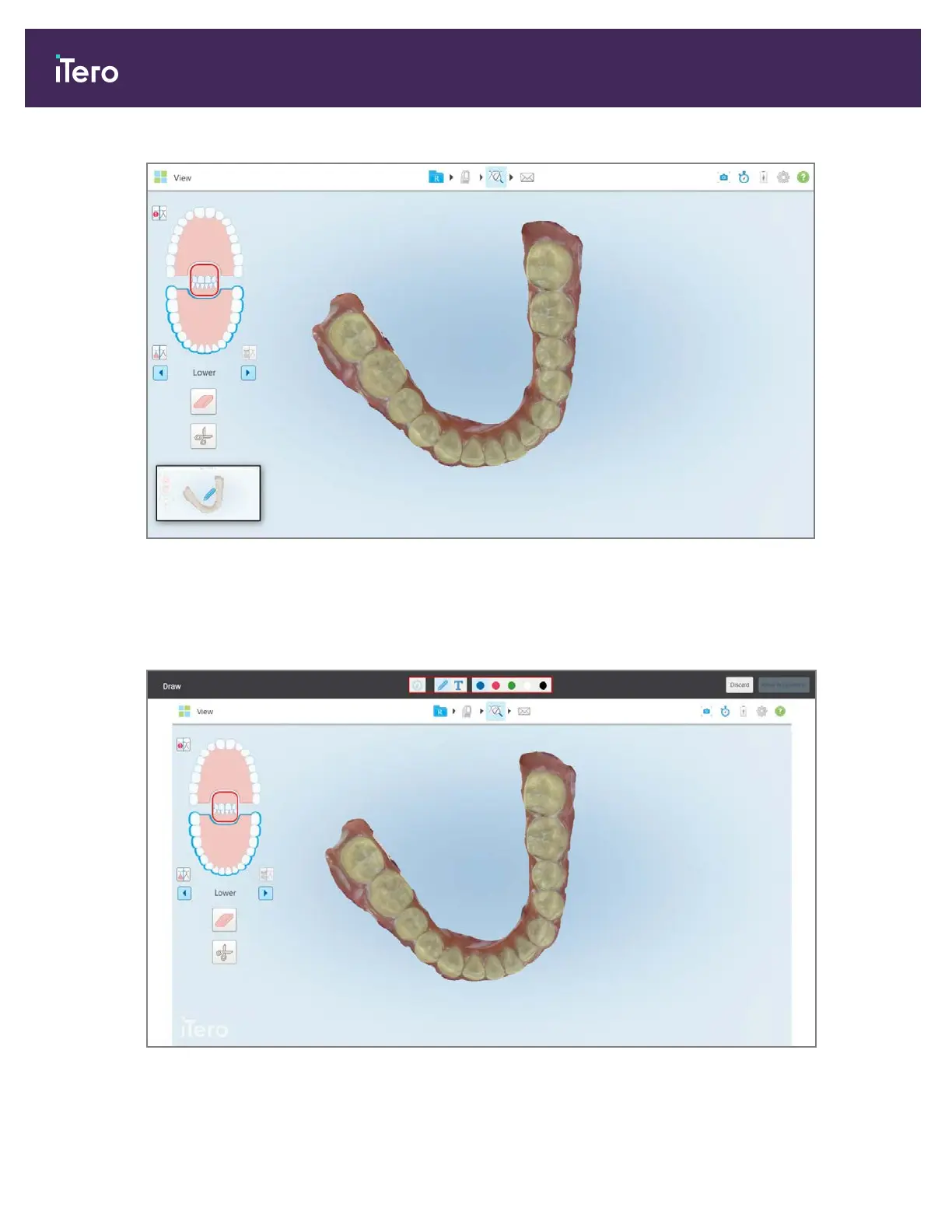
Figure 174: Screen capture thumbnail is displayed after taking a screen capture
2. Tap the thumbnail if you would like to add annotations to the screenshot.
The Draw window is displayed, showing a screenshot of the entire window, with an annotations toolbar on the
top.
Figure 175: Screenshot with an annotations toolbar
iTero Element® 5D Plus User manual
152 © 2020 Align Technology, Inc. All rights reserved.



 To Next Page